The Americans with Disabilities Act (ADA) requires organizations to ensure their websites are accessible to people with disabilities. Therefore, ADA compliance software is crucial in helping organizations assess their online presence against recognized accessibility standards, identify potential issues that may impact users, and prioritize remediation efforts.
Whether you’re responsible for a small business website or a large enterprise platform, utilizing the best ADA compliance checker tools can significantly streamline your accessibility journey.
An overview of the best ADA compliance tools
ADA compliance checkers vary in functionality, pricing, and target audience. Here’s an overview of some of the most popular options.
| Product | Best Features | Suitable For |
| Recite Me Website Accessibility Checker | Enterprise-scale scanning, WCAG reporting, prioritized remediation guidance, ongoing monitoring | Large organizations, enterprises, and public sector bodies |
| WAVE by WebAIM | Visual accessibility feedback, browser extension, easy-to-understand issue reporting | Beginners, content teams, and small websites |
| axe DevTools | Developer-focused testing, browser integration, CI/CD support | Developers and QA teams |
| Accessibility Insights by Microsoft | Guided assessments, automated checks, manual testing support | Development and accessibility teams |
| Google Lighthouse | Built into Chrome, accessibility scoring, performance insights | Developers and website owners |
| Pa11y | Open-source automation, command-line testing, CI integration | Technical teams and agencies |
| Dyno Mapper | Visual site crawling, accessibility audits across large sites | Large websites and content-heavy organizations |
| ARC Toolkit | Advanced accessibility inspection, WCAG diagnostics, browser extension | Accessibility specialists, developers, and auditors |
| SortSite | Full-site accessibility scanning, standards compliance testing, website quality audits | Organisations conducting comprehensive website reviews |
| UsableNet AQA | Automated testing combined with expert accessibility review, compliance-focused reporting | Enterprises, regulated industries, and organisations seeking accessibility assurance |
Ultimately, the best solution depends on your organization’s size, technical resources, and compliance requirements.
What are the best ADA compliance checkers?
Selecting the best ADA compliance checker tools involves balancing ease of use, audit depth, scalability, and reporting capabilities. Here’s a more in-depth breakdown of the solutions listed above.
#1 – Recite Me Accessibility Checker
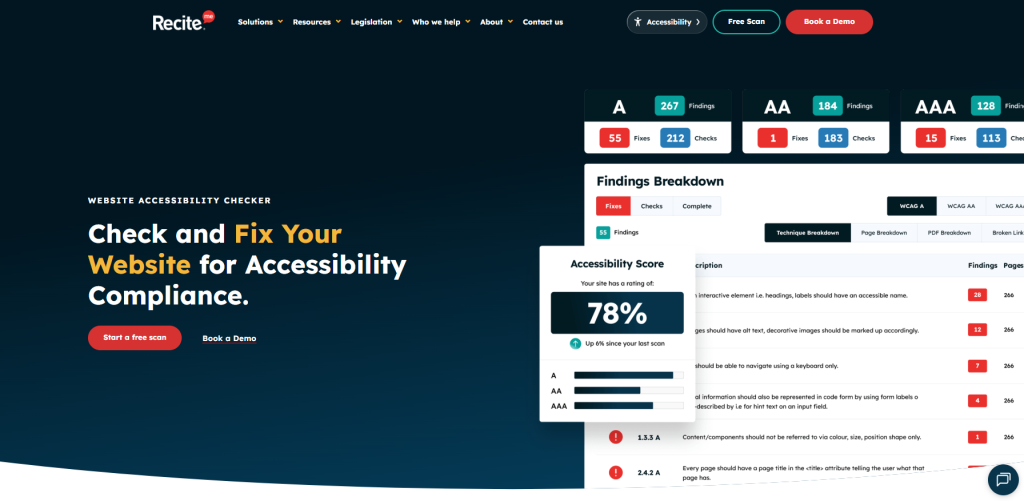
The Recite Me Accessibility Checker provides comprehensive scanning against WCAG requirements, actionable remediation guidance, and reporting. Combining automated testing with remediation support, it is particularly well suited to large organizations, public sector bodies, educational institutions, and enterprises seeking ongoing monitoring rather than one-off audits.
#2 – WAVE by WebAIM
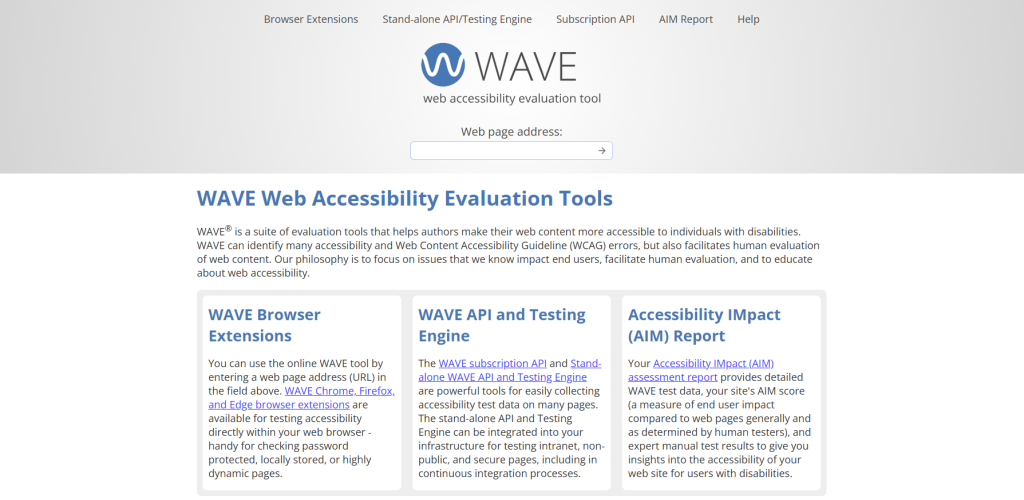
WAVE is one of the most widely used free accessibility testing tools. It provides visual feedback directly within web pages, helping users understand accessibility issues in context. Its intuitive interface makes it especially valuable for content editors, marketers, and website owners who are new to accessibility testing.
#3 – axe DevTools
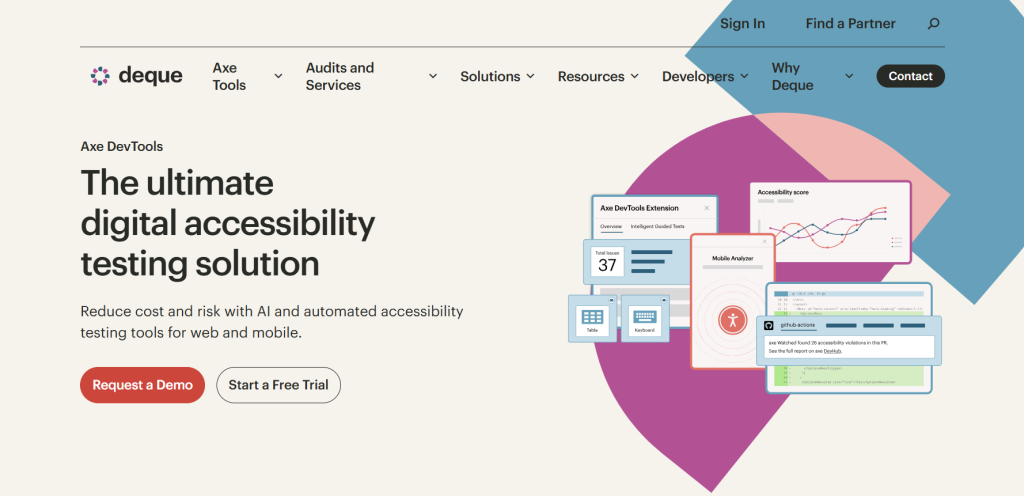
A developer-focused accessibility testing solution created by Deque, axe DevTools integrates directly into browser developer tools and development workflows. The platform is highly regarded for its accuracy, detailed explanations of issues, and its ability to support accessibility testing throughout the software development lifecycle.
#4 – Accessibility Insights by Microsoft
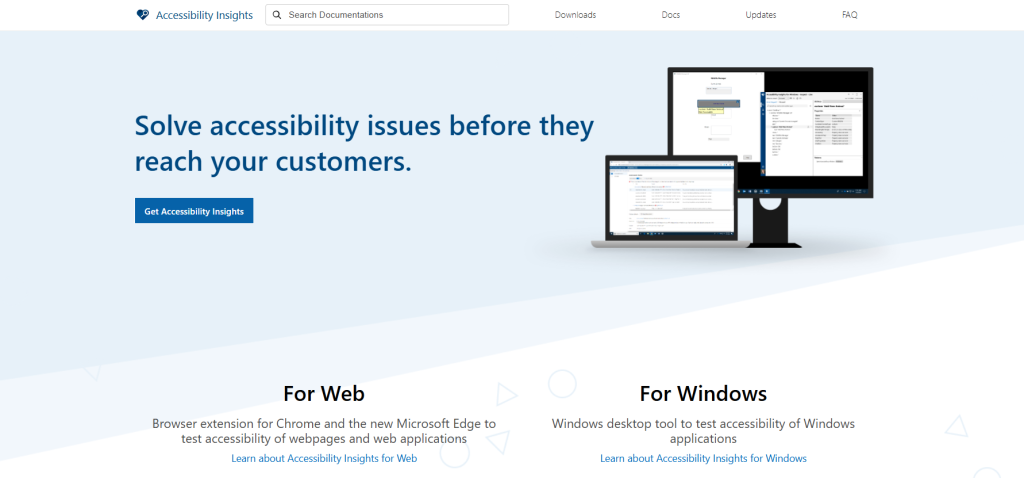
Accessibility Insights combines automated testing with guided manual assessments, helping teams identify accessibility barriers that automated tools alone may miss. The guided testing workflows are particularly useful for organizations building accessibility maturity across development teams.
#5 – Google Lighthouse
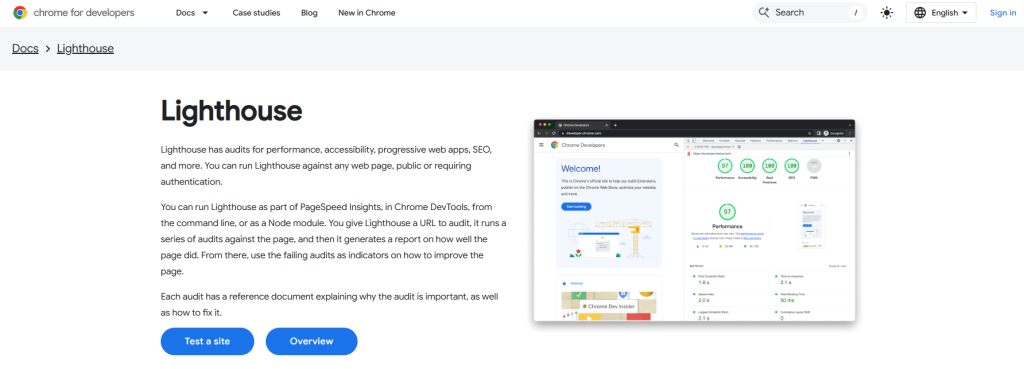
Built into Chrome DevTools, Google Lighthouse includes an accessibility auditing component alongside performance, SEO, and best practice checks. While not a dedicated accessibility platform, it offers a convenient starting point for identifying common accessibility issues.
#6 – Pa11y
Pa11y is an open-source accessibility testing tool that enables automated checks through command-line interfaces and continuous integration environments. It is a popular option for technical teams looking to incorporate accessibility testing into automated workflows.
#7 – Dyno Mapper
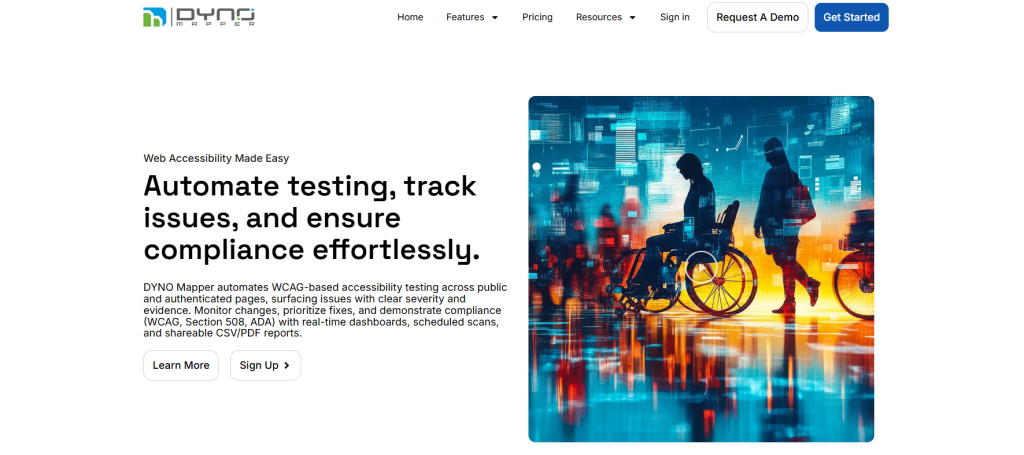
This ADA compliance checker combines accessibility auditing with visual sitemap generation and content inventory capabilities. Dyno Mapper can crawl large websites quickly, making it useful for organizations managing extensive digital estates with thousands of pages.
#8 – ARC Toolkit
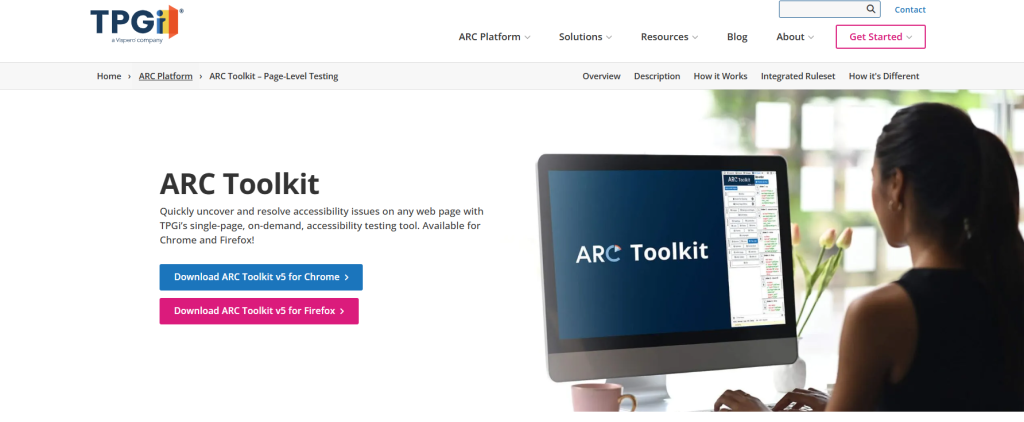
Developed by the TPGi, ARC Toolkit is a free browser extension that assists developers and accessibility specialists in evaluating web content against WCAG requirements. The tool provides detailed diagnostic information and supports more advanced testing workflows, making it a popular choice among experienced accessibility professionals.
#9 – SortSite
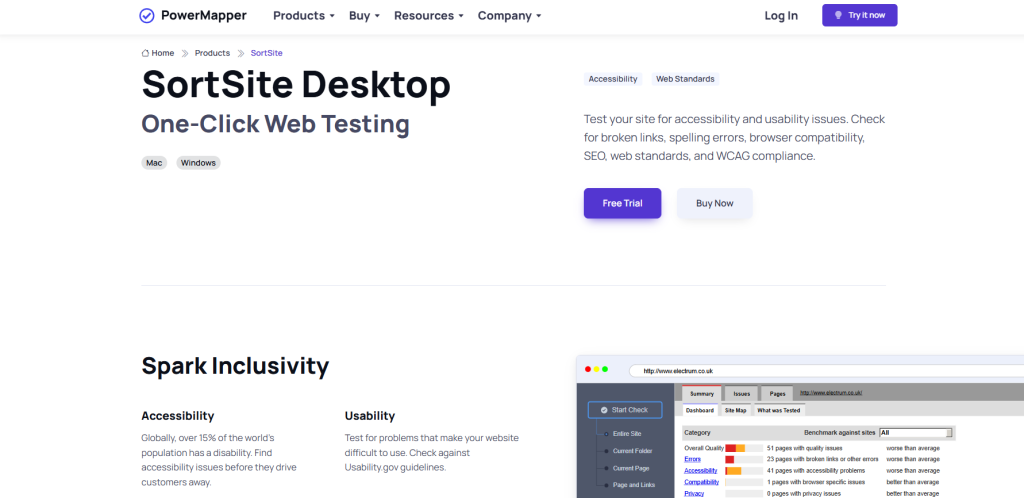
SortSite combines accessibility testing with checks for usability, search engine optimisation, standards compliance, and website quality. It can scan entire websites and generate detailed reports that highlight accessibility barriers alongside other potential issues. This broader auditing approach can be useful for organisations conducting comprehensive website reviews.
#10 – UsableNet
UsableNet AQA (Accessibility Quality Assurance) combines automated scanning with expert accessibility analysis to provide a more comprehensive assessment of compliance. The platform is often used by organisations operating in highly regulated sectors where accessibility assurance and risk management are key priorities.
Who needs to consider purchasing ADA compliance software?
ADA accessibility obligations vary depending on whether you operate in the public or private sector:
- Private sector: Businesses with 15 or more employees should proactively assess their accessibility obligations and implement processes that support compliance with Title I. Organizations operating in retail, healthcare, finance, education, and hospitality sectors face particular scrutiny due to the essential nature of their digital services.
- Public sector: Organizations serving populations of more than 50,000 residents are expected to meet the applicable accessibility requirements by April 2027. Those serving populations under 50,000 have an extended compliance deadline of April 2028.
Regardless of sector, investing in ADA compliance software demonstrates a proactive commitment to digital inclusion. As accessibility expectations continue to evolve, having the right tools in place makes it easier to maintain compliance and embed accessibility into everyday processes.
What is the requirement for ADA compliance?
The ADA itself does not specify a technical standard. However, courts, regulators, and accessibility professionals consistently recognize the Web Content Accessibility Guidelines (WCAG) as the benchmark for digital accessibility. For this reason, the best ADA compliance checker tools evaluate websites directly against WCAG success criteria. Most organizations aim to conform to WCAG 2.1 Level AA. However, WCAG 2.2 Level AA is increasingly recommended for organizations looking to stay ahead of evolving accessibility expectations and future-proof their compliance efforts.
What are the benefits of investing in an ADA compliance tool?
ADA compliance tools help organizations move from reactive fixes to proactive accessibility management. Key benefits include:
- Reduced legal risk: Accessibility lawsuits and complaints continue to increase. Regular monitoring helps identify issues before they become legal liabilities.
- Improved user experience: Accessibility improvements that enhance navigation, readability, and usability benefit all users, not just individuals with disabilities.
- Increased audience reach: More than one billion people worldwide live with some form of disability.
- Streamlined compliance efforts: Automated scanning reduces the time required to identify common accessibility barriers and prioritize remediation efforts.
- Enhanced accessibility governance: Many accessibility platforms provide reporting and dashboards that support internal governance and compliance tracking.
- Better search performance: Many accessibility best practices overlap with SEO principles, especially for criteria involving semantic HTML, descriptive link text, and structured content.
By identifying issues early and providing clear remediation pathways, ADA compliance tools make it easier to build, maintain, and scale accessible digital experiences over time.
The most common ADA failures checked by compliance scanners
Manual testing, assistive technology testing, user testing, and expert review should still be considered essential, as automated tools cannot identify every accessibility issue. However, they are highly effective at detecting many of the most common accessibility issues, including:
- Missing alternative text
- Insufficient color contrast
- Empty or missing form labels
- Improper heading structure
- Generic link text
- Missing document language attributes
- Keyboard navigation issues
These issues are often introduced through routine content updates, design changes, and new development releases. Without regular monitoring, small oversights quickly multiply across pages and templates, increasing remediation effort and cost.
Choosing the best ADA compliance tool for long-term accessibility
The best ADA compliance tool is one that fits your organization’s size, technical capabilities, and accessibility goals. However, achieving ADA compliance is not a one-time project. For entities managing large digital estates, solutions that combine comprehensive scanning, reporting, remediation guidance, and ongoing monitoring usually provide the strongest foundation for sustainable compliance.
The best ADA compliance checker tools: FAQs
Looking for a quick recap? Here are answers to some of the most frequently asked questions about ADA compliance tools:
For large digital estates, solutions like the Recite Me Website Accessibility Checker are strong options because they can scan extensive websites, prioritize remediation efforts, provide WCAG-aligned reporting, and support ongoing accessibility monitoring.
WAVE by WebAIM and Google Lighthouse are among the most popular free accessibility testing tools. Both provide valuable insights into common accessibility issues and are widely used as starting points for accessibility assessments.
No. Automated accessibility tools can identify many common issues, but they cannot guarantee full compliance. Manual testing, assistive technology testing, user testing, and expert review remain essential components of any comprehensive accessibility program.
The precise timeline depends on website size, content complexity, existing accessibility maturity, and available resources. Small websites may be able to address critical issues within weeks, while large enterprise platforms often have ongoing accessibility upgrade timelines spanning months or years.
WCAG 2.1 AA remains the most commonly referenced accessibility standard for ADA compliance. However, many organizations are now adopting WCAG 2.2 AA to align with emerging accessibility expectations and future regulatory requirements.