Scan, Detect, and Fix
Accessibility Issues
Powered with Ai
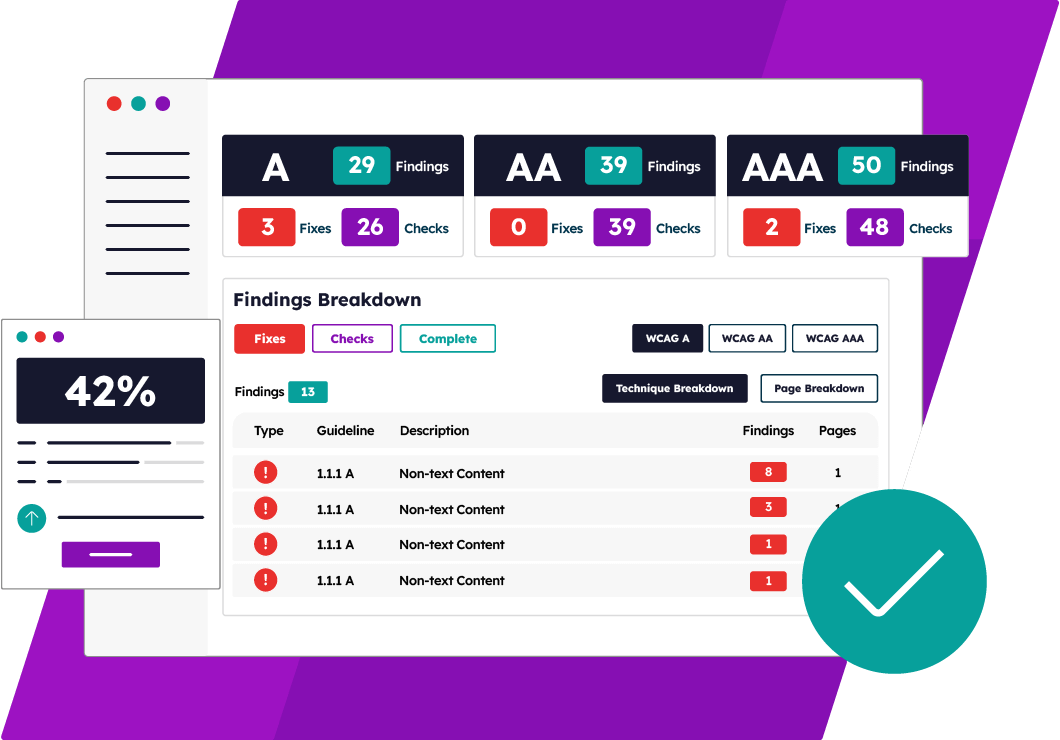
Struggling to make your website more accessible?
Get an AI-powered accessibility audit today and identify hidden barriers that could exclude users with disabilities. Support compliance and improve user experience.
Accessibility Compliance
Accessibility Compliance: Unlock Inclusivity, Avoid Penalties
Meet the requirements of global and regional accessibility laws
Discover key accessibility laws, their impact on your business, and the essential steps to achieve compliance.


Free Accessibility Tools
Boost Compliance with these Free Accessibility Tools
Explore powerful free accessibility tools to test, improve, and maintain compliance with the latest accessibility standards. Ensure a more inclusive experience for all of your website’s users.


Accessibility Resources
Learn More About Digital Accessibility and Online Inclusion
Need help making your website accessible?
Discover a wealth of online accessibility resources to help you create inclusive digital experiences for all users.
-
Best Website Accessibility Software: Top 10 Tools Compared
Read more: Best Website Accessibility Software: Top 10 Tools ComparedCompare the 10 best website accessibility software to find the right solution for testing and improving website accessibility.
-
What are the Best Website Accessibility Tools for your Business?
Read more: What are the Best Website Accessibility Tools for your Business?Discover the best website accessibility tools for your business, including accessibility testing, monitoring, compliance and remediation solutions.
-
A Comparison of the Best Web Accessibility Companies in 2026
Read more: A Comparison of the Best Web Accessibility Companies in 2026Compare the best web accessibility companies, including features, compliance tools, services, and expert support.
Scan, Detect, and Fix Accessibility
Issues Powered with Ai
Get a free AI-powered accessibility audit and uncover hidden barriers
that may exclude users with disabilities. Click the link below to scan now.