While many people navigate websites using a mouse and high-definition monitors, others rely on bigger text sizes, higher colour contrast, or text-to-speech features to read and understand digital content effectively.
Website accessibility toolbars help meet these different needs by providing users with a range of on-demand accessibility options. With a single click, visitors can tailor the appearance and functionality of a website to suit their individual preferences, creating a more inclusive browsing experience.
What is a website accessibility toolbar?
A website accessibility toolbar is an on-screen menu that gives visitors greater control over how they experience a website. Depending on the software, it may include features such as text resizing, colour and contrast adjustments, language tools, keyboard navigation, text-to-speech, and other accessibility options that support people with diverse needs.
How do website accessibility toolbars work?
Website accessibility toolbars are usually added to a website using a small JavaScript snippet. When a visitor selects the accessibility icon, the toolbar opens a range of settings that can be applied instantly to their browsing session.
These adjustments affect only the individual’s user experience, allowing them to modify the website’s presentation or navigation without changing the underlying website or affecting other visitors. Accessibility toolbars are intended to complement an accessible website by giving users additional control over how they view content.
What are the best digital accessibility toolbars?
Below is a list of the best website accessibility toolbars, so you know where to start looking for this solution. Let’s take a closer look at what’s available:
1. Recite Me
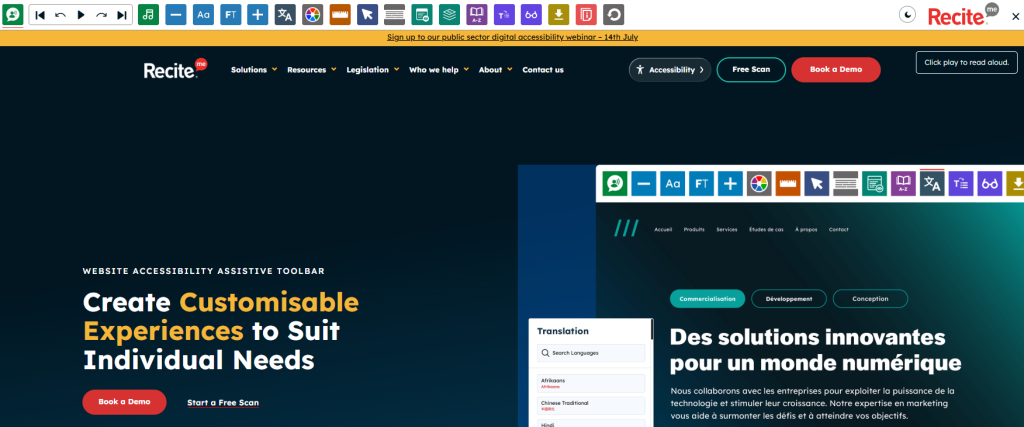
The Recite Me Accessibility Toolbar is an enterprise-grade digital accessibility platform that helps organisations make their websites easier to use. It offers features like text-to-speech functionality, advanced reading aids, and translations for 100+ languages with 65+ text-to-speech voices. Plus, users can personalise the way content is displayed without downloading additional software or browser extensions.
The toolbar is particularly useful for individuals with low vision, dyslexia, neurodivergent conditions, and those who speak English as a second language. And because it operates in the cloud, accessibility features can be applied instantly across websites without affecting performance for other visitors.
| Strengths | Highly reliable text-to-speech engine, exceptional language support, and a wide range of reading and display options. |
| Limitations | Recite Me has higher annual subscription costs, which may make it less suitable for organisations with limited budgets. |
| Best for | Large enterprise organisations, public sector bodies, and local councils looking for a comprehensive accessibility solution. |
2. Eye-Able Assist
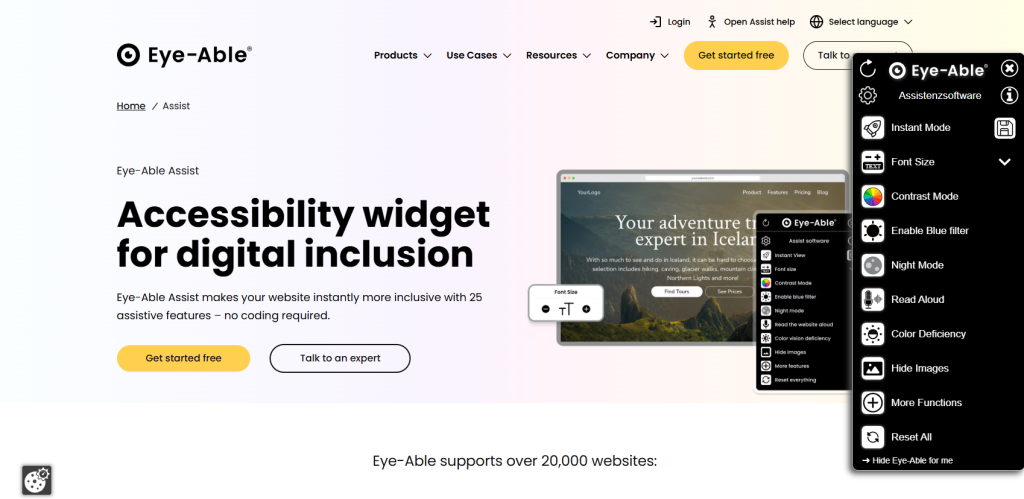
Eye-Able Assist is an accessibility widget designed to give users greater control over the visual appearance of a website. This accessibility plugin offers more than 25 features, such as text resizing, dyslexia-friendly fonts, page brightness adjustments, and contrast settings for users with colour vision deficiencies or light sensitivity.
The platform also places a strong emphasis on privacy, storing user preferences locally within the browser rather than collecting personal data or using cookies. This makes it a great option for organisations with strict data protection requirements.
| Strengths | Strong visual customisation options and privacy-focused user settings stored locally. |
| Limitations | Offers fewer reading, cognitive, and translation features than some enterprise accessibility platforms. |
| Best for | Organisations seeking lightweight visual accessibility tools with a strong focus on privacy. |
3. All in One Accessibility
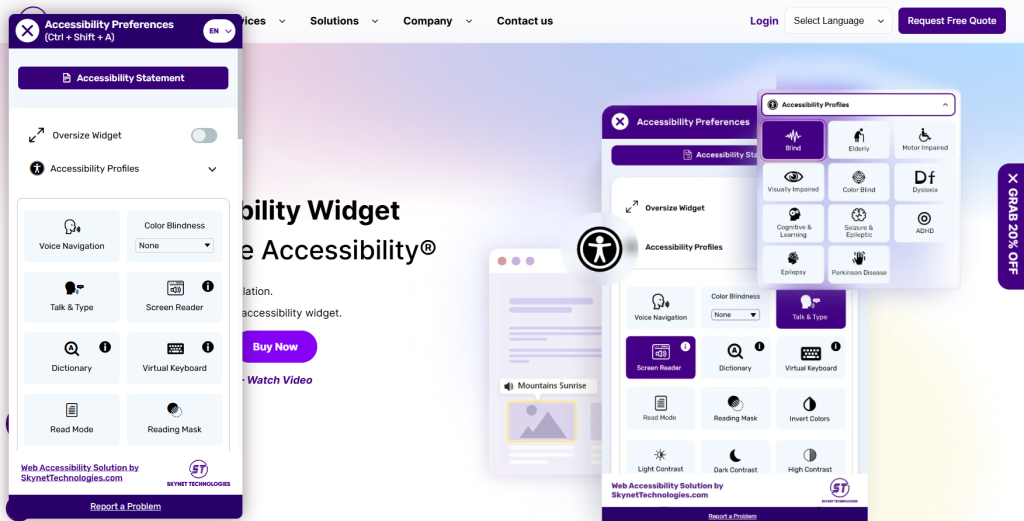
All-in-One Accessibility by Skynet Technologies utilizes artificial intelligence to provide rapid front-end adjustments across major content management systems. This tool offers pre-configured accessibility profiles alongside features like a text magnifier, contrast controls, voice navigation, and language support.
The accessibility toolbar can be installed using a plugin or by embedding a custom script. It also allows organisations to customise the appearance of the widget to match the website’s overall theme.
| Strengths | Quick installation, wide CMS compatibility, language support, and configurable accessibility profiles. |
| Limitations | Like many accessibility overlays, it should be used alongside improvements to the underlying website rather than as a standalone accessibility solution. |
| Best for | Small and medium-sized organisations looking for an easy-to-deploy accessibility toolbar. |
4. WideAccess
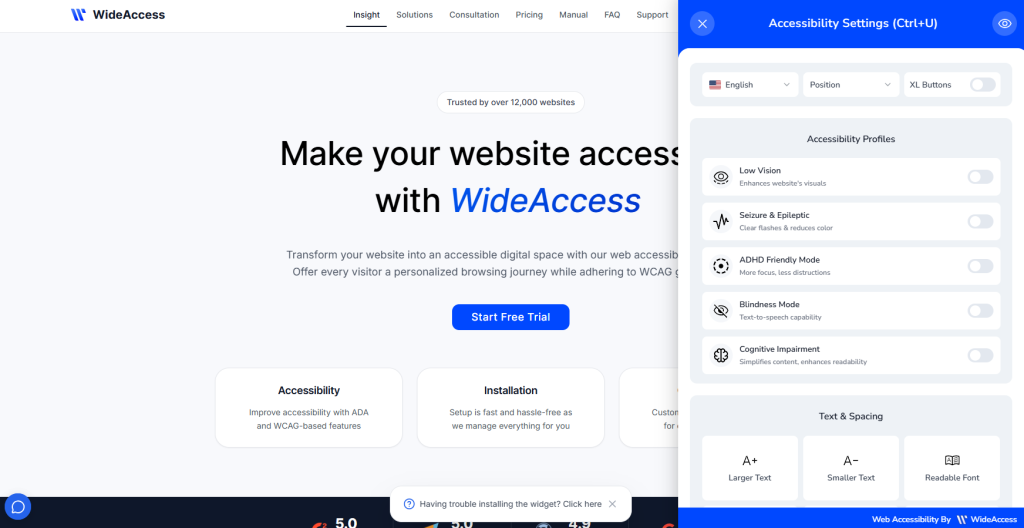
WideAccess is a web accessibility widget that makes websites more inclusive through automated enhancements, custom profiles, and UI tools. Alongside visual adjustments, it includes features designed to simplify reading, reduce visual distractions, and improve concentration when navigating content-heavy websites.
Users can adjust text spacing, switch to dyslexia-friendly fonts, highlight reading lines, reduce flashing content, and personalise the way information is presented. The interface is also intentionally simple, making it suitable for longer browsing sessions.
| Strengths | Strong focus on reading support, cognitive accessibility, text customisation, and easy navigation. |
| Limitations | Smaller market presence means fewer integrations and support resources than some larger providers. |
| Best for | Educational organisations, healthcare providers, and websites containing large volumes of written content. |
5. Equally.AI
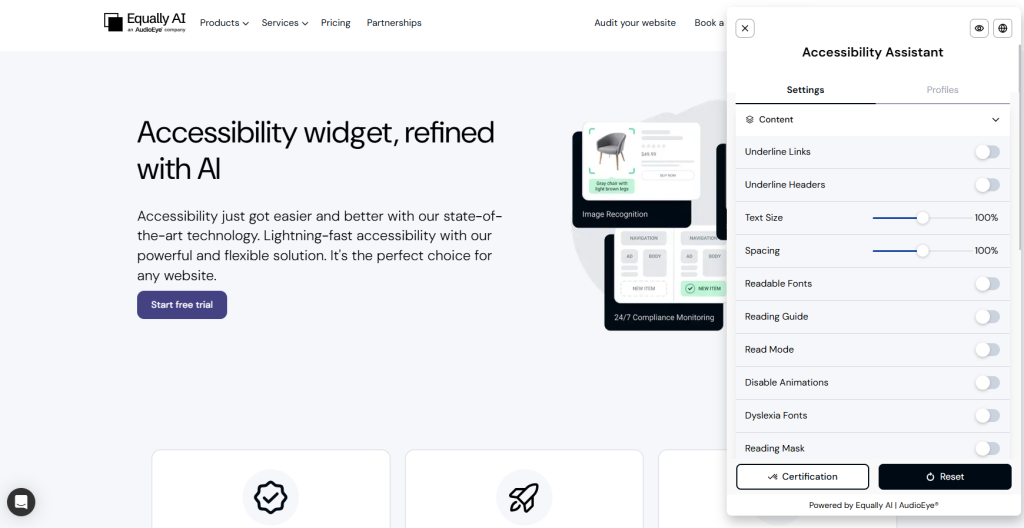
The Equally.AI widget offers accessibility profiles for users with visual impairments, cognitive disabilities, learning differences such as dyslexia and ADHD, and seizure-related needs. Installation is straightforward, and the colour of the widget’s icon, borders, and headers can be customised to match your brand palette.
Alongside its user-facing toolbar, Equally.AI performs automated daily scans to identify accessibility issues as new content is added or existing pages are updated.
| Strengths | Uses both an accessibility toolbar with automated website monitoring and ongoing accessibility scanning. |
| Limitations | While the platform can automate many accessibility improvements and identify common issues, it should be used alongside manual testing to achieve and maintain WCAG compliance. |
| Best for | Organisations that want both visitor accessibility tools and continuous website monitoring to support their long-term accessibility strategy. |
6. TabNav
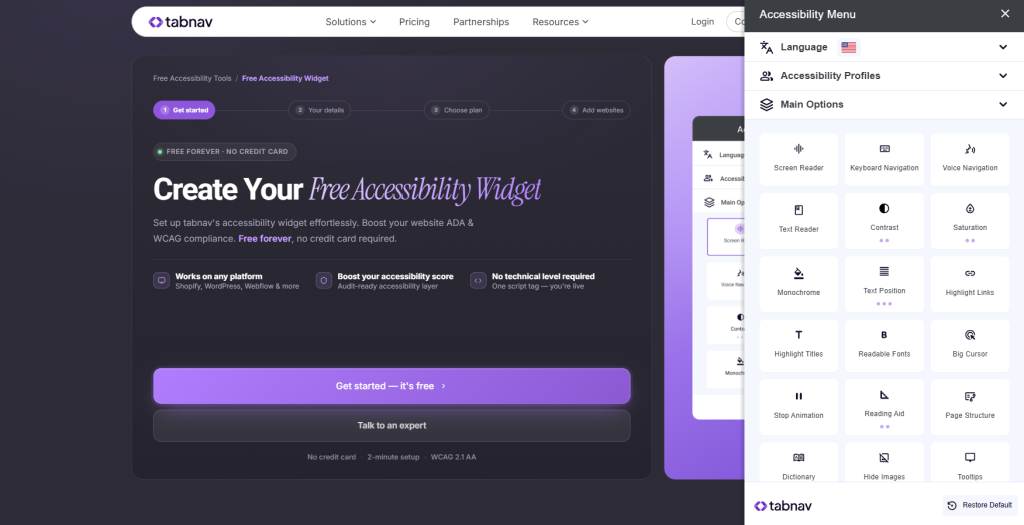
TabNav is an accessibility widget focused on improving how users navigate and interact with websites, particularly those who rely on keyboard controls or need a clearer browsing experience. The platform helps address common navigation barriers by improving keyboard accessibility, focus visibility, and page interaction, making websites easier to use without relying on a mouse.
| Strengths | Strong focus on keyboard navigation, user interaction, lightweight implementation, and usability improvements for visitors who face navigation barriers. |
| Limitations | It provides fewer advanced translation and cognitive support features compared with broader accessibility platforms. |
| Best for | Organisations prioritising keyboard accessibility, improved navigation, and a simple accessibility enhancement that can be added quickly. |
Do accessibility toolbars make you WCAG compliant?
No, installing an accessibility toolbar does not make you WCAG or accessibility compliant. Accessibility toolbars provide additional user controls, but they do not correct underlying accessibility issues with a website’s code. Problems such as missing alternative text, incorrect heading structures, inaccessible forms, or poor keyboard navigation must still be addressed during design and web development.
Furthermore, people who use assistive technologies, including screen readers such as NVDA and JAWS, rely on websites being built to recognised accessibility standards. For this reason, accessibility toolbars should be viewed as a complementary feature that enhances user experience rather than a replacement for accessible development.
Final thoughts on the best web accessibility toolbars
To summarize, choosing the right toolbar depends on your audience, accessibility goals, technical requirements, and budget. Platforms such as Recite Me, Eye-able, Equally.AI, and others demonstrate how accessibility tools can bring multiple support features together in one solution, helping organisations improve access for a wider range of visitors.
However, accessibility toolbars should complement, not replace, accessible website design. Organisations should continue improving their underlying code and following accessibility standards to create inclusive digital experiences.
Best website accessibility toolbars FAQs
Looking for a quick recap? Here are answers to some of the most frequently asked questions on this topic:
Recite Me is a popular choice for enterprise organisations because it has text-to-speech support, language translation, and personalisation features within a single platform.
Pricing varies among providers and is typically based on website size, traffic, and subscription duration. Some providers offer free or entry-level plans, while enterprise accessibility platforms can cost several thousand pounds per year.
Most modern toolbars load asynchronously, meaning they load after the main page content. When implemented correctly, they typically have a minimal impact on website performance.
Yes, most leading accessibility toolbars are designed responsively to adapt to mobile screens and tablets, allowing users to modify text and contrast levels while on the move.
An assistive toolbar gives users control over how they experience a website by allowing them to adjust text size, colours, and reading options. In contrast, accessibility overlays work differently by attempting to automatically fix website accessibility issues, but often fail to meet WCAG requirements.