UserWay is one of the biggest names in web accessibility, and for good reason. But it’s not the only option, and depending on what you actually need, it might not be the right one for you. Maybe you want more hands-on remediation help. Maybe you need a checker that actually digs into your code instead of just flagging surface issues. Or maybe the widget just doesn’t offer the level of customisation you were hoping for.
Below is a rundown of the strongest UserWay alternatives out there right now, covering both the widget side of things and the automated checker side, so you know exactly what each one does before you sign up for anything.
What is UserWay and how does it work?
Before we can look at the alternatives, it’s important to recognise what UserWay is and how it works. People often lump its two products together, but they do very different jobs.
UserWay Accessibility Widget
This is the overlay you’ve probably seen on other websites: a small icon that opens a panel letting visitors adjust contrast, resize text, change spacing, or turn on screen reader and keyboard support. It installs with a single script and takes minutes to set up.
What it doesn’t do is touch your actual website code. It simply changes how the page looks and behaves in the browser, but any accessibility problems baked into the site’s structure stay exactly where they are.
UserWay Accessibility Checker
This one is completely separate from the widget. It’s a scanning tool that crawls your site and checks it against WCAG criteria, flagging things like missing alt text, weak colour contrast, or headings that are out of order.
However, the checker doesn’t fix any of it for you. It hands you a report, and your developers take it from there. Think of it as a diagnosis, not a treatment.
What are the best UserWay alternatives?
Some of the tools below are widgets. Some are checkers. A few, like Recite Me and EqualWeb, do both. Here’s how they stack up before we get into each one in more detail.
| Rank | Tool | Widget | Checker | Best For |
|---|---|---|---|---|
| 1 | Recite Me | ✅ Yes | ✅ Yes | Assistive tools and WCAG scanning for enterprise |
| 2 | AudioEye | ✅ Yes | ✅ Yes | Automated audits for mid-market businesses |
| 3 | Silktide | ❌ No | ✅ Yes | Large, multi-page accessibility monitoring |
| 4 | Acquia | ❌ No | ✅ Yes | Enterprises already using Acquia’s platform |
| 5 | BrowserStack | ❌ No | ✅ Yes | Dev teams testing accessibility pre-launch |
| 6 | Level Access | ⚠️ Partial | ✅ Yes | Regulated enterprises seeking accessibility compliance |
| 7 | WAVE | ❌ No | ✅ Yes | Developers wanting a free, quick WCAG scan |
| 8 | EqualWeb | ✅ Yes | ✅ Yes | AI-driven overlay with reporting |
| 9 | Siteimprove | ❌ No | ✅ Yes | Managing governance at scale |
| 10 | AccessiBe | ✅ Yes | ✅ Yes | Fast overlay deployment for small & mid-sized sites |
| 11 | TabNav | ✅ Yes | ✅ Yes | Website customisation tools |
| 12 | Equally.AI | ✅ Yes | ⚠️ Partial | AI-based widget remediation |
| 13 | axe DevTools | ❌ No | ✅ Yes | Accessibility testing inside the build process |
| 14 | Lighthouse | ❌ No | ✅ Yes | Free, built-in browser audit |
| 15 | Eye-Able | ✅ Yes | ✅ Yes | EAA-aligned overlay and scanning |
#1 – Recite Me
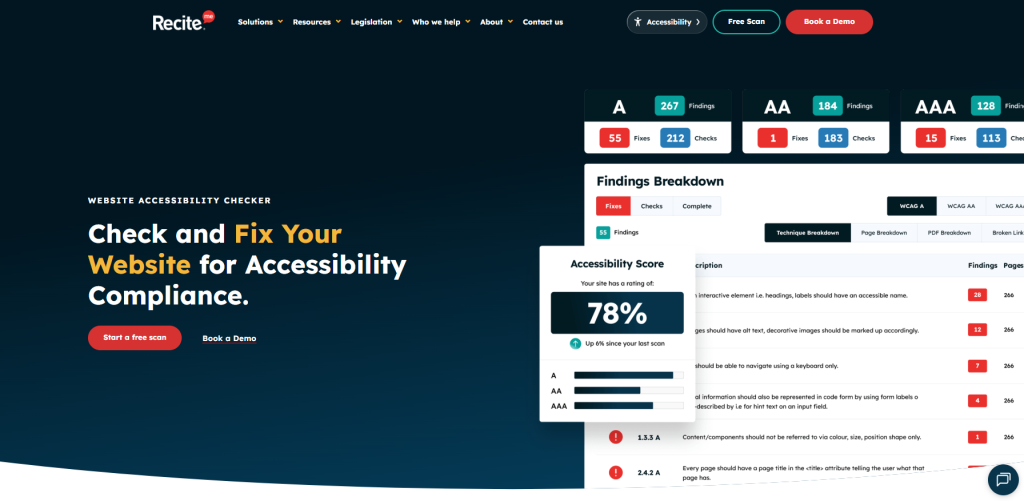
Recite Me runs two products side by side, which is part of why it’s often mentioned as one of the more complete UserWay alternatives out there. The assistive toolbar sits on your site and gives visitors control over text-to-speech, translation into over 100 languages, dyslexia-friendly reading tools, and screen masking. None of that touches your code; it just changes how the page comes across to the person using it.
Then there’s the website accessibility checker, which is a different beast entirely. It scans your site against WCAG 2.2 and hands developers specific, actionable fixes rather than vague warnings. Using both together means you get an immediate usability boost while also working toward compliance that actually holds up, instead of leaning on an overlay and hoping for the best.
Pros compared to UserWay
- Automated WCAG 2.2 scans for accessibility compliance
- Wider language and translation support
- Detailed reporting aimed at enterprise compliance teams
Cons compared to UserWay
- Positioned toward mid-to-large organisations rather than small sites
- Full toolbar customisation may require onboarding support
#2 – AudioEye
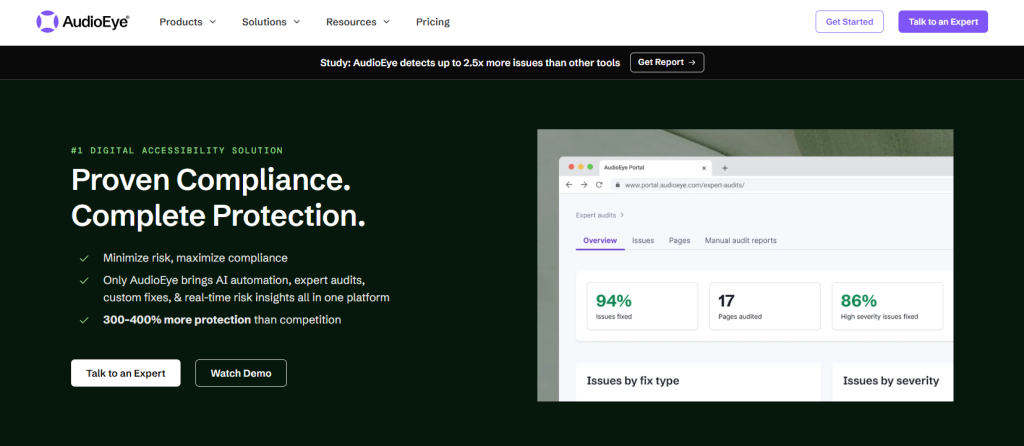
AudioEye pairs its automated scanning with actual human review, which sidesteps one of the biggest complaints people have about accessibility checkers. It also keeps monitoring your site as pages change, and it gives you a running accessibility score so you can watch your progress instead of guessing at it. When automation hits its limits, like with a complicated form or dynamic content, AudioEye brings in certified experts to sort it out manually.
Pros compared to UserWay
- Includes manual expert review alongside automation
- Ongoing monitoring rather than a one-time scan
- Clearer visibility into legal risk through its scoring system
Cons compared to UserWay
- Manual remediation tiers cost more than UserWay’s standard plans
- Setup can take longer due to the audit process
#3 – Silktide
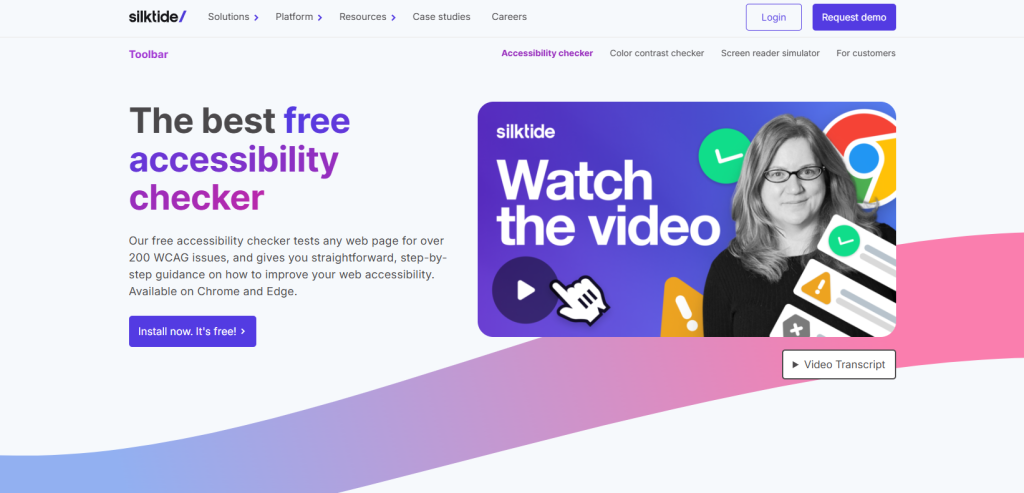
Silktide skips the widget entirely and focuses on scanning and governance. It crawls your whole site, catching WCAG failures alongside broken links, readability problems, and SEO issues, all in one dashboard. That makes it a good fit if you’re managing a large site with content spread across different teams. It also explains issues in plain English, so people without a development background can actually understand what’s wrong.
Pros compared to UserWay
- Combines accessibility scanning with broader content quality checks
- Reporting is written for non-developers to understand
- Strong for auditing large, multi-page websites
Cons compared to UserWay
- No assistive widget, so it does not improve front-end usability directly
- Primarily suited to teams with in-house development resource
#4 – Acquia
Acquia’s accessibility tool, previously known as Monsido, lives inside its bigger digital experience and governance suite. It scans for WCAG violations and bundles that with checks for brand consistency, broken links, and general content compliance. It makes the most sense if you’re already using Acquia for content management, since the accessibility piece slots into workflows you’re already running.
Pros compared to UserWay
- Bundles accessibility scanning with wider content governance tools
- Strong fit for organisations already on Acquia’s platform
- Detailed reporting across multiple compliance areas
Cons compared to UserWay
- No assistive widget for end users
- Best value is tied to adopting Acquia’s broader suite
#5 – BrowserStack
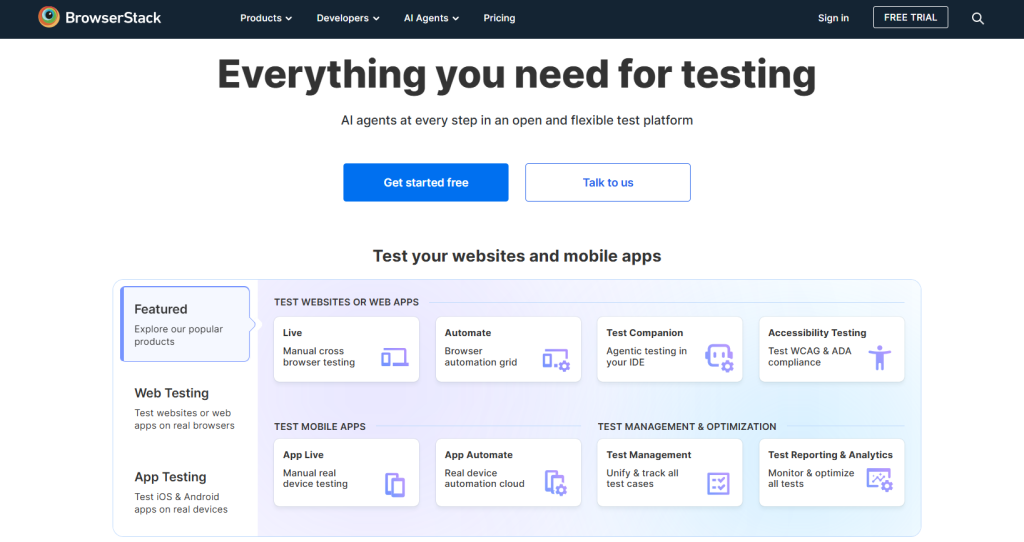
BrowserStack Accessibility Testing is built for development and QA teams rather than marketing or compliance staff. It scans web and mobile applications across real devices and browsers, catching accessibility issues before a site or app goes live. This makes it a strong pre-launch checker, though it is not designed to improve accessibility for existing site visitors.
Pros compared to UserWay
- Tests accessibility across real devices and browsers pre-launch
- Integrates directly into existing development and QA pipelines
- Strong choice for teams building new features regularly
Cons compared to UserWay
- No assistive widget for live site visitors
- Requires technical setup within a development workflow
#6 – Level Access
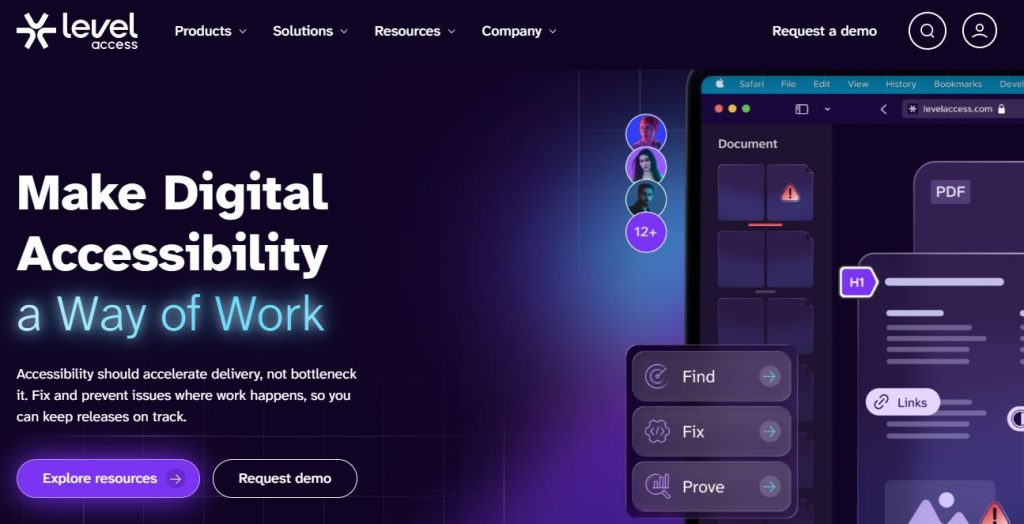
Level Access mixes automated scanning with manual audits and actual consulting, which puts it toward the heavier, more compliance-focused end of the spectrum. It’s aimed at industries like finance, healthcare, and government, where the legal stakes are higher. Beyond fixing what’s already broken, it also helps teams build accessibility into how they work going forward.
Pros compared to UserWay
- Strong consulting and legal compliance support
- Suited to highly regulated industries
- Combines automated scanning with expert-led remediation
Cons compared to UserWay
- Higher price point aimed at enterprise budgets
- Onboarding is more involved than a lightweight widget install
#7 – WAVE
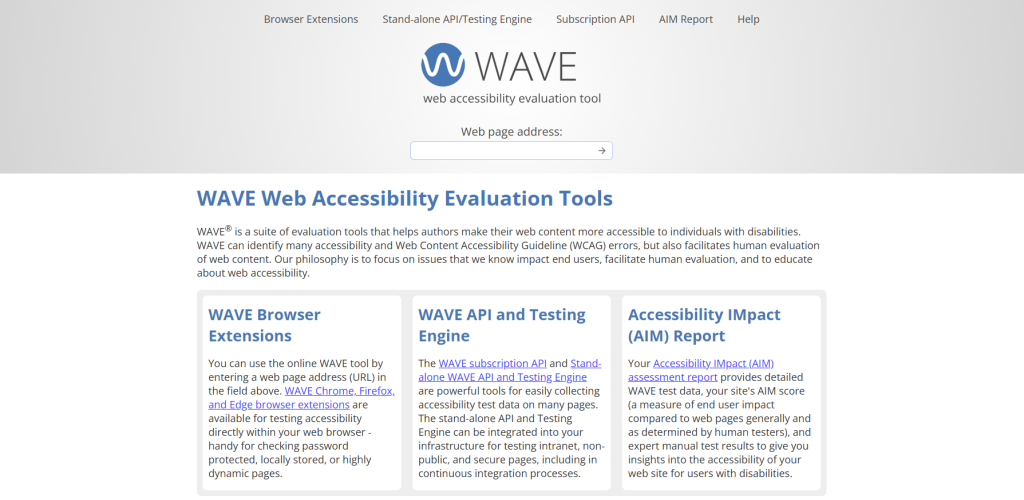
WAVE, from WebAIM, is a free checker and nothing more. It evaluates your page’s HTML and marks up errors and alerts right there on the page, which makes it a common first stop for developers checking WCAG basics. There’s no widget, no ongoing monitoring, and no automated fixes. It’s a diagnostic step you pair with manual work afterward.
Pros compared to UserWay
- Completely free to use
- Clear, visual flagging of issues directly on the page
- Good starting point for developers new to accessibility testing
Cons compared to UserWay
- No assistive widget or ongoing monitoring
- Requires manual fixes with no automated remediation
#8 – EqualWeb
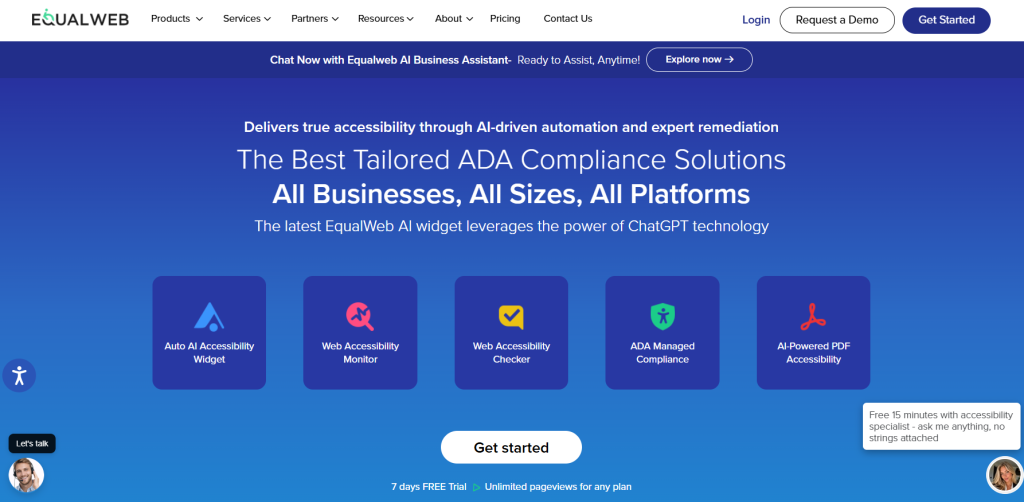
EqualWeb offers an AI-powered widget alongside its own automated checker, which puts it in similar territory to UserWay’s own two-product setup. The widget handles visual and navigation adjustments for visitors, while the checker scans for WCAG issues and generates reports. EqualWeb also offers manual remediation for teams that want real code fixes rather than just overlay tweaks.
Pros compared to UserWay
- Offers both a widget and a separate checker, similar to UserWay’s structure
- Manual remediation available for genuine code-level fixes
- Broad international compliance standard coverage
Cons compared to UserWay
- Full remediation services come at an added cost
- Overlay-based fixes still carry the same limitations as any widget
#9 – Siteimprove
Siteimprove is built as an enterprise governance platform rather than a widget provider. It scans for WCAG issues and combines that with SEO, content quality, and analytics tools, giving content and marketing teams one dashboard to manage everything from. It’s checker-first through and through, with nothing running on the front end for visitors.
Pros compared to UserWay
- Combines accessibility scanning with SEO and content analytics
- Strong for organisations managing many pages or sub-sites
- Detailed dashboards suited to non-technical marketing teams
Cons compared to UserWay
- No assistive widget for improving front-end usability
- Pricing and scope aimed at larger organisations
#10 – AccessiBe
AccessiBe runs accessWidget, its AI overlay, alongside AccessScan, its checker, which mirrors UserWay’s own dual-product setup pretty closely. The widget adjusts the site for visitors with diverse needs, and AccessScan audits the code behind it for WCAG gaps. It leans hard into small and mid-sized businesses that want something fast to deploy.
Pros compared to UserWay
- Fast, low-effort installation similar to UserWay
- Offers both a widget and a separate automated checker
- Competitive pricing for smaller websites
Cons compared to UserWay
- Has faced public criticism over overlay effectiveness, as has UserWay
- Manual remediation is a separate, additional service
#11 – TabNav
TabNav focuses primarily on its leightweight widget, which includes a variety of customisation features. This allows users with diverse needs to adjust colour contrasts on websites, use reading aids, style options, and various other tools, similar to the UserWay Widget. TabNav also includes a free accessibility checker tool, although it is fairly limited in terms of accuracy and coverage compared to other tools.
Pros compared to UserWay
- Lightweight and simple to install
- Lower cost than many of its competitors
- Products are easy to use
Cons compared to UserWay
- Limited list of features
- Its overlay does not fix accessibility issues at source
#12 – Equally.AI
Equally.AI combines a widget with AI-generated code suggestions, trying to bridge the gap between overlay adjustments and actual remediation. The widget gives visitors the usual display and navigation controls, while the AI side looks at your site’s code and suggests fixes developers can put in place directly rather than relying purely on front-end changes.
Pros compared to UserWay
- AI-generated code suggestions go beyond overlay-only adjustments
- Widget and remediation guidance work together
- Newer platform with active feature development
Cons compared to UserWay
- Less established track record than longer-standing competitors
- Code suggestions still require developer implementation
#13 – axe DevTools
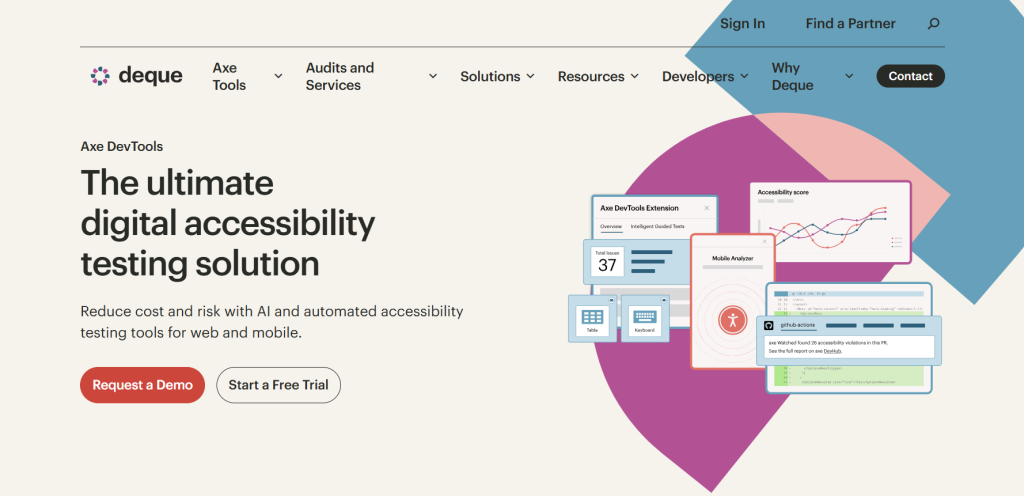
axe DevTools is a developer tool through and through, not something aimed at end visitors. It plugs into browsers and development environments, flagging WCAG issues as code gets written. That makes it popular with teams who want to catch problems before a site ever goes live rather than fixing them afterward.
Pros compared to UserWay
- Integrates directly into development workflows
- Highly accurate, developer-trusted testing engine
- Free browser extension available
Cons compared to UserWay
- No assistive widget for existing site visitors
- Requires technical knowledge to interpret and action results
#14 – Google Lighthouse
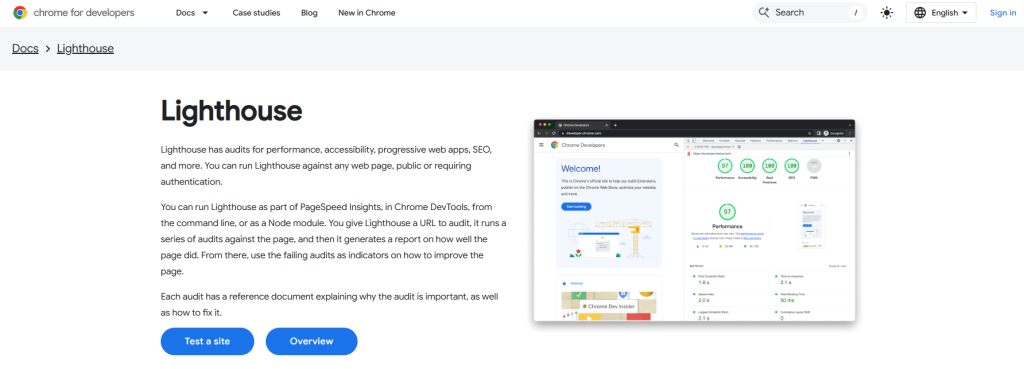
Lighthouse is the free auditing tool baked into Chrome DevTools, and it includes an accessibility score alongside its performance and SEO checks. It catches the common stuff, like missing labels or weak contrast, and it costs nothing to run. It’s not a dedicated accessibility platform, though, and there’s no widget component at all.
Pros compared to UserWay
- Completely free and built into Chrome
- Useful as a quick, first-pass accessibility check
- Covers performance and SEO alongside accessibility
Cons compared to UserWay
- Less thorough than dedicated accessibility checkers
- Cannot be used reasonably at scale
#15 – Eye-Able Assist
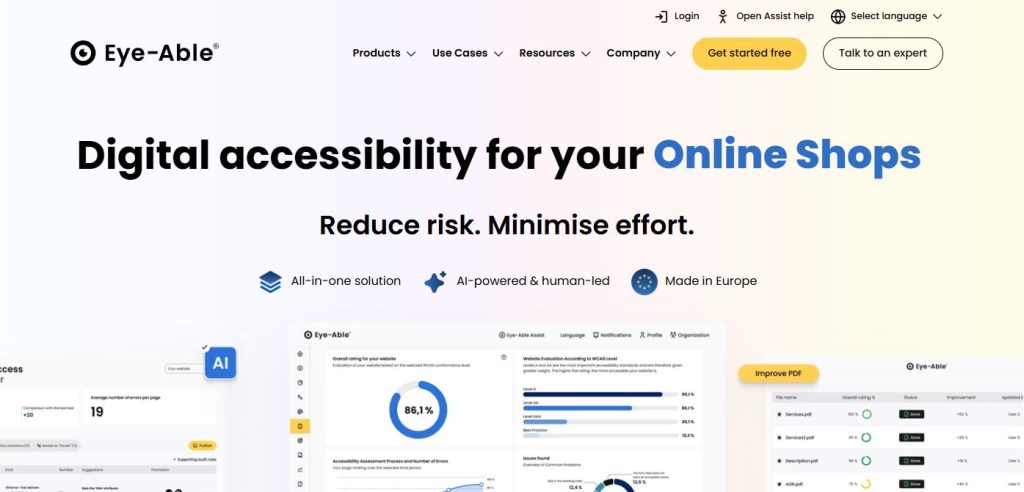
Eye-Able Assist runs both an overlay widget and an automated checker, with a clear focus on European Accessibility Act and WCAG compliance. The widget covers visual and reading adjustments for visitors, and the checker scans for code-level problems and produces compliance documentation. It’s a common pick for European businesses gearing up for EAA deadlines.
Pros compared to UserWay
- Strong alignment with EAA compliance requirements
- Offers both a widget and a separate checker
- Documentation geared toward European regulatory audits
Cons compared to UserWay
- Less established presence in the US market than UserWay
- Full compliance documentation may require a paid tier
Final Verdict: What’s the best alternative to UserWay?
There isn’t one single best UserWay alternative. It really comes down to whether you need a widget, a checker, or both at once. However, Recite Me, EqualWeb, AccessiBe, and Eye-Able Assist come closest to UserWay’s combined approach.
If you’re more developer-focused, axe DevTools, BrowserStack, or Lighthouse make sense for pre-launch testing. And if legal exposure is the main concern, Level Access or Siteimprove are worth a closer look for their consulting-led approach to compliance.
Whatever you pick, keep in mind that overlays help with usability but rarely solve every WCAG issue on their own, so pairing one with a proper website accessibility checker gets you a lot further than either alone.
UserWay Alternatives FAQs
Looking for a quick recap? Here are answers to some of the most frequently asked questions on this topic:
A widget changes how a page looks and behaves for visitors, without touching the underlying code. Whereas, an accessibility checker scans that code directly against WCAG standards and reports back what needs fixing.
Plenty of businesses do exactly that. Recite Me, EqualWeb, and AccessiBe all offer both, so you can improve the visitor experience right away while working through the code fixes the checker turns up.
Not on their own. Widgets help with usability, but they generally can’t fix deeper structural or code issues, which is why most people pair one with a checker or a manual audit.
Recite Me, Level Access, and Siteimprove are the stronger picks if you need detailed reporting, consulting support, and governance across a large site.
AccessiBe, TabNav, and EqualWeb tend to be easier on both budget and setup for smaller sites, while still giving you real widget functionality.