No business wants their website to fail an accessibility test, but finding out exactly where you’re going wrong can be easier said than done. Silktide is one of the best-known tools for finding website accessibility issues, but there are plenty of alternatives if you want to compare your options.
If Silktide isn’t quite checking all your boxes, there are other accessibility tools to consider.
What is Silktide and how does it work?
Silktide is a web governance platform that helps organisations test and improve digital accessibility, SEO, content quality and user experience. Its accessibility checker scans websites for potential issues against WCAG standards, helping you find problems that could make your website harder to use. The checker works by identifying accessibility issues across a website and can provide reports that show where improvements are needed. This makes it easier for you to prioritise fixes and keep track of ongoing accessibility.
Silktide is especially useful for those managing large websites, where manually checking every page would be time-consuming and difficult to manage.
Exploring the best alternatives to Silktide in 2026
Silktide is a good option for accessibility testing, but it may not be the best fit for every business. You might want something simpler, a tool aimed more at developers, or an option that offers a free checker.
Here are 10 Silktide alternatives to consider in 2026:
| Tool | Rating (0-5) | Best for |
|---|---|---|
| Recite Me | 4.8 ⭐ | WCAG 2.2 testing with clear reporting & issue tracking |
| Equal Web | 4.7 ⭐ | Free, fast page-level checks |
| AccessiBe | 4.6 ⭐ | WCAG compliance for SME and mid-market orgs |
| Level Access | 4.6 ⭐ | Scored, rule-level tracking across releases |
| BrowserStack | 4.6 ⭐ | Scanning protected/login pages in QA workflows |
| AudioEye | 4.5 ⭐ | Broad scan across 400+ accessibility tests |
| Deque (axe) | 4.4 ⭐ | Developer-focused testing during builds |
| WAVE | 4.4 ⭐ | Visual, in-context alerts |
| Userway | 4.4 ⭐ | Accessibility fixes at scale |
| Equally.AI | 4.2 ⭐ | Full-site scanning with region-specific legislation |
#1 – Recite Me
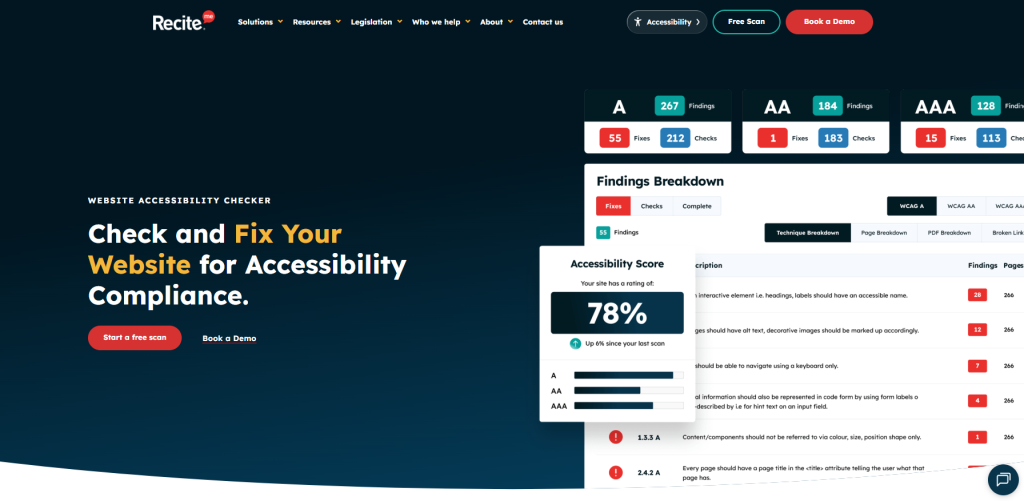
Recite Me is a good alternative for organisations that want automated WCAG 2.2 testing alongside clear reporting and accessibility issue tracking. The accessibility checker that Recite Me offers can help you move from identifying a problem to assigning it for repair, which is helpful when web managers, content editors and developers all share responsibility for accessibility.
The reporting is also easy to follow without removing the technical detail that developers need to implement fixes. Regular scanning can also help you spot new problems after website updates, so accessibility remains part of ongoing website maintenance instead of a one-off task.
Advantages of Recite Me
- Scans pages against WCAG 2.2 accessibility issues.
- See a prioritized list of accessibility errors.
- Clear, jargon-free accessibility reports.
- Track your progress with accessibility scores.
Drawbacks of Recite Me
- Automated testing cannot identify every issue.
- Manual checks may still be required.
#2 – EqualWeb
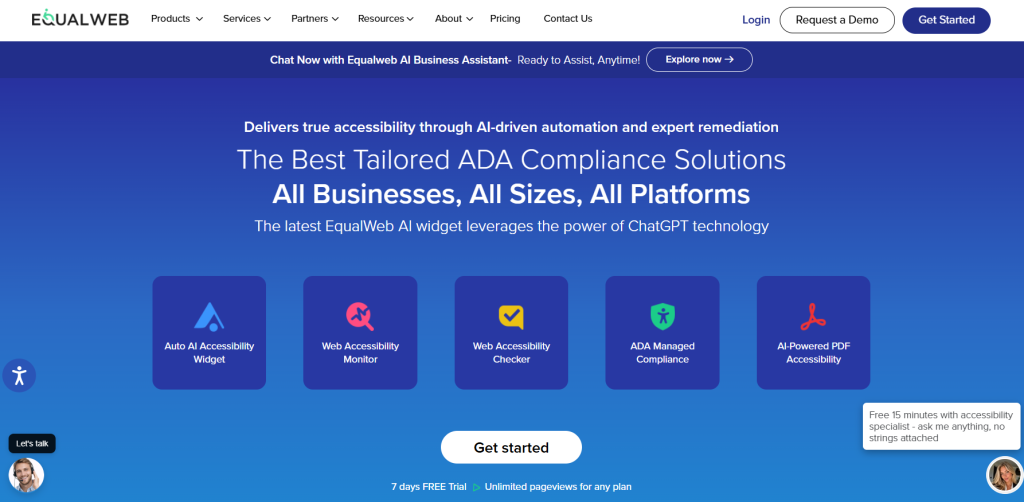
EqualWeb’s Accessibility Checker is a free Chrome extension built for fast page-level testing. You can open a page in Chrome, run the check and review an accessibility score with issues grouped by severity. The checker can also flag contrast failures, ARIA issues, role-related problems and other machine-detectable WCAG concerns.
EqualWeb is a practical choice if you regularly check new landing pages, blog posts or forms before publishing. The results are direct and useful, especially when a developer needs to locate the relevant issue quickly. The tool also works well as a second opinion alongside another checker, since different rulesets can display different findings.
Advantages of EqualWeb
- WCAG 2.2 compliance scanning.
- Returns a 0-100 accessibility score.
- Issues are prioritised by severity.
- Each finding includes guidance on possible repair.
Drawbacks of EqualWeb
- Focuses on one URL at a time.
- It cannot assess reading order or content quality.
#3 – AccessiBe
accessiBe’s accessScan is a free website accessibility checker that scans a website and produces an accessibility report. The checker uses automated testing to identify potential accessibility barriers and assesses websites against WCAG 2.2, including full support for WCAG 2.2 AA and partial support for AAA.
This checker is useful when you need an early indication of issues on a public website. The report can be shared with developers or stakeholders, helping everyone understand why accessibility work is needed. It is best used as the starting point of an audit, followed by hands-on testing of the journeys that visitors rely on.
Advantages of AccessiBe
- Free checker with fast accessibility reports.
- Checks WCAG 2.2 AA and partial AAA criteria.
- Reports are easy to share with developers and stakeholders.
- WCAG references clarify each finding.
Drawbacks of AccessiBe
- Quick reports provide an initial view, not a final accessibility assessment.
- It cannot assess instructions, meaningful alt text or task completion.
#4 – Level Access
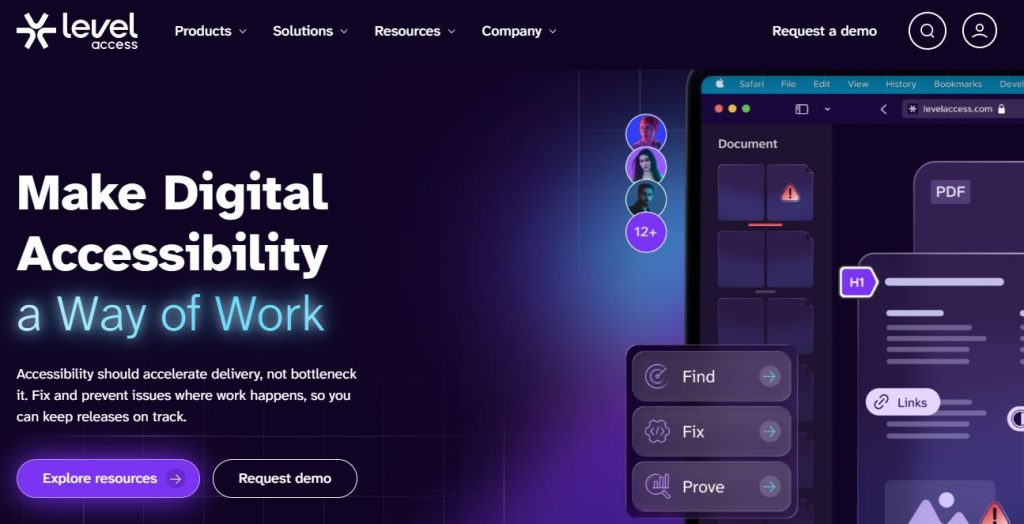
Level Access provides scan results that include an accessibility health score from 0 to 100, along with a list of the rules each page has violated. This can give you a clear view of what needs attention and makes it easier to compare results after updates or releases. It is a good choice for organisations that need a formal way to review automated findings.
While the health score can be useful in reports, the rule-level detail is where the real value sits, as developers can use those findings to identify the affected components, assess the code, and decide how to repair issues properly.
Advantages of Level Access
- 0–100 accessibility health score.
- Page-level findings help developers investigate issues.
- Repeat scans track changes after releases.
- Structured reports help organise repairs.
Drawbacks of Level Access
- Health scores reflect automated scans, not full WCAG conformance.
- Some findings require accessibility expertise to resolve.
#5 – BrowserStack
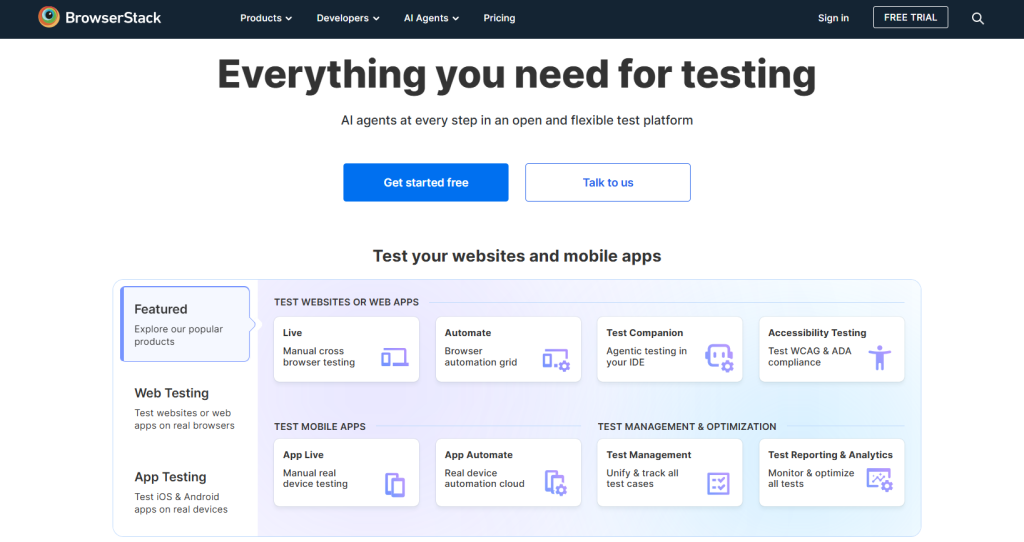
BrowserStack’s Website Scanner is suited to product and QA teams that already test websites in different browsers. It brings accessibility checking into that process, with scheduled scans, reports for developers and support for pages behind authentication.
This is useful for websites with account areas, dashboards or internal pages that public URL checkers cannot access. Testing protected content matters because forms, account settings and checkout journeys often contain some of the most important accessibility requirements. BrowserStack’s reporting can help you keep an organised record of findings after each release.
Advantages of BrowserStack
- Scans protected, login-only pages.
- Scheduled scans identify new issues.
- Shared reports support developers and QA teams.
- Useful for regular checks on large websites.
Drawbacks of BrowserStack
- Protected-page scans require initial setup.
- Manual testing is still needed for forms, keyboard, and screen readers.
#6 – AudioEye
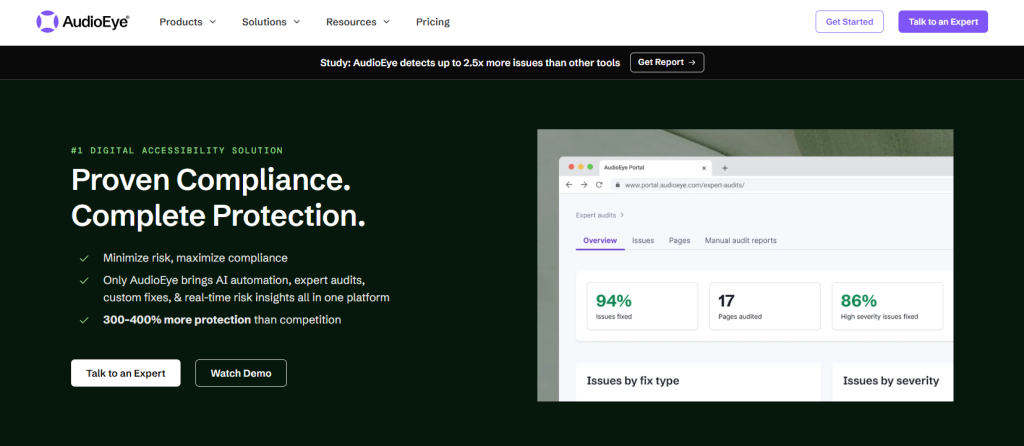
AudioEye offers a free website scanner for an initial review of common accessibility barriers. Its checker performs more than 400 tests across 30 WCAG criteria, then provides a report showing the issues it finds and their potential impact.
AudioEye can be helpful if you’re looking for an external plan before creating a repair plan. It can flag familiar technical issues such as missing alternative text, heading structure problems and contrast failures and then those findings can then be sorted into quick fixes, template issues and items that require manual review.
Advantages of BrowserStack
- Free scanner identifies common accessibility issues.
- Flags alt text, headings and colour contrast.
- Automation checks 37 WCAG 2.2 A and AA criteria.
- Results help prioritise repairs.
Drawbacks of AudioEye
- Does not cover all WCAG A and AA requirements.
- Cannot assess complete journeys with assistive technology.
#7 – Deque (axe)
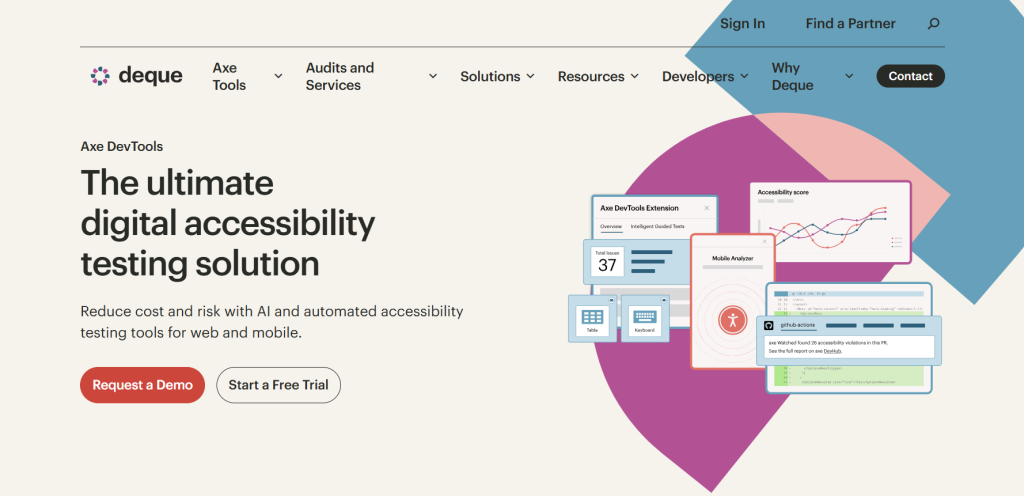
Deque’s axe DevTools Extension is a browser-based accessibility checker aimed at developers and testers. It checks rendered pages, supports WCAG 2.0, 2.1 and 2.2 at A, AA and AAA levels, and gives detailed information about the elements that need attention.
Axe is a good Silktide alternative for those who want to test while building or reviewing a page. Developers can run a scan, inspect the affected element and use the guidance to understand the issue before it reaches production. It is also useful for checking components such as navigation, buttons, forms and modal windows during QA.
Advantages of Deque (axe)
- Works in Chrome, Edge and Firefox.
- Checks WCAG 2.0, 2.1 and 2.2.
- Identifies issues with severity and repair guidance.
- Useful during development and testing.
Drawbacks of Deque (axe)
- Free extension checks one page at a time.
- A browser-based interface may suit technical users better.
#8 – WAVE
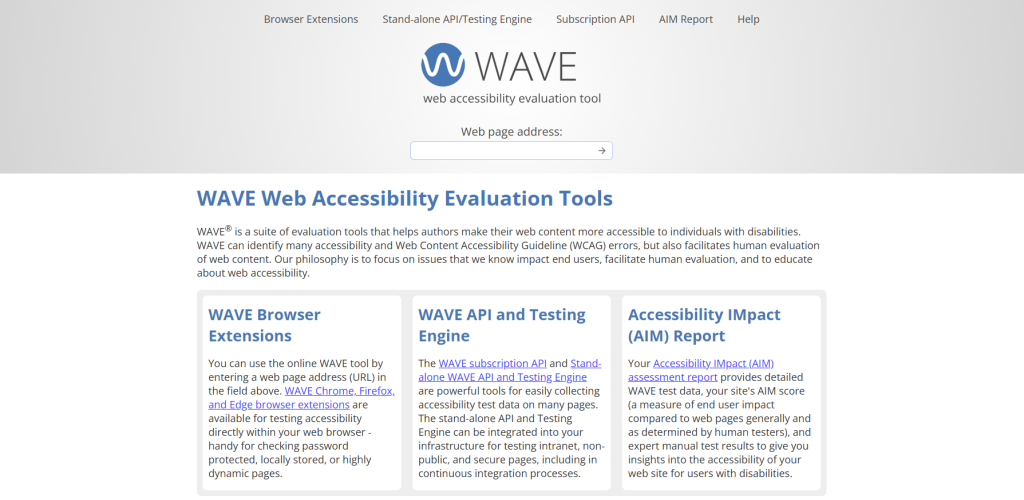
WAVE from WebAIM is a page evaluation tool that shows icons and alerts beside the content that triggered them. Instead of reading every issue in a separate report, you can use the tool to view the alert directly on the page and inspect the surrounding content.
WAVE is useful for content editors, designers and developers because it makes page structure easier to review. You can enter a public URL into the online tool, or use the browser extension for private, local or dynamic pages. The extension can also process pages locally, which can be helpful when testing sensitive content or pages behind a login.
Advantages of WAVE
- Shows findings alongside affected content.
- Checks public URLs without installation.
- Browser extension supports private pages.
- Local processing suits sensitive content.
Drawbacks of WAVE
- Many alerts can take time to review.
- Cannot replace manual accessibility testing.
#9 – UserWay
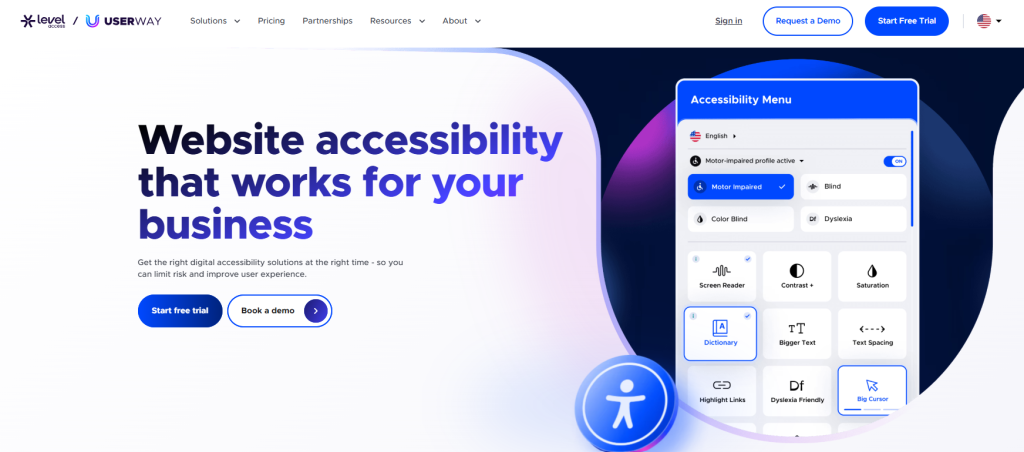
UserWay’s free Accessibility Checker gives an instant snapshot of common WCAG violations from a website URL. It is useful for businesses that need a quick initial review of a public page before beginning more detailed accessibility work.
The checker can help identify familiar issues that often appear in website audits, such as missing labels, structure problems and contrast concerns. For a marketing page or recently updated article, it can be a helpful first pass, giving you a simple starting list, which can then be reviewed by a developer or accessibility specialist.
Advantages of UserWay
- Checker identifies common WCAG issues.
- Checks public pages by URL.
- Flags detectable issues for developer review.
- Useful after page updates.
Drawbacks of UserWay
- Only checks the scanned page.
- Cannot assess instructions, errors or task completion.
#10 – Equally.AI
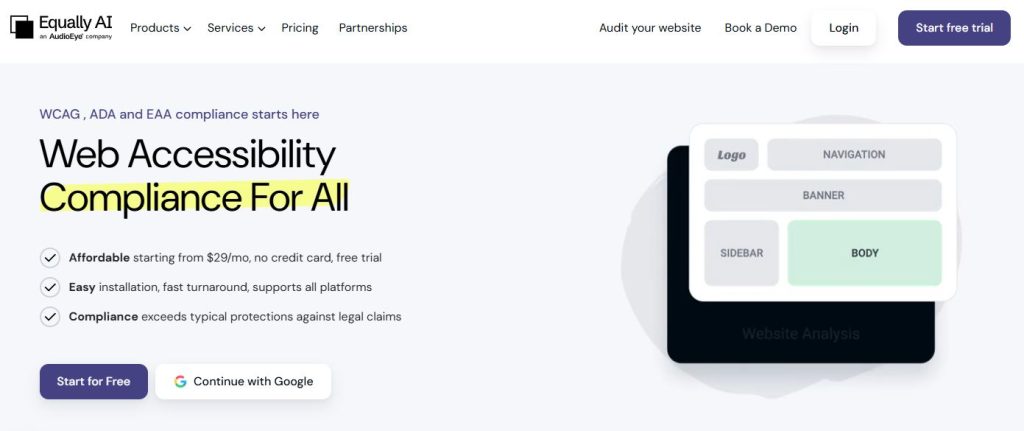
Equally.AI provides an ARIA website audit that asks for a site URL and target region, then checks ADA and WCAG status. Its scan can inspect an entire website in minutes, making it useful if you want a broad initial view before planning remediation.
The region selection is helpful for organisations working across different markets because it can frame the review around the regulations that apply to their work. Full-site scanning can also reveal repeated issues across templates, such as headings, buttons, form fields and navigation patterns, making it easier to repair the source problem instead of fixing the same issue page by page.
Advantages of Equally.AI
- Checks websites against WCAG and ADA criteria.
- Supports region-specific accessibility reviews.
- Whole-site scans identify repeated issues.
- Helps prioritise further accessibility work.
Drawbacks of Equally.AI
- Audit results do not prove full WCAG conformance.
- Manual testing is still required.
Conclusion: What are the best Silktide alternatives?
Recite Me ranks first as the best Silktide alternative because its Accessibility Checker uses automated WCAG 2.2 testing, reporting, scoring and issue tracking in a format that can work for content teams, web managers and developers.
However, EqualWeb, WAVE, UserWay and accessiBe are useful starting points for free page-level checks. Deque is useful for developer-led testing, while BrowserStack and Level Access can suit organisations that need more structured scan management.
Best Silktide alternatives FAQs
Looking for a quick recap? Here are answers to some of the most frequently asked questions on this topic:
No, automated checkers can identify many technical issues, but they cannot assess every WCAG requirement. Human testing is always needed for tasks such as understanding content, navigating with a keyboard, completing forms and using screen readers.
Recite Me, WAVE, UserWay, and accessiBe are useful for quick public-page checks. Deque is also a strong free option for developers who want to inspect issues while working in the browser.
No, an accessibility score can help your team monitor automated findings and show changes, but it does not prove complete accessibility or legal conformance.
Start with high-traffic pages, key templates, forms, account areas and complete user journeys. Include pages with different layouts, components and actions so the review covers the main experiences visitors use.
Run checks before releases and repeat them after major code, design or content updates. Regular scanning helps you find regressions early, while manual testing should be part of major website changes.