Free tools
Colour Contrast checker
The Colour Contrast Checker helps to evaluate the contrast ratio between two colours to ensure readability and compliance with accessibility standards like WCAG.
Results
AA
AAA
Aa
Normal Text
Aa
Large Text
Design Elements
Your Colours
Find nearest:
Reverse
Current Contrast Ratio
0.00
How to use the Colour Contrast Checker?
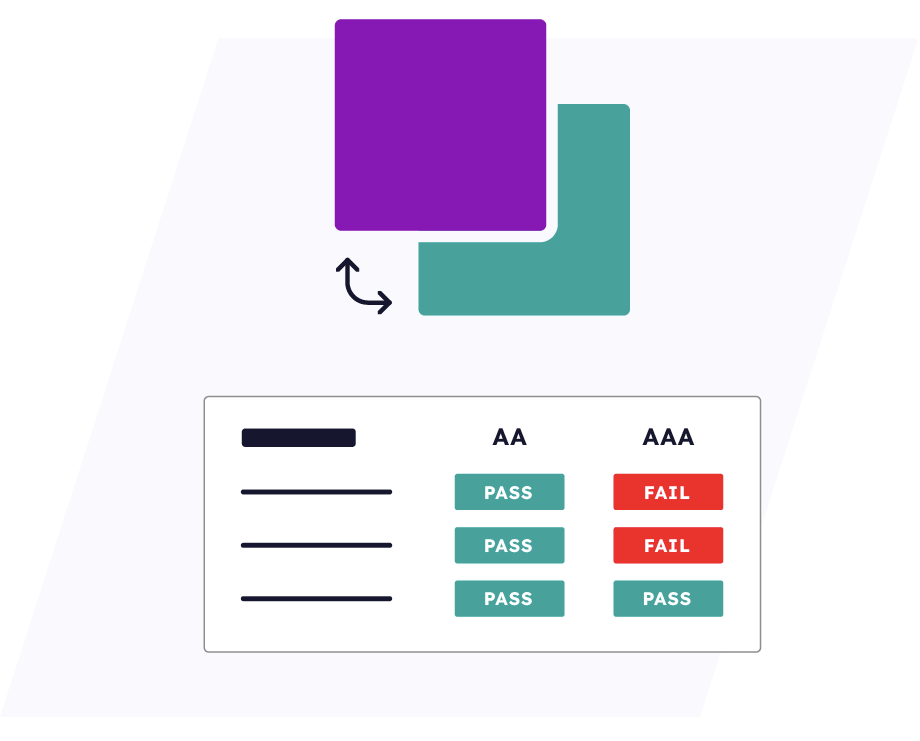
To check colour contrasts simply enter the hex codes or use the colour selector to choose your two desired colours. The checker instantly displays the results, showing whether the contrast meets WCAG compliance standards. These results are highlighted for small text, large text, and design elements.
If your chosen colours don’t meet the required standards, the tool suggests the closest compliant colour that meets AA or AAA guidelines. You can also use the ‘reverse’ button to swap the foreground and background colours.
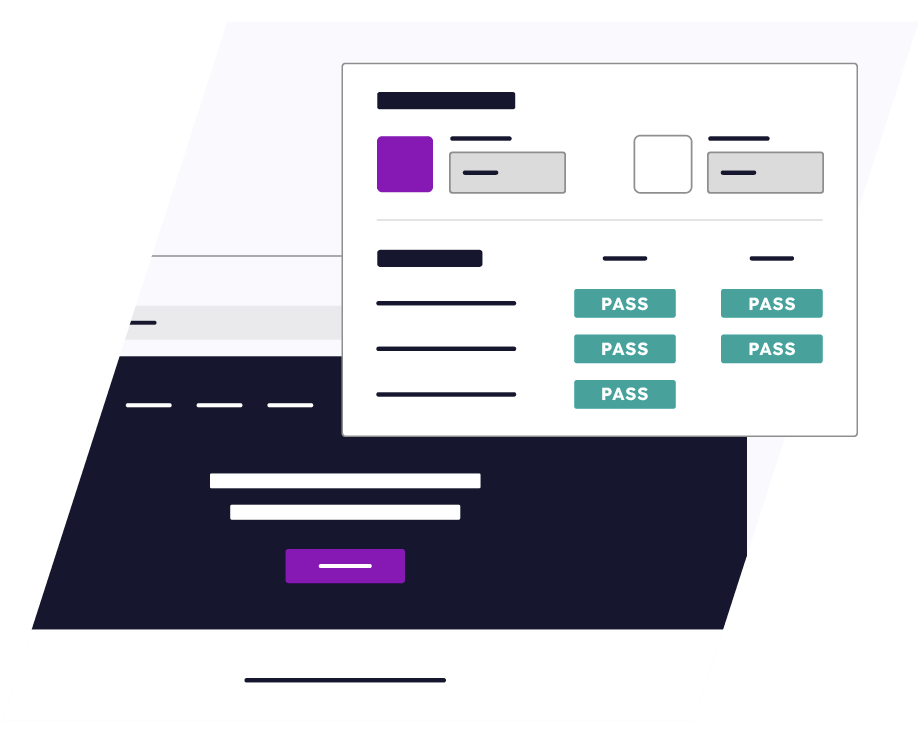
Finally, the tool provides a preview section where you can see how your selected colours appear in titles, paragraphs, form fields, and buttons.
Why is WCAG compliance colour contrast important?
Ensuring WCAG-compliant colour contrast isn’t just about aesthetics – it’s about accessibility. For users with visual impairments, including colour blindness and low vision, contrast can be the difference between clear readability and complete inaccessibility.
By adhering to WCAG guidelines, websites not only enhance inclusivity but also improve user experience and comply with legal accessibility standards. However, compliance exists on different levels, each with its own success criteria:
- WCAG Level AA: Requires a contrast ratio of at least 4.5:1 for normal text and 3:1 for large text and design elements.
- WCAG Level AAA: A more rigorous standard, demanding a contrast ratio of 7:1 for normal text and 4.5:1 for large text.
Prioritizing colour contrast isn’t just a best practice, it’s a commitment to inclusivity.
Accessibility Resources
Learn More About Digital Accessibility and Online Inclusion
Need help making your website accessible?
Discover a wealth of online accessibility resources to help you create inclusive digital experiences for all users.

-
What are the Best Website Accessibility Tools for your Business?
Read more: What are the Best Website Accessibility Tools for your Business?Discover the best website accessibility tools for your business, including accessibility testing, monitoring, compliance and remediation solutions.
-
A Comparison of the Best Web Accessibility Companies in 2026
Read more: A Comparison of the Best Web Accessibility Companies in 2026Compare the best web accessibility companies, including features, compliance tools, services, and expert support.
-
Best Level Access Alternatives for Accessibility Compliance
Read more: Best Level Access Alternatives for Accessibility ComplianceCompare the best Level Access alternatives for accessibility compliance, including features and key differences to find the right solution.
Scan, Detect, and Fix Accessibility
Issues Powered with Ai
Get a free AI-powered accessibility audit and uncover hidden barriers
that may exclude users with disabilities. Click the link below to scan now.