Picking an accessibility platform is trickier than it looks. Search for “website accessibility platform” and you’ll get dozens of tools all claiming to be the answer, but most of them only solve half the problem. Some fix your code. Some help visitors on the front end. Very few do both well.
This guide cuts through that noise. We’ve dug into the top ten platforms, what they do, where they shine, and where they fall short, so you can pick one that fits your site instead of just your budget.
Why is digital accessibility important?
If people with diverse needs can’t use your website, you’re shutting the door on them and possibly breaking the law while you do it.
The ADA, Section 508, and the EAA all set legal expectations for accessible websites, and lawsuits over inaccessible sites have been climbing for years in both the US and Europe. That alone gets most companies’ attention.
But there’s more to it than avoiding legal trouble. Accessible sites tend to just work better. Clear navigation, readable text, and keyboard-friendly design help everyone. And with over a billion disabled people worldwide, ignoring accessibility means ignoring a huge chunk of your potential audience.
What are the best website accessibility platforms?
The accessibility software space is a mixed bag. Some tools are checkers built for developers, others are toolbars built for visitors, and a handful try to do it all. Here’s how the major players stack up:
#1 – Recite Me
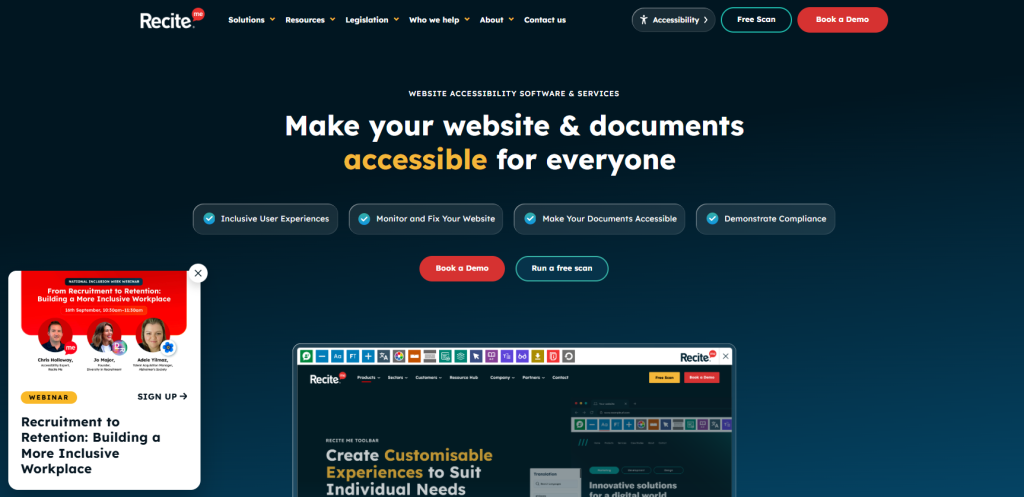
Recite Me is built around solving accessibility from both directions at once. Its assistive toolbar sits on your website and gives visitors text-to-speech, reading support, translation into over 100 languages, and a range of customisation options that they can control themselves.
On the technical side, its accessibility checker scans your pages against WCAG 2.2 criteria and explains exactly what’s broken and how to fix it. Then there’s the PDF remediation tool, which most competitors simply don’t offer. It brings older documents up to the latest accessibility standards instead of leaving them stuck as a legal blind spot.
That combination of a genuinely useful front-end toolbar and back-end compliance tooling is why Recite Me tends to suit larger organisations that need to get accessibility right, not just tick a box.
| Pros | Cons |
|---|---|
| Toolbar and compliance checker in one platform | The platform suits teams with a real budget |
| PDF remediation fills a gap most rivals ignore | Toolbar and checker need separate setup |
| Translation covers over 100 languages | |
| Support built around ongoing WCAG compliance |
#2 – AudioEye
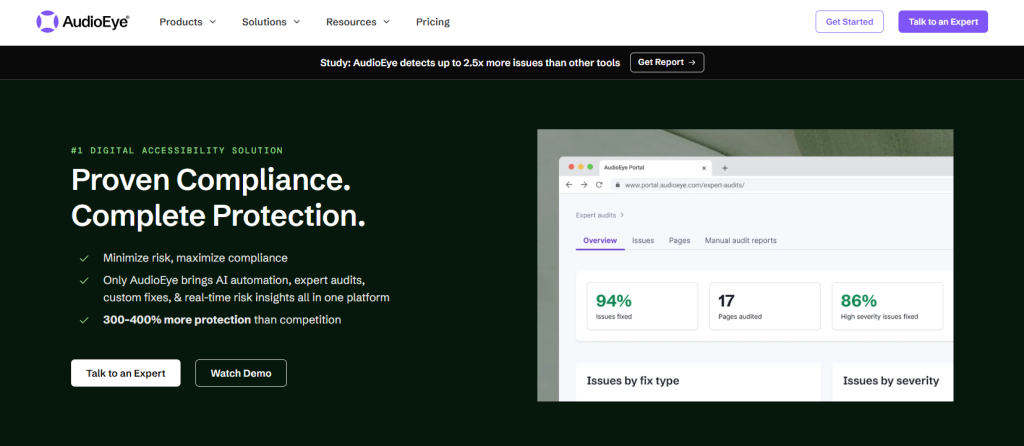
AudioEye leans on people, not just software. Automated scans get you started, but real accessibility experts review the results manually, catching things bots tend to miss. The platform keeps monitoring your site as it changes, and has its own visitor-facing toolbar too.
It also includes legal support documentation, which is useful if a complaint ever lands on your desk. Issues in the dashboard are also sorted by WCAG success criteria, so developers know what to tackle first.
Think of AudioEye as a managed service rather than a set-it-and-forget-it tool. That’s great if you want expert eyes on your site, less great if you’re working with a tight budget.
| Pros | Cons |
|---|---|
| Human experts review what automated scans miss | Expensive platform to purchase |
| Ongoing monitoring catches new issues | The overlay product has drawn criticism |
| Legal support if a complaint is made |
#3 – WebAIM
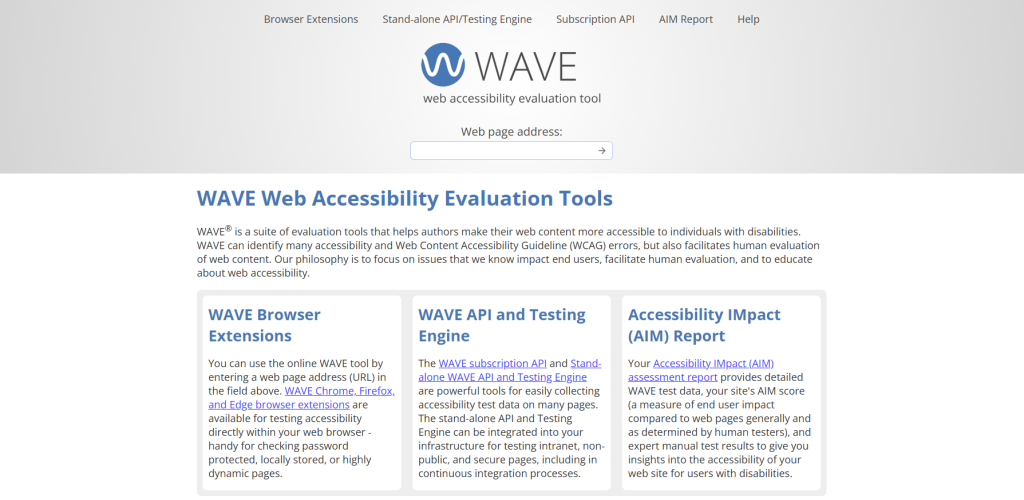
WebAIM isn’t a company chasing sales targets. It’s a nonprofit, and its free WAVE tool is a staple for developers who want a quick sanity check while building a page. Run it, see the errors flagged right on the screen, and fix them as you go.
Beyond WAVE, WebAIM runs training courses, certification programs, and consulting work, which is part of why it’s such a trusted platform across the industry. Just don’t expect WAVE to replace a full compliance program. It’s a great starting point, rather than an ongoing solution.
| Pros | Cons |
|---|---|
| WAVE is free and genuinely easy to use | No continuous monitoring or remediation support |
| Well-respected training and research output | Not built for managing compliance at enterprise |
| Quick and easy manual checks mid-build |
#4 – Silktide
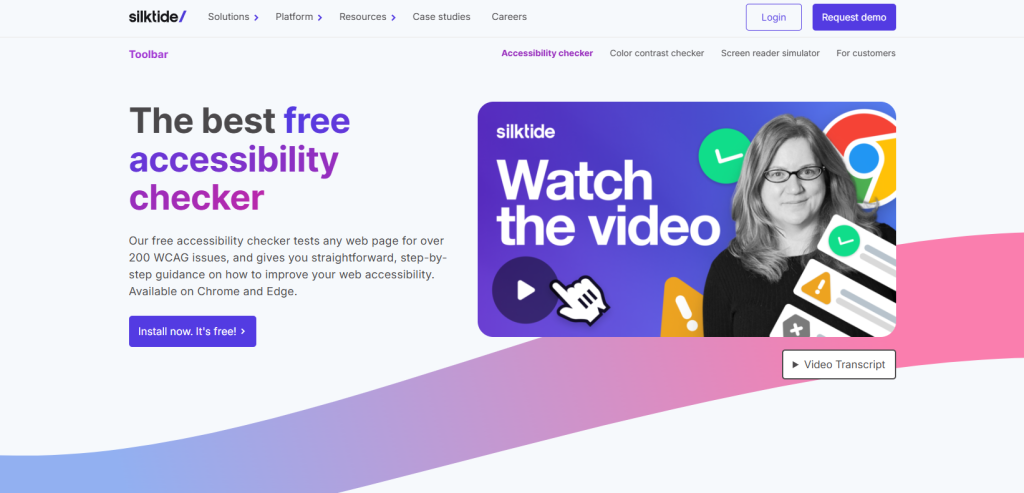
Silktide treats accessibility as one piece of a bigger picture, bundling it with SEO and content quality checks under one score. Instead of drowning you in technical detail, it hands you a single number that says how your site’s doing overall.
The reporting is written in plain English, which content and marketing teams tend to appreciate since they don’t need a developer to translate it for them. That’s arguably Silktide’s biggest strength: making accessibility approachable for people who aren’t accessibility specialists. If you want deep, granular WCAG detail though, you may find Silktide’s accessibility side a bit lighter than a dedicated tool.
| Pros | Cons |
|---|---|
| Reports are written for non-technical staff | Less specialised than accessibility-only platforms |
| Bundles accessibility with SEO and content quality | WCAG data is top-level, not granular |
| One dashboard covers overall site health |
#5 – Siteimprove
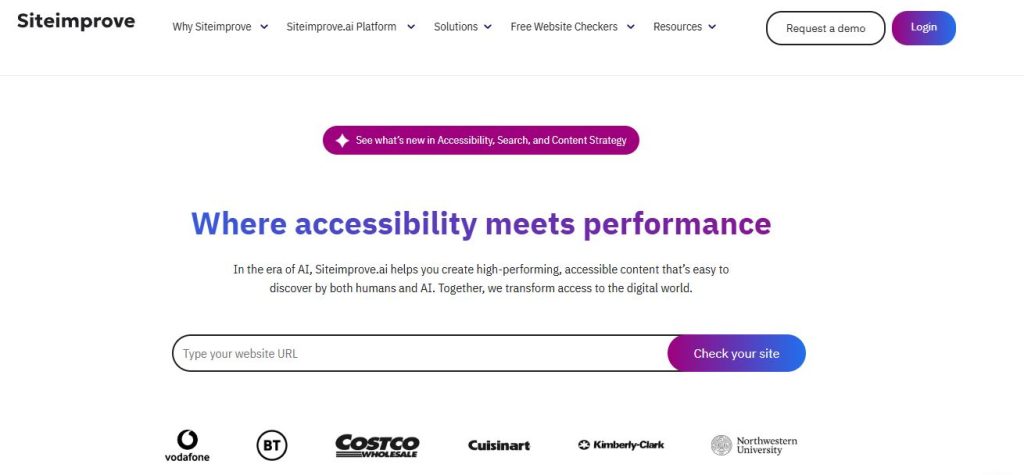
Siteimprove is an enterprise-scale digital experience platform, and accessibility is just one module sitting alongside SEO, analytics, and content governance. Its accessibility checker handles large, multi-site setups without breaking a sweat, and issues slot straight into your existing workflows.
There’s a browser extension for quick spot checks too, plus detailed reporting built for organisations already juggling dozens of sites. It’s clearly designed for companies already invested in the wider Siteimprove ecosystem.
If accessibility is the only thing you need though, paying for a suite this broad might feel like overkill.
| Pros | Cons |
|---|---|
| Handles large, multi-site organisations with ease | Accessibility is one module in a pricier suite |
| Accessibility sits with SEO and content governance | More complexity than smaller teams need |
| Detailed reporting built for enterprise teams |
#6 – UserWay
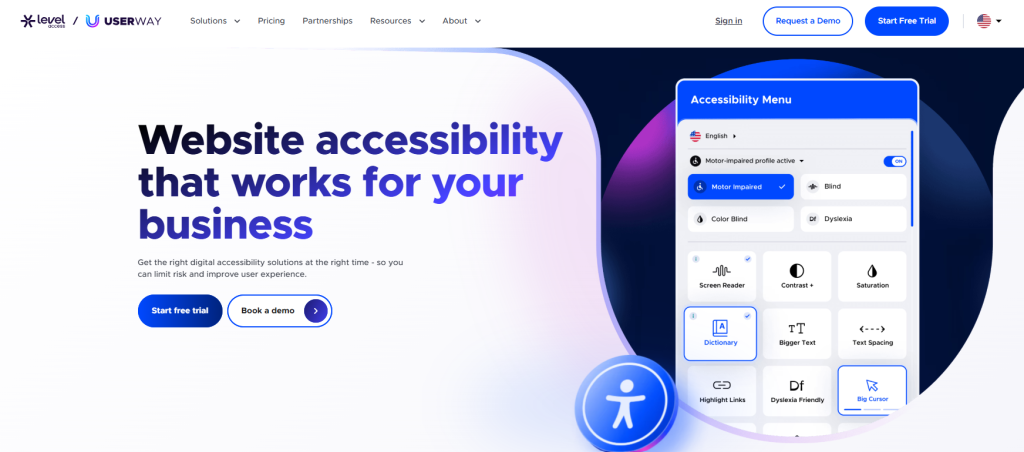
UserWay built its name on a widget you can install in minutes. It gives visitors on-page controls for contrast, font size, and screen reader support, and pairs that with an AI-powered scanner that flags WCAG violations in the background.
Speed is the selling point here. UserWay is popular with smaller businesses that want visible accessibility improvements without a long setup process, and its dashboard tracks how your compliance status changes over time.
The catch, shared with most overlay tools, is that the widget doesn’t touch your actual code. It papers over problems rather than fixing them, so it works best as a supplement, not a substitute for real remediation.
| Pros | Cons |
|---|---|
| Quick, low-cost setup for smaller sites | Widget doesn’t fix underlying code problems |
| AI scanning flags common WCAG issues | Not built for complex, enterprise-level compliance |
| Simple dashboard tracks compliance over time |
#7 – EqualWeb
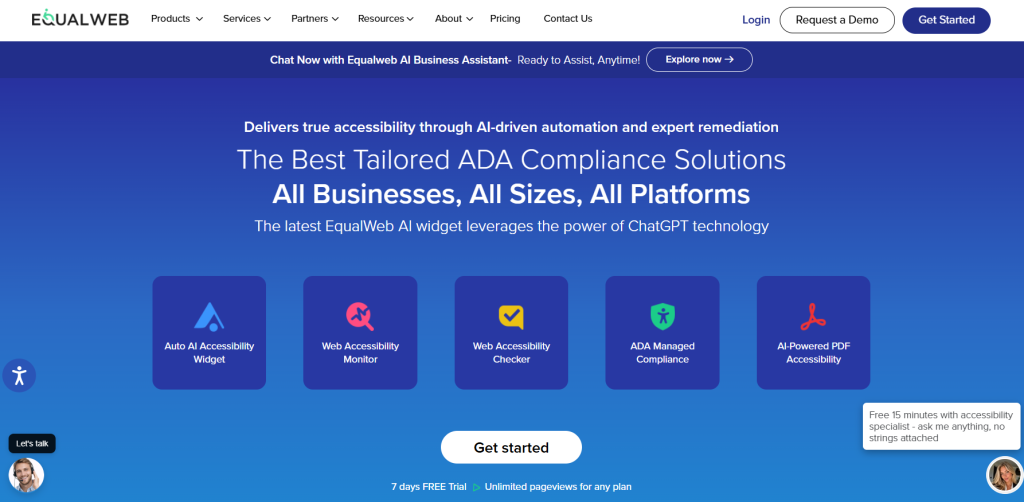
EqualWeb gives you a choice between its widget for fast automated fixes and bringing in its team for hands-on manual remediation. A free scanning tool gets you started before you commit to a paid plan.
It also issues a compliance certificate after audits, which some organisations lean on as supporting documentation. Language support is broad, and mobile accessibility gets just as much attention as desktop.
That flexibility comes at a price, literally. The full manual remediation service costs noticeably more than the widget alone, and the widget shares the same limits as other overlay tools.
| Pros | Cons |
|---|---|
| Choose between a widget or manual remediation | Manual remediation adds significant cost |
| Free scanner available before you commit to a plan | Widget has the usual overlay limitations |
| Covers mobile accessibility alongside desktop |
#8 – accessiBe
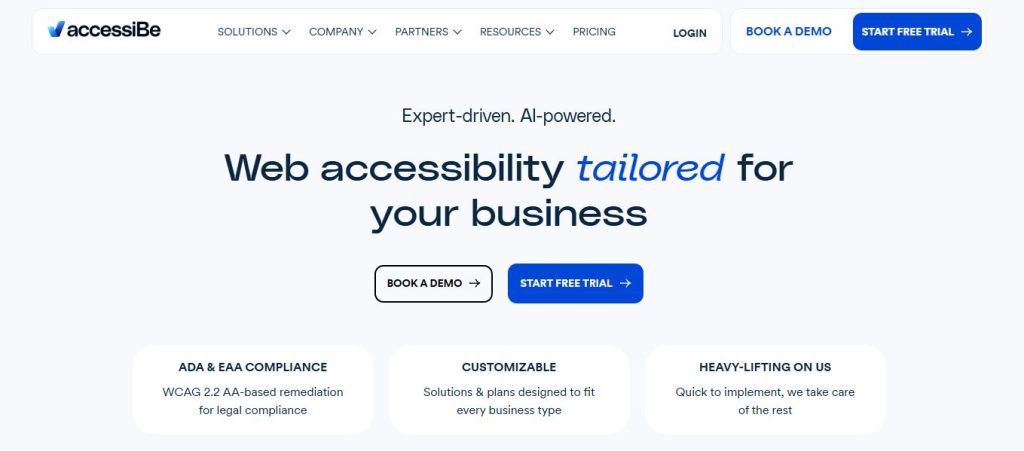
accessiBe runs on AI, automatically adjusting your site’s code to patch common WCAG issues without much manual setup on your end. But a separate manual service, accessFlow, handles the deeper fixes the AI can’t. And this AI keeps rescanning as your content changes, so it’s not a one-time fix. There’s a litigation support program built in too, which gives you paperwork to point to if a complaint ever shows up.
However, accessiBe has faced real criticism and legal scrutiny over how effective its overlay actually is. That means pairing it with an independent audit isn’t a bad idea.
| Pros | Cons |
|---|---|
| AI widget needs minimal manual setup | Faced notable criticism over overlay effectiveness |
| Litigation support for compliance disputes | Best paired with an independent, code-level audit |
| Rescans automatically as your site changes |
#9 – BrowserStack
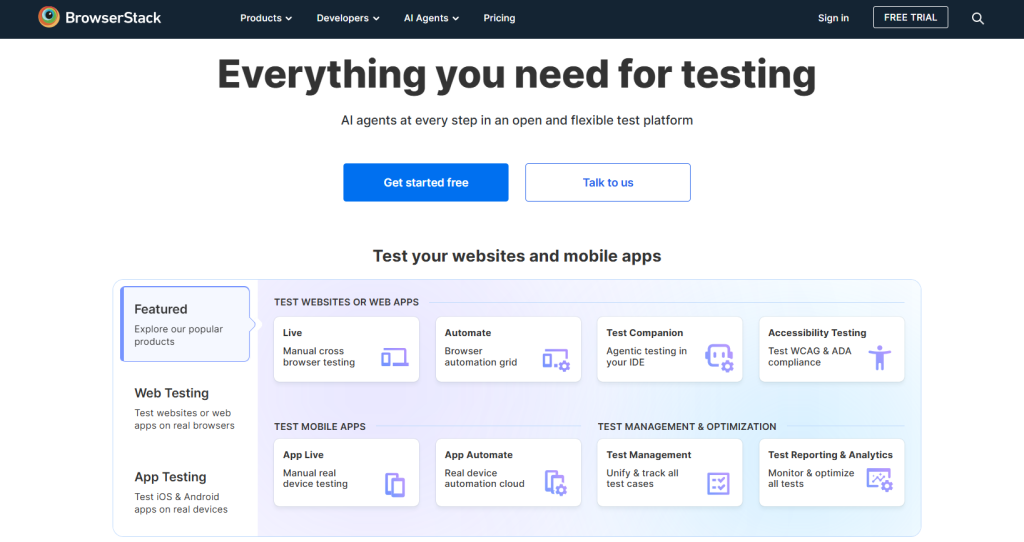
BrowserStack didn’t start life as an accessibility platform. It was a cross-browser and device testing tool first, and accessibility testing was folded in as a feature that slots neatly into existing dev workflows.
That’s actually its strength. Teams already testing across real devices and browsers can run WCAG checks in the same pipeline, mixing automated scans with manual testing where it matters.
Just don’t expect dedicated compliance monitoring or reporting from a tool built for QA, not accessibility management specifically. You’ll likely want to pair it with something more focused.
| Pros | Cons |
|---|---|
| Fits naturally into existing dev and QA workflows | Accessibility is secondary to its core testing focus |
| Tests accessibility across real devices and browsers | No dedicated compliance monitoring or reporting |
| Useful if your team already uses BrowserStack |
#10 – Deque
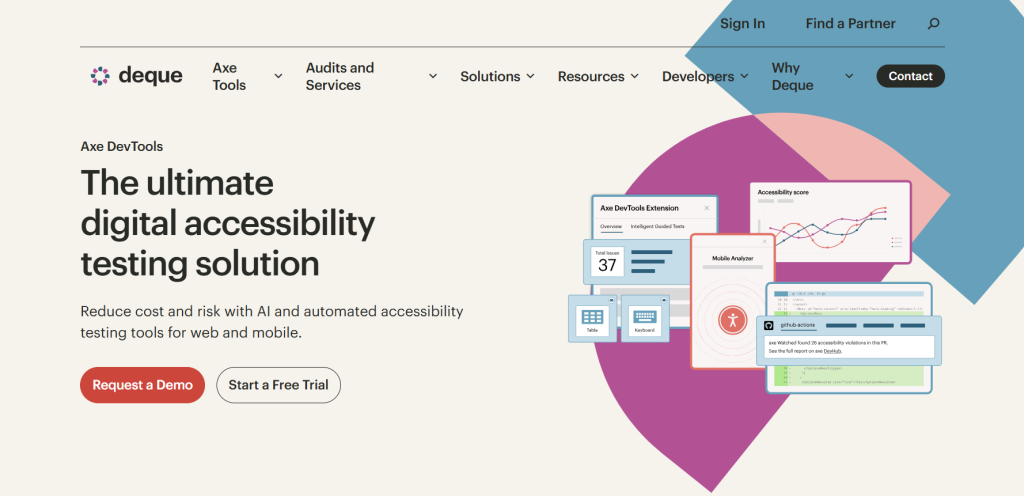
If you’ve used an accessibility tool before, there’s a good chance it was quietly running on axe-core, the open-source testing engine Deque built and maintains. Its enterprise product, axe DevTools, wraps that engine in detailed auditing, guided fixes, and manual testing support.
Deque also runs respected training and certification programs, which fits its reputation as one of the more technical, developer-focused names in accessibility. Teams that want to catch issues early into the build rather than after launch tend to gravitate here.
What you won’t get much of is visitor-facing tooling like a toolbar or widget. Deque is built for developers, not end users.
| Pros | Cons |
|---|---|
| axe-core powers other known accessibility tools | Limited end-user tools compared to competitors |
| Strong dev-focused auditing and guided fixes | Best suited to teams with in-house dev resources |
| Well-regarded training and certification programs |
Final verdict on the top digital accessibility platforms
There’s no single “best” here, it depends on what you’re solving for. Developers chasing code-level fixes will probably lean toward Deque or BrowserStack. Smaller businesses often start cheap and simple with UserWay or EqualWeb. But if you need real assistive tools for your visitors and ongoing compliance work, PDF documents included, Recite Me is the one accessibility platform built to cover everything.
Platforms for website accessibility FAQs
Recite Me is generally considered the best enterprise platform for accessibility, thanks to its all-in-one platform that includes a toolbar, WCAG checker, and PDF remediation.
No, widgets improve usability but leave the underlying code untouched, so pair them with a proper audit.
It varies a lot, from free scanners to enterprise platforms priced by site, page volume, or support tier.
Yes, most accessibility platforms can provide software to remediate PDF documents at scale.