Siteimprove is a big name in web governance. But big doesn’t always mean right for you. If you just need solid accessibility testing, its price tag and bloated feature list can feel like buying a whole toolbox when all you wanted was a hammer.
This guide walks through the strongest Siteimprove alternatives for 2026, including what they cost, what they check, and who they actually suit. No fluff, just what you need to pick the right checker for your site.
What is Siteimprove?
Siteimprove started in Denmark and grew into a full digital governance platform. It checks your website for accessibility issues, against the latest Web Content Accessibility Guidelines (WCAG). But it doesn’t stop there. SEO auditing, content quality checks, policy compliance, and web analytics all live under the same roof.
That’s useful if you want one contract covering five different teams. Not so much if you only care about accessibility and end up paying for tools nobody touches. Getting fully set up can take two to four weeks, and the price can reach into the six figures for more complex sites. Ouch.
The best Siteimprove alternatives to consider
Some of the tools below try to match Siteimprove feature for feature. Others strip things back to a free, no-frills scan. Before you compare prices, work out what you actually need. The “best” alternative really depends on your team size, your budget, and how close your compliance deadline is.
#1 – Recite Me
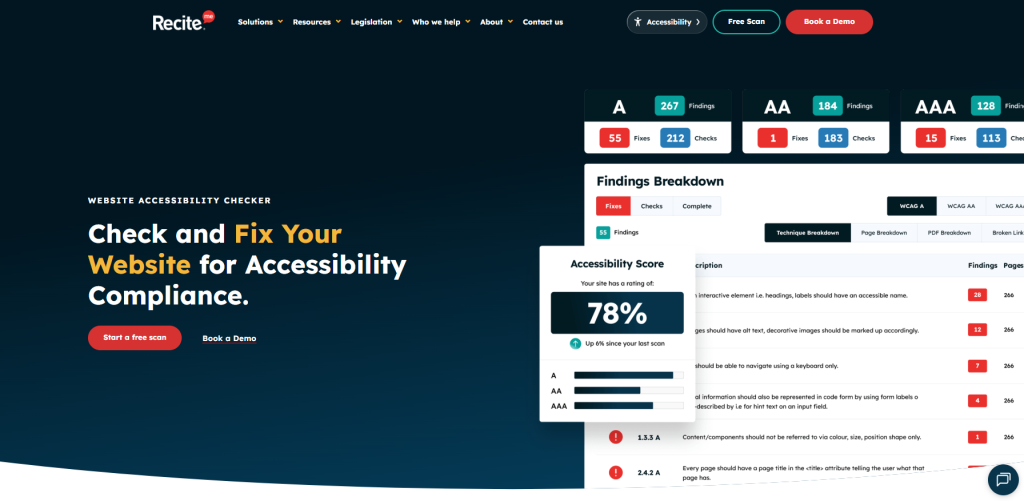
Recite Me scans your site against WCAG and ADA criteria, catching the usual suspects: weak colour contrast, missing alt text, broken heading structure, keyboard traps. What stands out is how the reports read. Instead of dense code snippets, you get plain-language explanations that anyone can understand and act on without pulling in a developer for every fix.
You can also pair the automated scan with a review from a real accessibility specialist, so you’re not left guessing whether a flagged issue is actually a problem. Like most enterprise tools on this list, pricing is quote-based rather than listed on a page, but the platform itself is built specifically around WCAG, ADA, and EAA compliance rather than treating accessibility as a bolted-on extra.
Pros
- Simple reports for anyone to read
- Specialist human reviews available
- Built for WCAG, ADA, & EAA rules
- AI-powered auto fixes at scale
Cons
- No SEO or content auditing built in
- Pricing isn’t published, so you’ll need to request a quote
#2 – Monsido
Monsido, now owned by Acquia, sits close to Siteimprove in scope. Its checker flags WCAG issues while also hunting down broken links, spelling mistakes, and pages that quietly went stale months ago. It also plugs into CMS platforms like WordPress, SharePoint, and Shopify, so people outside the dev team can spot and fix problems too.
The two tools share a lot of overlap, which is why it’s considered such a good Siteimprove alternative. Some buyers report Monsido landing a bit cheaper for similar coverage, though you’ll still need to speak to sales to get a real number. But if accessibility is all you need, you may still be paying for modules that just sit there unused.
Pros
- Solid CMS integrations
- Similar features to Siteimprove
- Popular in higher ed and government
Cons
- No published pricing, quote-only
- Still bundles modules you might not need
#3 – Level Access
Level Access has been in the accessibility game for over two decades, which shows in how seriously it treats documentation. Its checker scans sites and apps against WCAG criteria, then produces reports built to support formal compliance work, including VPAT creation. This isn’t a tool for a quick glance. It’s built for teams that need a paper trail.
Where it really earns its keep is the consulting that sits alongside the software. If you’re worried about legal exposure, or you’re trying to explain a compliance gap to a nervous legal team, having accessibility experts on hand helps. That’s why Level Access shows up so often in industries like finance, healthcare, and government, where the documentation matters just as much as the fix itself.
Pros
- Strong documentation support
- Decades of experience
- Software backed by real experts
Cons
- Steeper learning curve for new teams
- Pricing runs high for smaller organisations
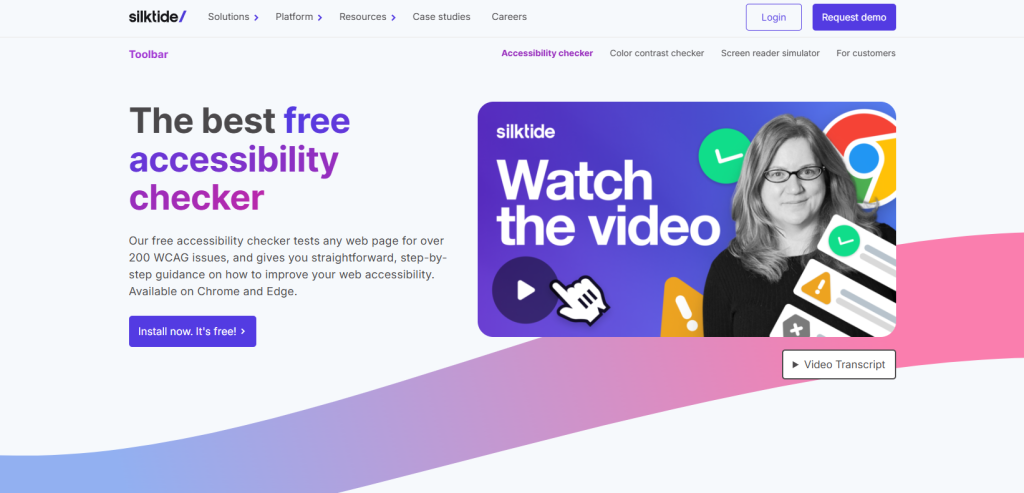
#4 – Silktide
Silktide’s checker runs your pages through WCAG criteria and shows you exactly where things break, on desktop and mobile both. It sits inside a wider web QA platform, but the accessibility side is built with non-technical staff in mind. Issues get explained in plain terms, not developer jargon that sends people straight to Google.
People who’ve used both tools often say Silktide feels cleaner and easier to navigate than Siteimprove. That matters a lot if nobody on your team has “accessibility specialist” in their job title. Switching over is made easier too, since Silktide offers free migration support, carrying across your settings and historical data so you’re not starting from zero.
Pros
- Easier interface for non-specialists
- Free migration support
- Issues explained in plain English
Cons
- Less governance depth for huge multi-site setups
- Fewer enterprise analytics features
#5 – DubBot
DubBot has a loyal following among North American universities and government teams, and the reason is simple. It lets you write your own custom checks instead of relying only on a fixed rulebook. If your institution has internal policies that go beyond baseline WCAG, that flexibility is genuinely useful.
Standard scans still cover the essentials, WCAG criteria, broken links, spelling slip-ups, and the reporting stays refreshingly simple rather than drowning you in data. Because DubBot leans so heavily into education and public sector work, its support team already knows the deadlines you’re up against, whether that’s Section 508 or a state-level accessibility law nobody outside your sector has heard of.
Pros
- Custom compliance checking
- Trusted name in US public sector
- Reporting that doesn’t overwhelm you
Cons
- Smaller footprint outside education
- Less known among private enterprise buyers
#6 – UserWay
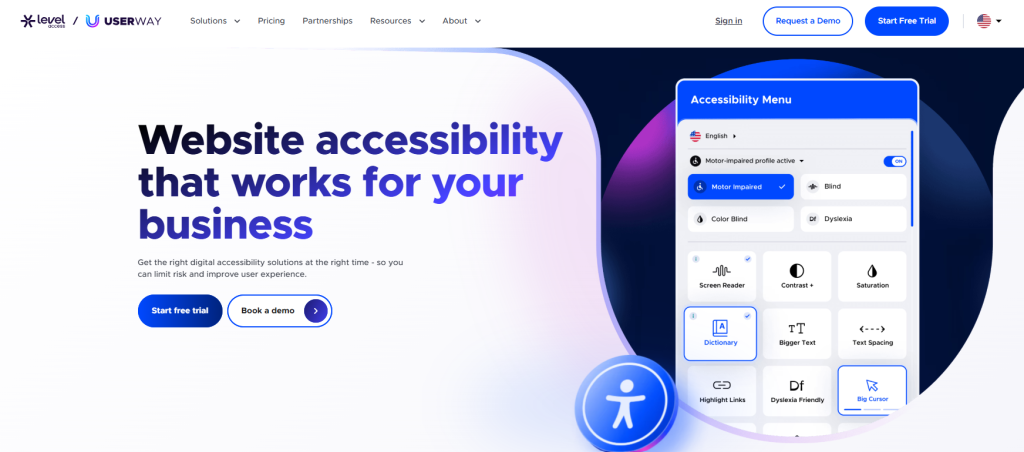
UserWay’s checker scans for WCAG and ADA issues and, by traffic, sits close behind Siteimprove as a competitor. Scans run fast, catching common issues like missing alt text, weak contrast, and form fields nobody labelled properly. Results land in a dashboard simple enough that you don’t need training to read it.
The tool is built for speed, not depth. If you need a baseline check without weeks of onboarding, UserWay gets you there quickly, and it costs less than Siteimprove’s enterprise contracts too. Larger organisations juggling complex compliance needs might find the reporting a bit thin, but for a smaller site looking for a quick, honest read, it does the job.
Pros
- Fast setup, fast scans
- Cheaper entry point
- Dashboard that’s easy to read
Cons
- Less suited to deep, manual audits
- Reporting thins out on large, complex sites
#7 – accessiBe
accessiBe leans hard on AI to scan your site against WCAG criteria and flag issues automatically, running checks continuously in the background rather than waiting for you to press a button. The idea is simple: less manual digging, more automated flagging, so small teams without a developer on standby can still keep tabs on their site.
That speed comes with a catch. Automated tools are great at spotting patterns, but they still struggle with anything that needs judgment, like whether alt text actually describes the image or just repeats the filename. For a basic site, accessiBe can carry you a long way. But for anything more complex, you’ll still want to check the human parts manually.
Pros
- Continuous scanning
- Budget-friendly option
- No developer needed to get started
Cons
- Struggles with context-dependent issues
- Less reliable on large, complex sites
#8 – AudioEye
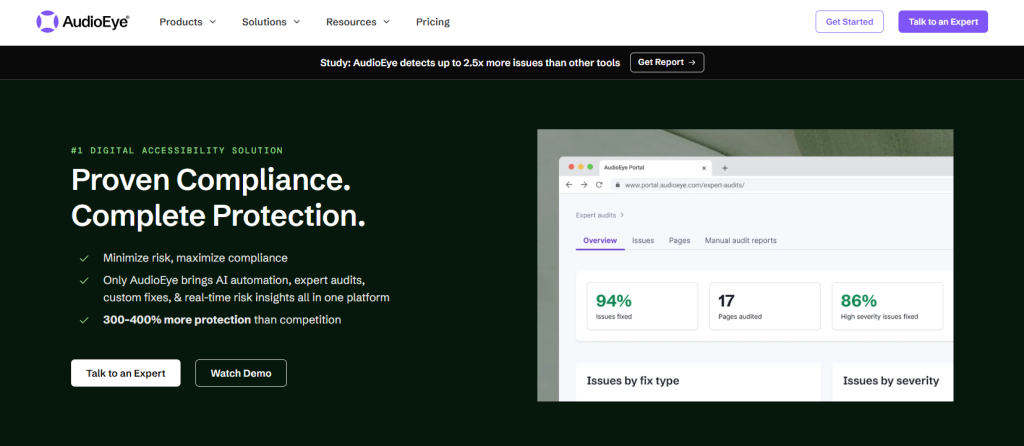
AudioEye mixes automated scanning with a genuine human check, which catches things a pattern-matching tool alone tends to miss. Sites get scanned against WCAG criteria in an ongoing loop, and issues are tracked over time instead of being dumped in a single report you glance at once and forget.
That human-plus-machine combo is aimed squarely at organisations worried about legal risk, and AudioEye backs that up with legal support built into the package. It isn’t cheap once your site grows, though. Pricing scales with size and complexity, so a smaller team might wince at the cost compared to a simpler, scan-only option.
Pros
- Human review and automation
- Legal support included as standard
- Tracks issues over time, not just once
Cons
- Costs climb fast as your site grows
- Some features sit behind pricier tiers
#9 – Deque axe DevTools
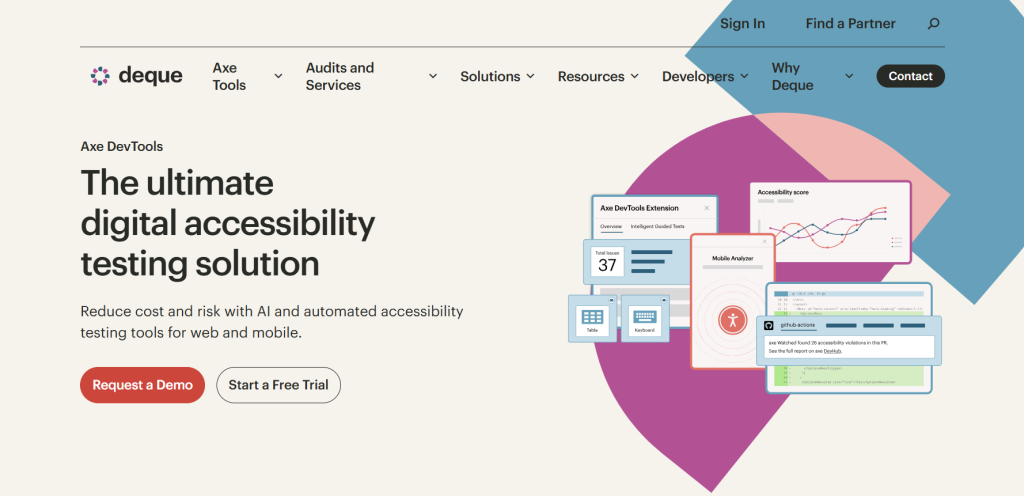
Deque’s axe DevTools is built for developers, plain and simple. It slots straight into CI/CD pipelines, catching WCAG issues before code ever reaches production. The rules engine behind it is so well trusted that several other tools on this list quietly build on top of it.
You can run scans locally while coding or automate them as part of every build, treating accessibility like any other test that has to pass before code ships. That’s brilliant if your team already thinks this way. It’s less brilliant if your organisation doesn’t have developers on hand, since the tool assumes a level of technical fluency that content and marketing teams simply won’t have.
Pros
- Fits straight into developer workflows
- Rules engine trusted across the industry
- Catches problems before they go live
Cons
- Not built for non-technical teams
- No dashboard for company-wide reporting
#10 – WebAIM WAVE
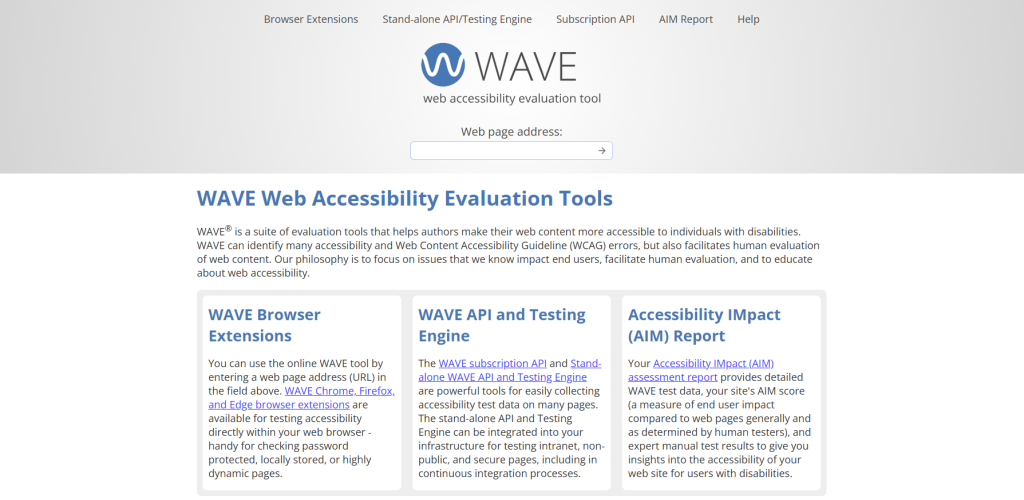
WAVE is free, it lives in your browser, and it shows you exactly where a page falls short by layering little icons right on top of the problem. No separate report to open, no account to create. You just point it at a page and see the issues appear in front of you.
It checks against WCAG criteria and flags the classics, such as missing labels, weak contrast, and structural mess. What it won’t do is track anything over time or hand out tasks to your team, so it’s not really built for ongoing governance. For a quick sanity check before launch, though, it’s hard to beat.
Pros
- Completely free
- Shows issues right on the page
- No account or setup needed
Cons
- No tracking or reporting over time
- Not built for enterprise-scale sites
#11 – Google Lighthouse
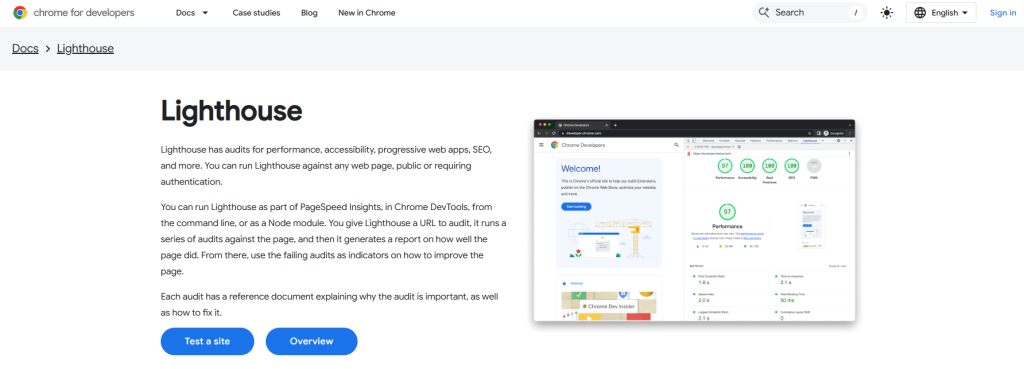
Lighthouse lives inside Chrome DevTools and scores your accessibility, performance, and SEO all in one run. It checks a decent chunk of WCAG criteria, things like contrast, labelling, and ARIA usage, and gives you a number to chase, which is oddly satisfying even when you know it’s not the whole picture.
Because it runs right there in your browser, there’s nothing to install and no account to set up. Results land in seconds. The catch? A good Lighthouse score doesn’t mean your site is actually compliant. It only catches a slice of what WCAG asks for, so treat it as a quick diagnostic, not a finish line.
Pros
- Free and already built into Chrome
- Accessibility score & performance data
- Nothing to install
Cons
- Only covers part of WCAG
- No ongoing tracking or fix guidance
#12 – TestParty
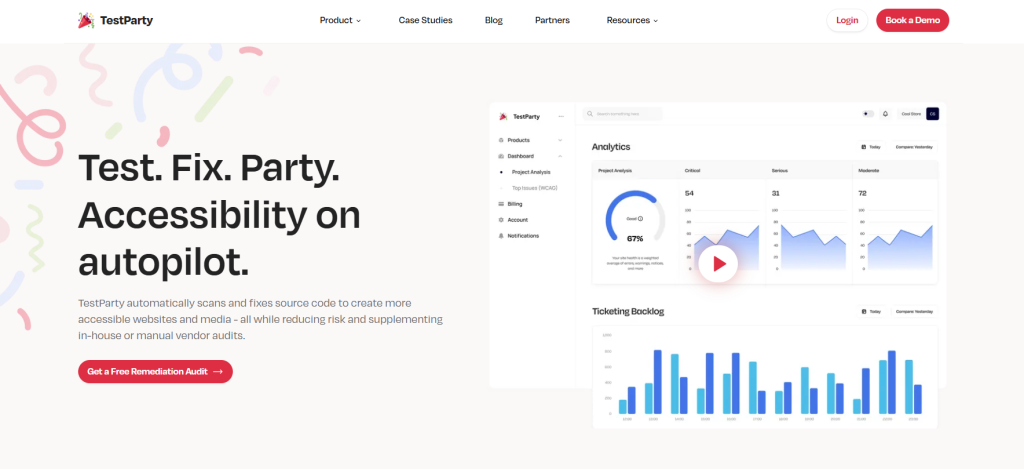
TestParty is one of the newer names on this list, built from the ground up around modern CI/CD pipelines. Its checks run against WCAG criteria and report back in a format that developers actually enjoy reading, rather than a wall of jargon they have to translate for the rest of the team.
Onboarding is fast, often just hours rather than the weeks older platforms demand. Being new does cut both ways, though. TestParty hasn’t had decades to build up the enterprise track record that Siteimprove or Level Access can point to, and its support and consulting team is still small. The core scanning tech, though, holds its own against the bigger players.
Pros
- Strong CI/CD pipeline support
- Fast onboarding, often within hours
- Clean, developer-friendly reporting
Cons
- Shorter track record than older vendors
- Smaller support and consulting team
#13 – Evinced
Evinced uses AI to hunt down accessibility issues with unusually high accuracy, and it’s aimed squarely at engineering teams working across big, tangled codebases. One thing developers seem to like about this Siteimprove alternative is that it has fewer false positives than older rule-based scanners. That means less time wasted chasing flags that turn out to be nothing.
It plugs into development workflows much like axe DevTools, but with a sharper focus on the dynamic, component-heavy interfaces that modern web apps are built from these days. The downside is that Evinced doesn’t really do content or governance reporting, and its pricing is squarely enterprise. If you’re a small team without developers, this probably isn’t your tool.
Pros
- High accuracy, fewer false positives
- Built for large codebases
- Strong fit for modern web apps
Cons
- Thin on content and governance reporting
- Enterprise pricing only
#14 – Pope Tech
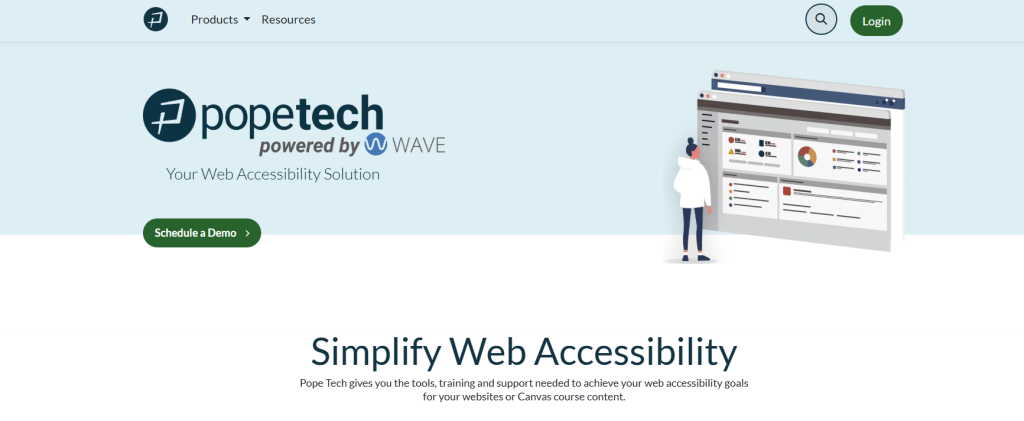
Pope Tech takes the trusted WAVE engine and turns it into a proper monitoring platform, scanning entire sites instead of one page at a time. It checks against WCAG criteria and writes its reports so anyone can understand them, no accessibility training required, which matters a lot for schools and nonprofits running lean teams.
The price reflects that audience too. It’s noticeably cheaper than Siteimprove’s enterprise contracts, and Pope Tech has built real trust within school districts, universities, and nonprofits specifically. Don’t expect it to compete with the big commercial platforms on integrations, though. Its list is shorter, and large enterprises will likely find it a bit basic for their needs.
Pros
- Affordable for schools and nonprofits
- Built on the trusted WAVE engine
- Reports anyone can actually read
Cons
- Not really built for big enterprises
- Fewer integrations than Siteimprove
#15 – EqualWeb
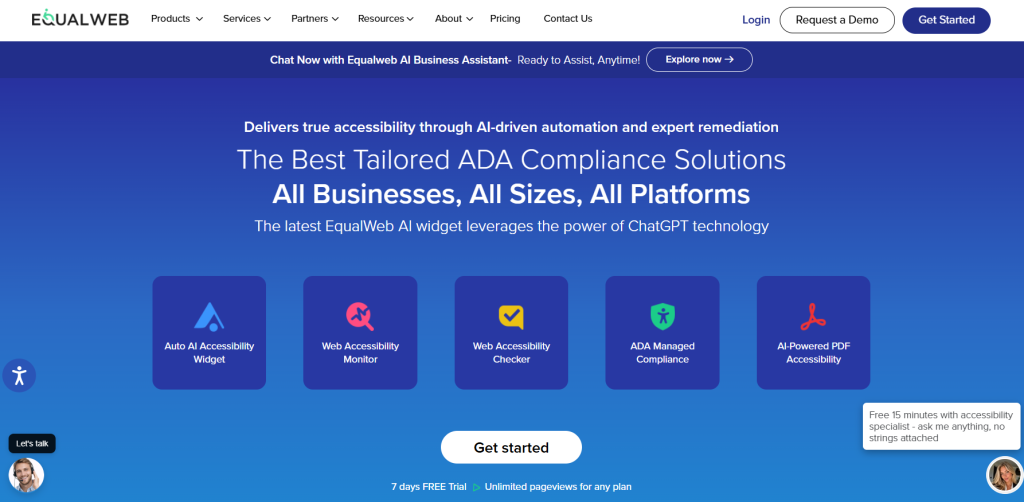
EqualWeb’s checker scans against WCAG criteria and gives you a choice between a fast automated report and a manual audit. That flexibility is important if your budget is tight now but might grow later, since you can start with an automated report and add human review down the line.
Pricing is competitive against similar hybrid tools, and getting set up doesn’t take long. It hasn’t built the same name recognition in the US that Siteimprove enjoys, so you might find fewer case studies to pore over before you commit. The underlying scan technology, though, checks the same WCAG boxes as the bigger names.
Pros
- Choice of automated or manual audits
- Competitive pricing
- Quick to get up and running
Cons
- Less brand recognition in the US
- Fewer published case studies to reference
#16 – Allyant
Allyant does something that a lot of tools on this list skip entirely by checking documents, not just web pages. Alongside its WCAG website scanning, it audits PDFs and other file formats, which turns out to be a huge blind spot for organisations that assume “accessible website” also means “accessible paperwork.” It usually doesn’t.
That makes Allyant a natural fit for publishing, finance, and government, where accessible documents are just as important as an accessible homepage. Consulting comes bundled in too, helping teams figure out what to fix first. What you lose is a bit of focus on continuous website monitoring, since documents share the spotlight with the site itself.
Pros
- Checks documents and PDFs
- Strong fit for publishing and government
- Consulting included
Cons
- Lighter focus on ongoing site monitoring
- Smaller day-to-day dashboard
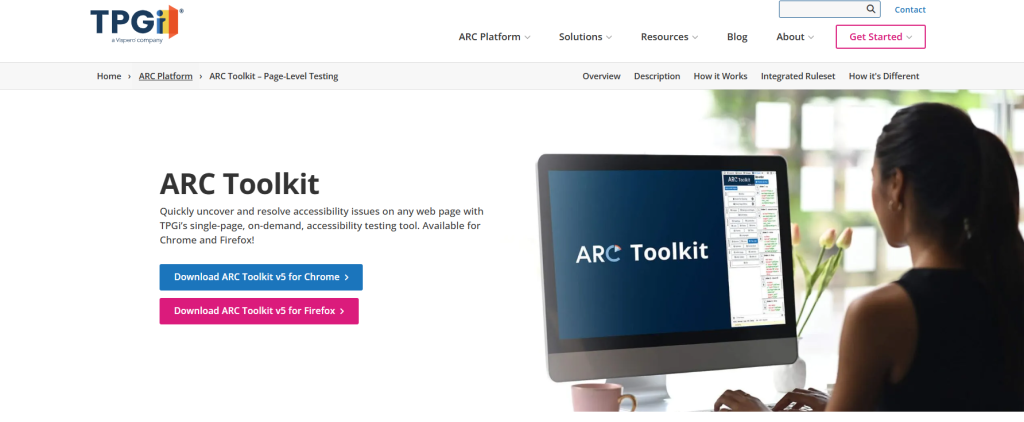
#17 – TPGi ARC Toolkit
TPGi’s ARC Toolkit is a browser extension, not a dashboard, and it’s built by one of the oldest and most respected accessibility consultancies around. It walks testers through WCAG criteria one at a time, which sounds slow but is exactly the point. This tool is for people who want to do manual testing properly.
Accessibility professionals tend to love it for that reason. It’s less useful if you’re after a single automated score or a way to track issues across dozens of sites at once, since that’s simply not what it’s for. Think of it as the scalpel that sits next to your bigger, blunter scanning tools, not a replacement for them.
Pros
- Backed by a well respected consultancy
- Built for thorough manual testing
- Trusted by accessibility professionals
Cons
- Just a browser extension, no dashboard
- Not built for tracking many sites at once
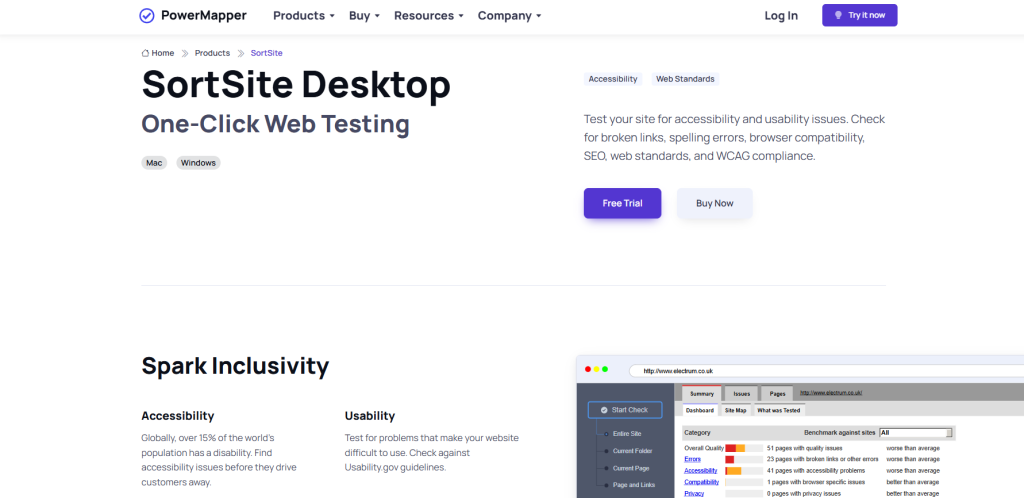
#18 – SortSite
SortSite, from PowerMapper, checks entire websites against WCAG and Section 508 in one pass, alongside browser compatibility and broken links, and it’s been around long enough to have quietly earned trust among developers who just want a reliable desktop scanner without a lot of ceremony. Reports break issues down by page and by rule, so nothing gets buried.
It suits teams who want to run scans on their own schedule rather than sign up for continuous monitoring. Pricing is far more accessible than Siteimprove’s, sold as a one-off licence rather than an annual contract, and there’s a desktop version for anyone who’d rather scan offline. Where it falls short is ongoing tracking. It’s built for point-in-time audits, not day-to-day monitoring.
Pros
- Checks WCAG and Section 508 together
- Affordable one-off pricing
- Clear, page-by-page reporting
Cons
- No continuous monitoring or regression alerts
- Not built for managing many sites at once
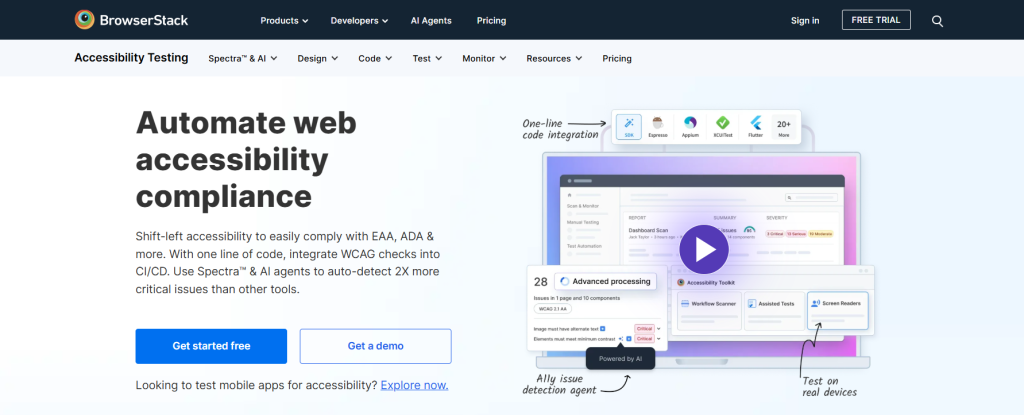
#19 – BrowserStack
BrowserStack bolts WCAG scanning onto its existing cross-browser and cross-device testing platform, which is a smart move if your QA team already lives inside BrowserStack for everything else. Rather than juggling two separate tools, accessibility checks just become another tab in a workflow people already use daily.
Because it’s part of a bigger testing suite, it’s genuinely strong at catching issues that only show up on specific screen sizes or older browser versions, the kind of bugs that hide until exactly the wrong user finds them. Accessibility isn’t the main event here, though. It’s a feature bolted onto a testing platform, so don’t expect the remediation guidance to run as deep as a specialist tool’s.
Pros
- BrowserStack workflow integration
- Cross-browser and cross-device
- Convenient for most QA teams
Cons
- Accessibility is a bolt-on, not the focus
- Lighter remediation guidance than dedicated tools
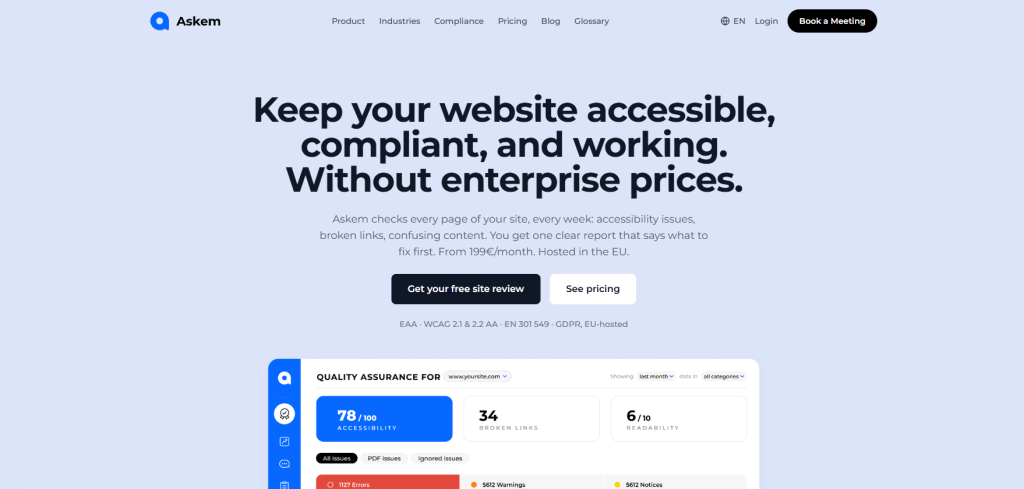
#20 – Askem
Askem runs continuous WCAG monitoring and mixes it with something most checkers skip: real feedback from actual site visitors. That gives you a sense of how accessibility problems actually affect people using your site, rather than just a list of technical violations nobody outside your dev team will ever read. It’s built mainly with European organisations in mind, including EU data residency.
Issues come ranked by priority, so you’re not stuck scrolling through an unsorted wall of flags trying to guess what matters most. Pricing is published, which makes budgeting far less painful than a mystery quote. Being newer than Siteimprove or Level Access, its support network is still growing, and it’s less known outside Europe.
Pros
- Published pricing, no sales call needed
- Issues ordered by priority
- EU data residency for European teams
Cons
- Smaller support network than older vendors
- Less known outside Europe
So which Siteimprove alternative is best for you?
There’s no single “best” alternative here. It depends entirely on what you’re solving for. Free tools like WAVE and Lighthouse are great for a quick gut check. Developer-heavy checkers like axe DevTools and Evinced suit teams who already live in their codebase. Want something that matches Siteimprove almost feature for feature? Monsido and Silktide come closest.
If what you actually want is accessibility testing that people can understand and act on, not just a report that sits unread in someone’s inbox, Recite Me is worth a serious look. It pairs automated WCAG and ADA scanning with the option of expert review, so you get results you can trust rather than a list you have to interpret yourself. Whichever tool you pick, match it to your deadline, your team’s skill level, and the budget you actually have.
Siteimprove Alternatives FAQs
Looking for a quick recap? Here are answers to some of the most frequently asked questions on this topic:
WAVE and Google Lighthouse are your best free options for a quick check, though neither tracks issues over time.
Only if you need accessibility, SEO, and analytics all under one contract. For accessibility alone, dedicated checkers usually cost less.
Most alternatives, including Silktide and Recite Me, offer migration support so your settings and history carry across.