Ever landed on a website and squinted at tiny grey text? Or wished someone would just read the page out loud to you? That is exactly what accessibility widgets are for. They pop up in the corner of a webpage and let you tweak things your way. Think bigger text, more contrast, text-to-speech tools, even a full translation.
This guide rounds up the best website accessibility widgets on the market today. We will cover how they actually work and what makes one genuinely useful over another.
How do website accessibility widgets work?
Most widgets run on a small snippet of code added to a site. Once live, a little icon shows up, usually bottom or top corner of the website, and clicking it opens a menu of options. Visitors can bump up text size, boost contrast, or switch on text-to-speech. That’s just a snapshot of what’s available, as brands like Recite Me have more than 40 active features to explore.
Neither one replaces a proper WCAG audit, though, as these widgets won’t fix the bad design lying underneath them. Think of a widget as a helpful layer on top of good design to make your website more inclusive to those with diverse needs.
An overview of the best web accessibility widgets
Before we dig into each one, here is a quick side-by-side. It shows how many features each widget packs in and who it suits best, so you can jump straight to the ones worth a closer look.
| Brand | Number of features | Best for |
|---|---|---|
| Recite Me | 40+ | Enterprises needing full customisation coverage |
| WideAccess | 23+ | Budget-conscious small businesses |
| Eye-Able Assist | 25+ | Personalised reading assistance |
| Userway | 35+ | Quick-install visual adjustments |
| Equally.AI | 22+ | Mid-sized sites wanting AI-driven fixes |
| TabNav | 20+ | Keyboard navigation improvements |
| AccessiBe | 35+ | Automated overlay-based fixes |
| All in One Accessibility | 23+ | Multilingual accessibility support |
Ranking the top website accessibility widgets
Now for the details behind the table. We ranked these eight by feature depth, ease of use, and how much real control they give visitors, starting with the most complete option.
1.) Recite Me
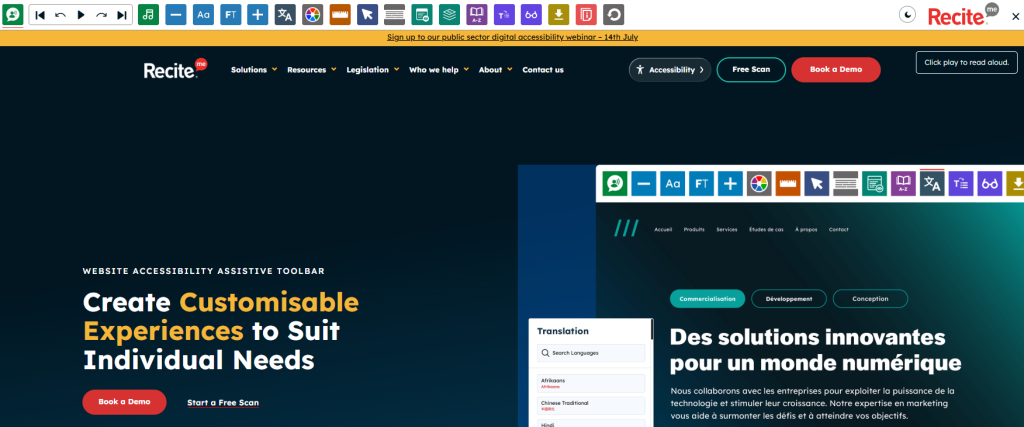
Recite Me is the website accessibility widget with the biggest list of features. So you’re not just tweaking colours and fonts with this tool. Here are a few of its most popular features:
- Text-to-speech with adjustable voice and speed.
- Translate any page with more than 100 language options.
- Reading aids including screen masks, rulers, dictionary, and AI summaries.
That range is why big organisations with wide, varied audiences tend to pick it. It is not a genuine overlay hack either, it offers real usability that improves the experience for people with diverse needs. The catch? The pricing model is custom built for each organisation, so you’ll need to reach out for more details..
2.) WideAccess
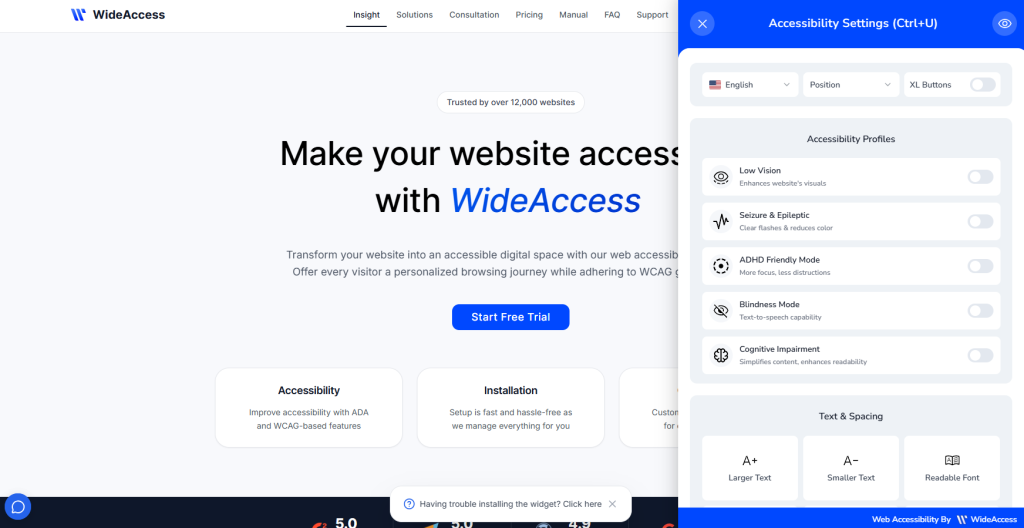
WideAccess sticks to the basics and does them well. It goes live in under a minute on WordPress, Shopify, or Wix, and covers:
- Adjustable text, spacing, and contrast controls.
- Colour-blindness and low-vision filters.
- Free tier with fast setup.
There is also a handy dashboard for tracking usage across sites. It is a great, budget-friendly starting point, though bigger sites will likely want more depth eventually.
3.) Eye-Able Assist
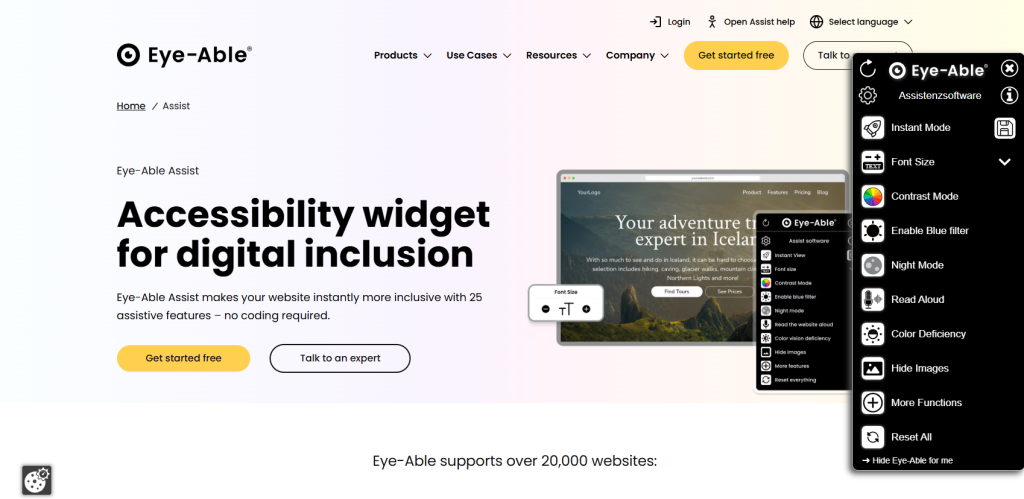
Eye-Able Assist is all about making text easier to read, with tools like:
- Natural-language text-to-speech, including PDFs.
- Colour vision deficiency filters.
- Dyslexia-friendly font switching.
It is a great match for text-heavy sites like news pages, schools, or blogs. That said, it stays fairly narrow, so sites wanting deeper navigation or translation tools may want to pair it with something else.
4.) Userway
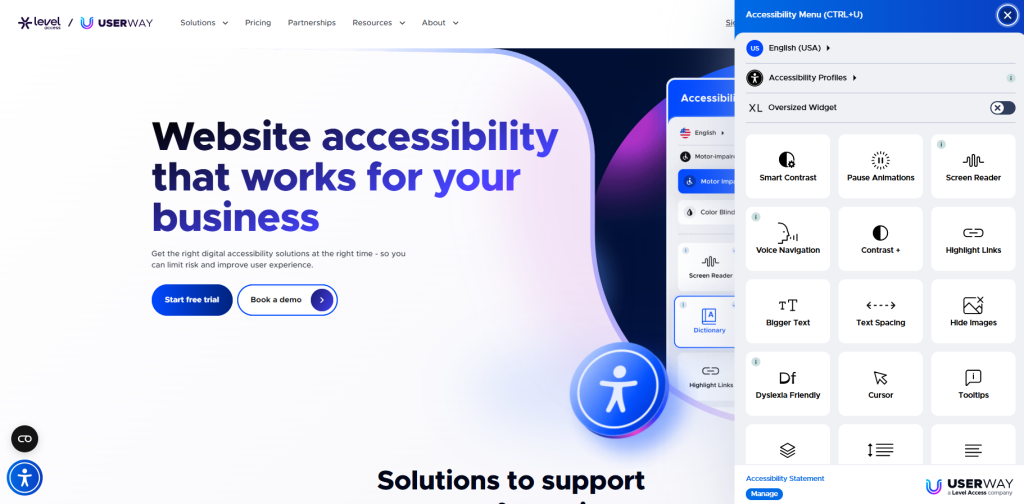
Userway is one of the most widely used widgets out there, thanks to a fast setup and a generous free plan. It blends manual adjustments with AI-powered fixes, including:
- 100+ AI-powered accessibility tools.
- Translation and text-to-speech in 50+ languages.
- One-click disability profiles.
It plugs into more than 20 platforms, so most sites can get it running fast. A few users note the automated fixes can be hit or miss on custom-built sites, so it is worth double-checking manually too.
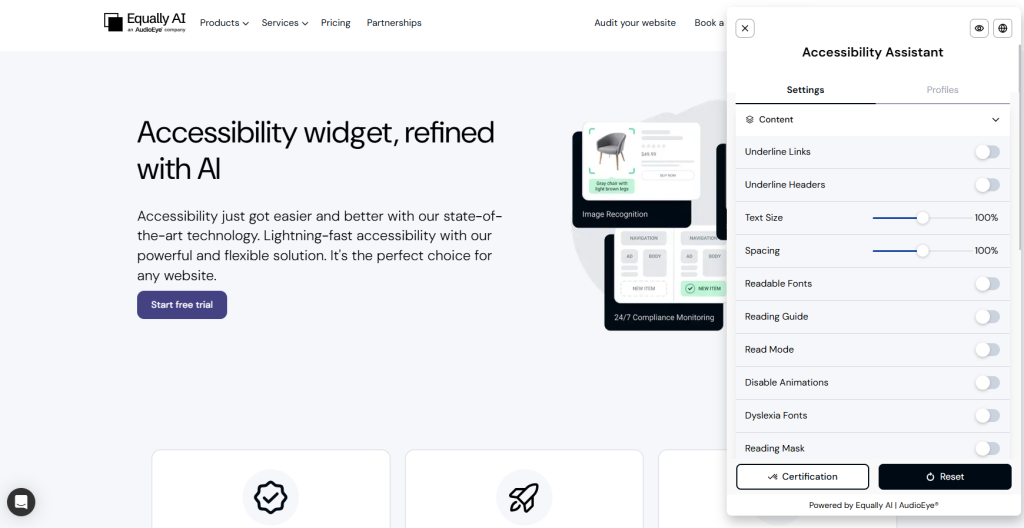
5.) Equally.AI
Equally.AI installs with a single line of code, then leans on AI to handle the rest. Here is what that gets you:
- Daily automated accessibility scans.
- Profile-based quick adjustments.
- Fully brandable widget styling.
You can also restyle the widget to match your brand, so it never looks bolted on. Since it works mostly through profiles rather than fine manual sliders, it can feel a touch less flexible for detailed tweaks.
6.) TabNav
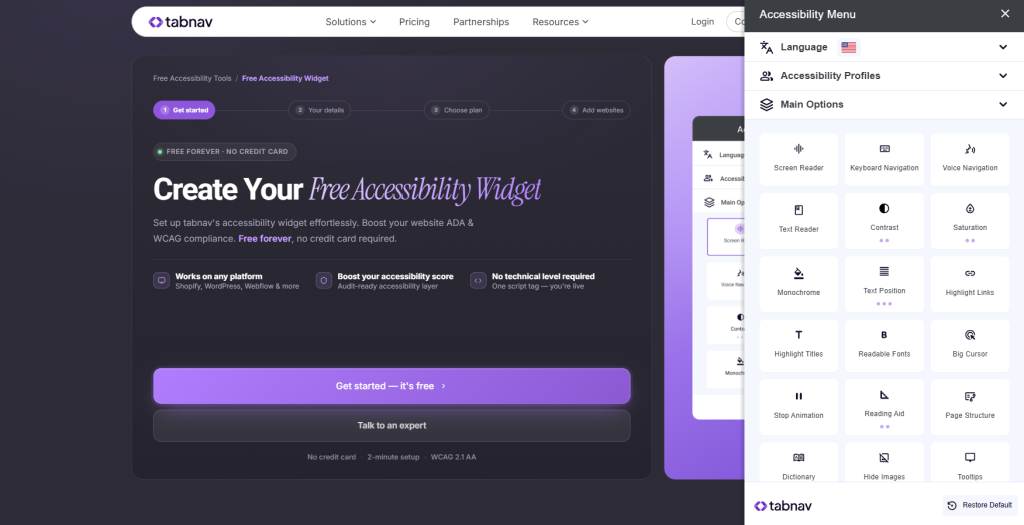
TabNav zeroes in on one thing: keyboard navigation. It is built for visitors who cannot use a mouse, and it covers that ground with:
- Enhanced keyboard-only navigation.
- Automatic ARIA tag and alt text generation.
- Lightweight install with no design disruption.
It works nicely as an add-on next to a broader visual or reading widget. On its own, though, it will not touch text size or translation, so it suits sites that already have those covered.
7.) AccessiBe
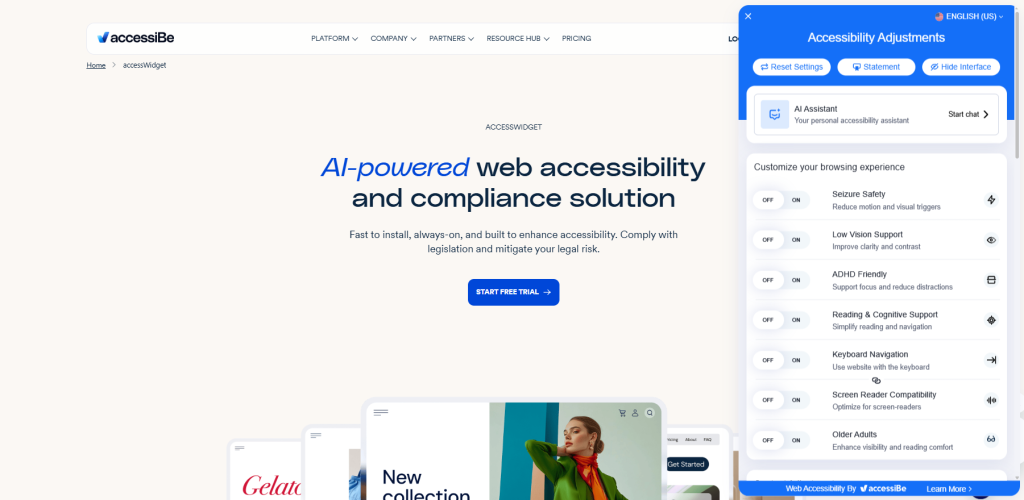
AccessiBe scans a site and applies visual and structural fixes with AI, almost right after install. The core toolkit looks like this:
- AI-powered automated remediation.
- Seven built-in accessibility profiles.
- Daily re-scanning for site changes.
The overlay approach means fixes land fast with barely any setup. Still, some accessibility advocates push back on overlays, arguing they cannot fully replace fixes made at the code level.
8.) All in One Accessibility
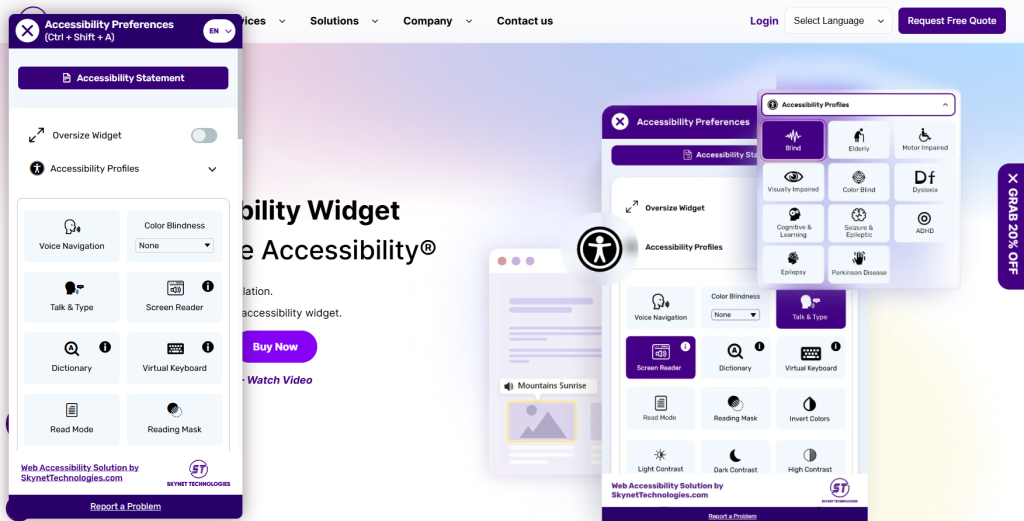
All in One Accessibility pairs a wide feature set with strong multilingual support, good news for sites with a genuinely global audience. That mix includes:
- Broad language switching support.
- Visual customisation and screen reader tools.
- Easy integration with no developer needed.
Most settings need zero technical setup. The trade-off is an interface that can feel a bit busy on smaller sites, with some features overlapping without adding much extra value.
Pick your favourite accessibility plugin and get started today
The right widget really comes down to your site’s size, your audience, and how deep you need the customisation to go. A small site can probably get by with something lighter and cheaper, like WideAccess. But if you are serving a big, varied audience, especially across countries or languages, a fuller toolbar like Recite Me earns its keep fast.
Whatever you pick, treat it as a real usability boost, not a compliance shortcut. Pairing it with a proper WCAG audit will always give you a clearer picture of where your site truly stands.
Best website accessibility widgets FAQs
Looking for a quick recap? Here are answers to some of the most frequently asked questions on this topic:
No, they improve usability and support your efforts, but do not guarantee accessibility compliance alone.
No. Most install with a single line of code or a plugin download, and it usually takes just minutes.
Some are, like WideAccess’s free tier. Others, like Recite Me and AccessiBe, offer paid plans with deeper features for bigger sites.
No, a well-designed accessibility widget will not slow things down.
No, multiple accessibility widgets are not recommended. Running several can cause conflicts or duplicate features, so pick one that covers what you need.