More than half of websites risk excluding visitors with disabilities because they need accessibility improvements. This means businesses are actively missing out on millions of potential customers while simultaneously violating statutory law across Europe.
To improve these standards and create a fair online marketplace, the European Accessibility Act (EAA) requires key digital products and services to be completely accessible. If you are looking to safeguard your platform, you can learn more about EAA compliance requirements and explore some of the best website accessibility checkers below.
What is the European Accessibility Act (EAA)?
The European Accessibility Act is an EU law that standardises digital accessibility rules across all 27 nations within the European Union. It states that important digital services including online shops, mobile apps, banking systems and transport websites must be accessible to people with disabilities. That includes people who rely on screen readers, keyboard navigation, or other assistive technologies.
Since the official enforcement deadline has passed, these strict rules apply to companies located inside Europe as well as any international businesses selling goods or services to European consumers.
Why do you need to be EAA Compliant?
You need to be EAA compliant if you want to sell digital products or services in Europe. If found not to be adhering to the guidelines, governments can impose huge fines, and customers or public groups can easily sue your business for failing to meet the law.
What are the best EAA website compliance checker tools?
To help you find the best accessibility compliance tools for your business, here are ten of the best software options currently on the market.
1. Recite Me
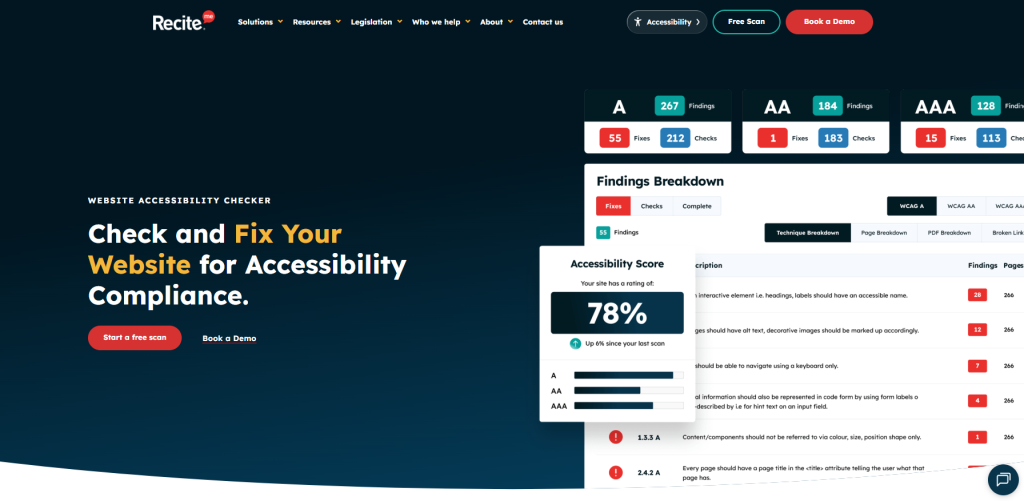
While basic tools only look at simple code, the Recite Me Accessibility Checker is built to offer complete website audits to make sure you do not miss any legal issues. The system runs 396 separate checks at the same time across your website’s hidden code and live pages, testing every link, image, and uploaded PDF to identify barriers and WCAG 2.2 violations.
This accessibility platform automatically tracks errors, creates ready-to-use code fixes for developers, and uses image data to auto-generate descriptive alt text. It also connects directly with project management tools like Jira, which makes it one of the most reliable, enterprise-grade tools on the market for keeping your business safe and compliant.
Best for: Large enterprises, organisations trading within the EU, public sector bodies.
2. GetWCAG
GetWCAG is a simple tool which scans thousands of pages in minutes to catch code issues within complex layouts. Running each audit in a real browser environment, the platform securely tests multi-step user flows, including checkout baskets and pages behind secure logins to track progress over time. It also generates legally required accessibility statements and audit-ready reports, providing you with continuous compliance accessibility monitoring.
Best for: Government agencies, banks and insurance companies
3. Axe DevTools
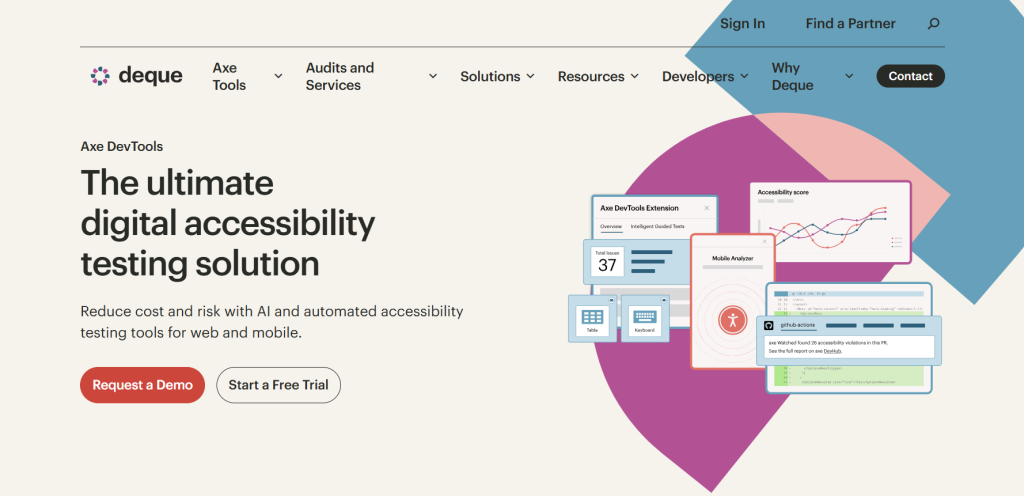
Axe DevTools is a powerful browser extension trusted globally for its high accuracy, which saves individual developers and testers time by eliminating false alarms during automated testing. The paid tool offers automated, intelligent accessibility testing tools for web and mobile. By integrating automated checks and AI-driven Intelligent Guided Tests across numerous development environments, coding languages and CI/CD tools, your software dev and QA teams can catch violations before code hits production.
Best for: Individual developers, mid-sized organisations and testers
4. AccessibilityChecker.com
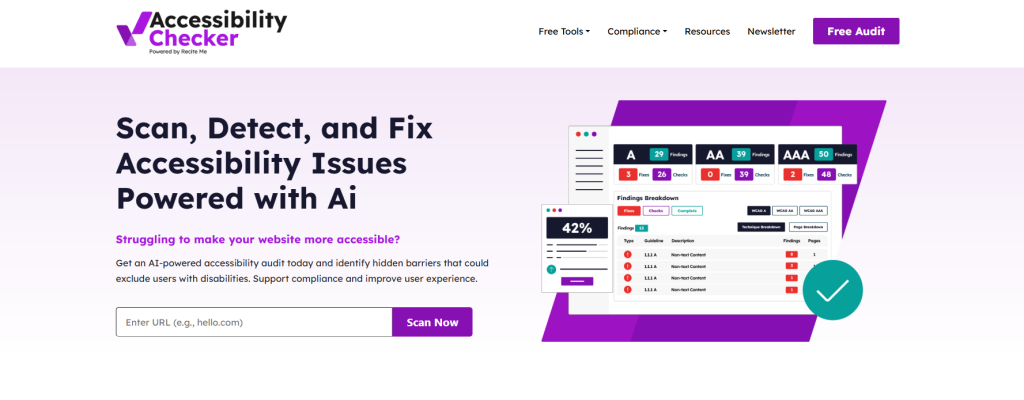
Looking for quick risk checks and tracking? With AccessibilityChecker.com, you can simply paste your main web address into the search box to get an instant compliance audit and a list of detected errors. The platform also provides a suite of free compliance tools and practical assets, including a colour contrast checker, policy templates, and an accessibility toolkit to streamline inclusive design for developers and website owners.
Best for: Business owners needing a fast initial risk check and education
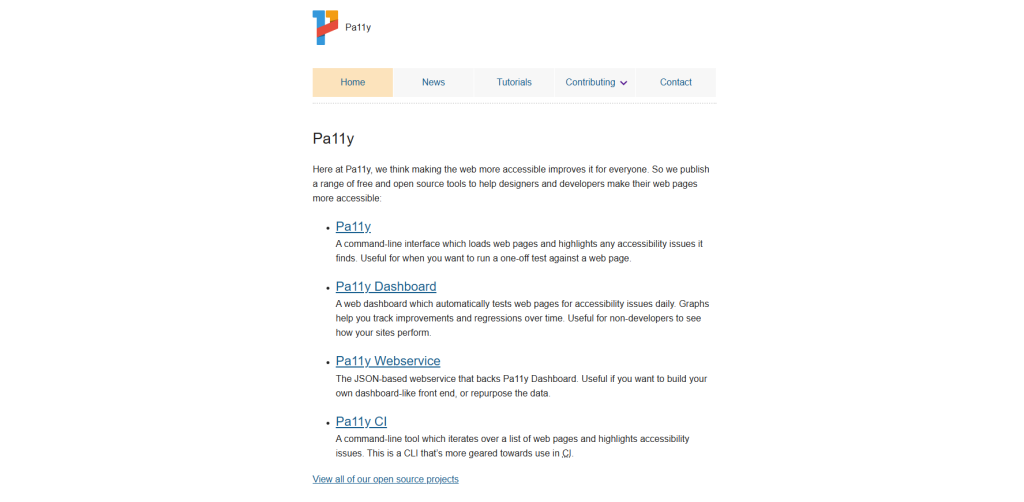
5. Pa11y
Pa11y is a free, open-source tool built for technical environments where code automation is valued. This automated testing tool allows developers to run accessibility tests from the command line or as part of your test suite, making it easy to add into build cycles. Because it scales easily inside code repositories, it is regularly used by engineering teams, though its lack of a visual interface means it cannot be used by compliance officers or standard content editors.
Best for: Developers, web designers and QA testers
6. A11yanalyser
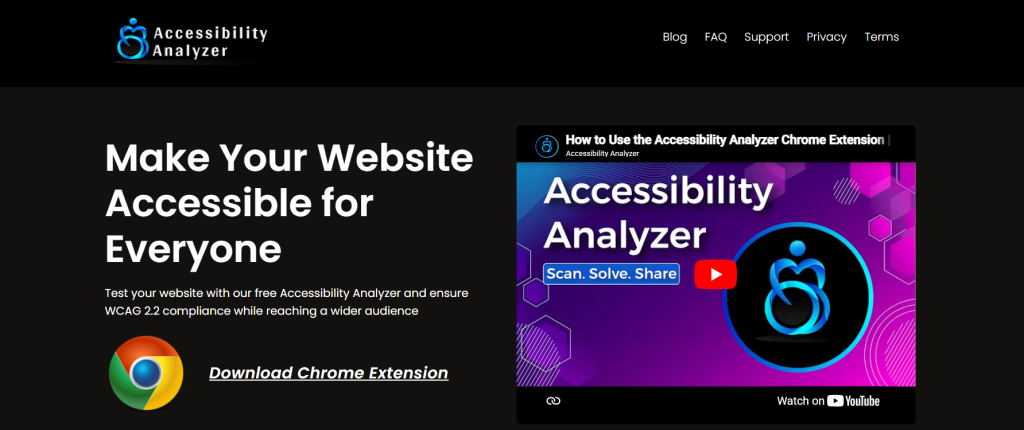
A11yanalyser is a free browser extension, available as a Chrome Extension, designed to perform quick and comprehensive web accessibility audits against WCAG 2.2 standards. This reliable and user-friendly website checker scans your website for potential accessibility gaps, reducing the need for extensive manual checks. You can also download a report of the audit directly into Excel formats, making it easy for teams to collaborate, track long-term progress and verify basic compliance without complex, external setups.
Best for: Small businesses looking for automated, hands-off monitoring
7. Google Lighthouse
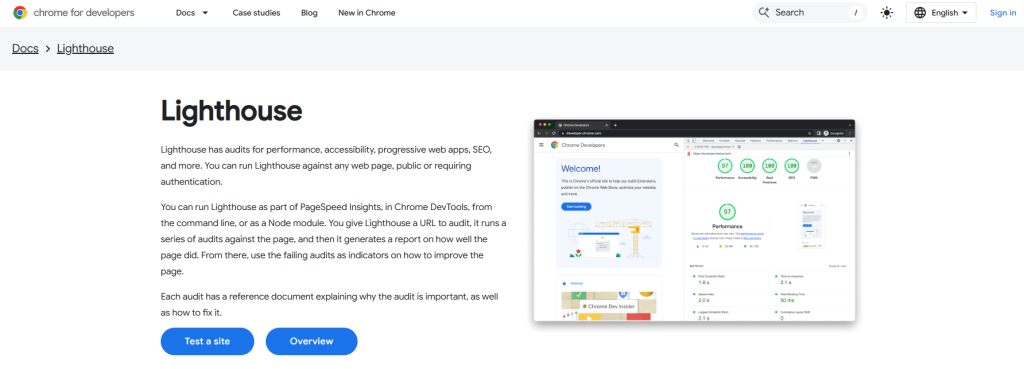
Built directly into the Google Chrome browser, Lighthouse gives you an accessibility score alongside performance checks without extra software. It uses a testing engine to flag quick errors like missing labels or text that is too hard to read against its background. It’s a great tool for quick checks while browsing, but its automatic scans only catch a small portion of the barriers real users experience.
Best for: Web developers and SEO professionals
8. Accessibility Insights
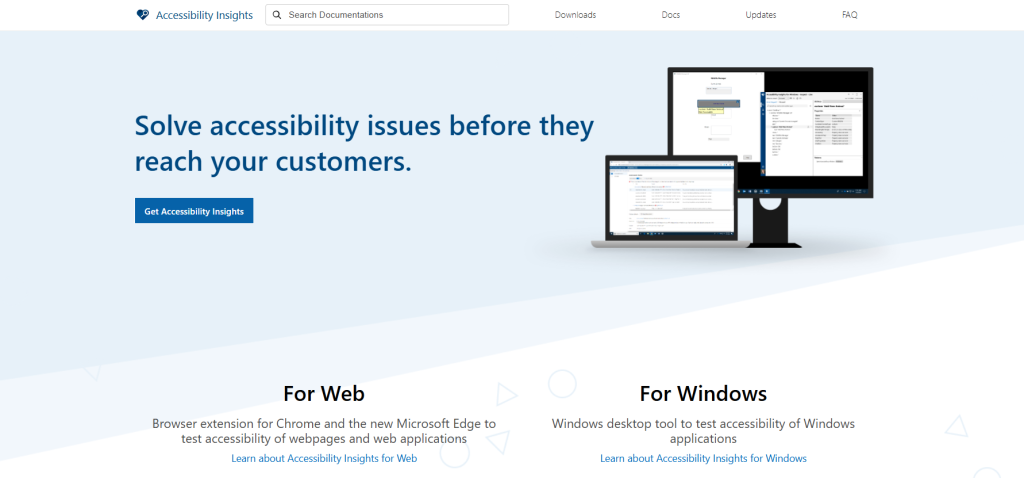
Created by Microsoft, Accessibility Insights is a free, dependable tool available as a desktop application or browser extension. It is popular as it offers automated checks with step-by-step instructions for manual testing, helping users spot complex issues like keyboard navigation that standard computer code cannot test alone. While it does require you to test each page manually and lacks central corporate reporting, it is a great resource for individual page evaluations.
Best for: Quality assurance (QA) staff and solo developers
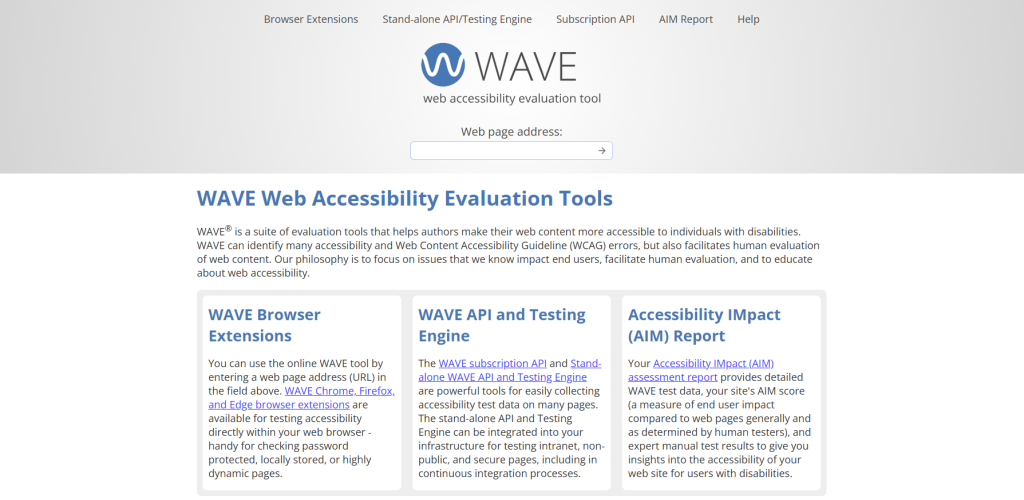
9. WAVE (Web Accessibility Evaluation Tool)
As one of the oldest and most popular browser extensions available, WAVE places clear, colourful icons directly onto your live website to point out contrast errors and missing technical labels in real time. It provides instant visual feedback while designing a page or teaching writers how to format content correctly, though it operates strictly on a one-page-at-a-time basis.
Best for: Content creators, designers, and fast page-by-page reviews.
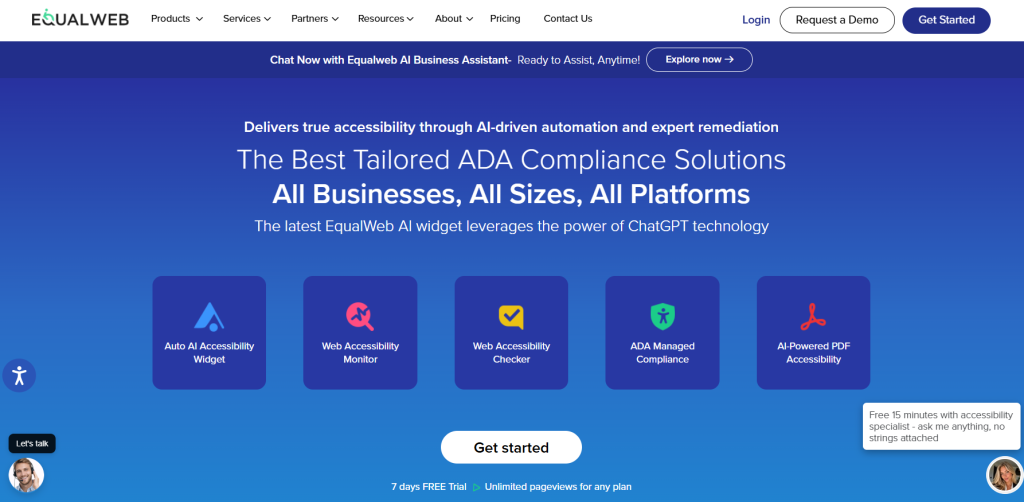
10. EqualWeb
EqualWeb is a real-time web accessibility testing tool that validates ADA and WCAG 2.2 compliance by scanning one page at a time. This free automated auditing tool analyses the website and provides a visual guide about accessibility issues. Working as an extra feature on your browser, the checker can be used to find issues not visible to the human eye or hard-to-find visual cues. However, it’s important to note that this accessibility checker is not a comprehensive web accessibility auditing tool and you’ll require an additional solution for detailed reports and accurate identification of accessibility errors.
However, it’s important to note that this accessibility checker is not a comprehensive web accessibility auditing tool and you’ll require an additional solution for detailed reports and accurate identification of accessibility errors.
Best for: Individual web developers, marketers, designers and content creators
What standards are required to achieve EAA Compliance?
To meet the legal rules of the European Accessibility Act, websites and mobile apps must match a specific European standard called EN 301 549. This framework uses WCAG 2.1 Level AA as its standard compliance, though government agencies in countries like France and Germany often want to see WCAG 2.2 Level AA guidelines followed to prove a company is taking the rules seriously.
This technical standard means your website must be easy to see, easy to navigate, easy to understand, and compatible with assistive technology. Automated tools help you hit this target by checking text contrast, making sure keyboards can navigate the site, testing reading levels, and checking code so screen readers can read the site out loud perfectly.
What are the benefits of complying with EAA requirements?
Designing accessible websites also opens your products to millions of people with disabilities worldwide, which helps you grow your customer base, enter new markets easily, and avoid non-compliance legal risks. Additionally, many accessibility rules, like clean code, mobile-friendly designs, and image descriptions, happen to be the exact same things search engines look for, which naturally boosts your organic rankings.
In addition, clear contrast and simple menus make a website easier for everyone to use, which helps lift your sales and improves overall customer satisfaction.
Summary: Work toward EAA compliance today
There is a wide variety of website accessibility checker tools to help organisations achieve EAA compliance. Different tools suit different business needs. For instance, Recite Me is the best option for enterprise organisations, while AccessibilityChecker.com is suitable for any size business looking for quick compliance checks. There are also free tools such as WAVE and Google Lighthouse.
Ready to learn more about how your business can create accessible online experiences? You can get your free webpage accessibility check here.
Best Website Accessibility Checkers for EAA Compliance FAQs
Looking for a quick recap? Here are answers to some of the most frequently asked questions on this topic:
Website accessibility means designing and building websites, tools, and apps so that everyone can use them, including people with disabilities. This includes making sure your site works well for individuals with vision loss, hearing impairments, motor difficulties, or learning differences.
The law applies to any business that sells products or digital services to consumers within the European Union, even if the company is based outside the EU, like in the UK or the US.
The technical framework used to demonstrate compliance is the European standard EN 301 549. For websites and mobile applications, this standard directly adopts the Web Content Accessibility Guidelines (WCAG) 2.1 Level AA criteria.
A digital service includes websites, apps, and platforms that people use to access everyday utilities and businesses online. Key examples include online shops, banking apps, travel ticket platforms, flight booking websites, electronic books, and video streaming platforms.
Ignoring EAA requirements can lead to serious legal, financial and reputational consequences. European authorities can force you to take down your website or pull your products from the market entirely and individual EU countries can issue heavy fines.