Accessibility lawsuits in the US hit record highs in recent years, and with the European Accessibility Act now in force, the pressure on organizations to demonstrate WCAG compliance has never been greater. The right accessibility checker won’t just protect you legally, it will surface real barriers that affect how disabled users experience your site.
But here’s the problem most comparison articles skip over: no single automated tool catches everything. Research consistently shows that automated scanners detect roughly 30–57% of WCAG issues. The rest require human judgment, context that a rules engine simply can’t evaluate.
This guide compares the best website accessibility checker tools available right now, broken down by use case, so you can build a testing workflow that actually closes the gap.
What to Look For in an Accessibility Checker
Before comparing tools, understand what separates a useful checker from one that generates noise:
- False positive rate: Tools that flag non-issues waste developer time.
- WCAG version coverage: WCAG 2.2 is the current standard.
- Scan scope: Single-page checkers vs. site-wide crawlers serve different needs.
- Guided vs. automated testing: Fully automated tools leave a coverage gap. The best platforms offer guided manual checks to fill it.
- Workflow integration: For development teams, CI/CD integration is non-negotiable. For compliance teams managing accessibility programs across large organizations, dashboards, PDF checking, and team reporting matter more.
The Best Website Accessibility Checker Tools
With hundreds of website accessibility checker tools on the market, finding the best options can be more challenging than you think. To simplify the process, we’re providing our top ten:
1. Recite Me Accessibility Checker
Best for: Organizations that need a complete, managed accessibility program
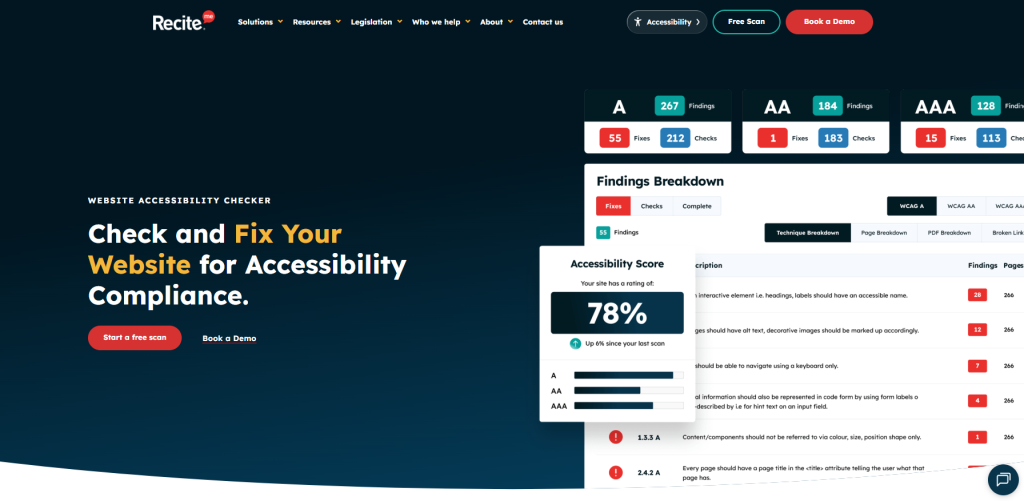
Recite Me is a digital accessibility solutions platform that goes well beyond a simple scanner. Its Accessibility Checker scans your entire website against WCAG 2.2, covering web pages, PDFs, images, and linked documents in a single pass. And it doesn’t stop at surfacing problems. The platform provides AI-powered quick fixes, developer-ready code suggestions, and a prioritized remediation queue so teams can act on results immediately rather than staring at a report.
What distinguishes Recite Me for organizations with serious compliance requirements is the depth of its ecosystem. The checker is one component of a broader suite that includes PDF remediation at scale, accessibility consultancy, WCAG training, and documentation support (VPATs, accessibility statements, compliance policies). For legal, procurement, or governance teams that need to demonstrate proportionate action, not just run a scan, that combination is difficult to replicate with point tools.
Pricing is custom and contract-based (12-month minimum), reflecting the platform’s positioning as an ongoing compliance partner rather than a one-off checker. However, a free demonstration and WCAG 2.2 AA scan are available to get started.
- Standards covered: WCAG 2.1, 2.2; ADA; EAA; Section 508; AODA; DDA; ACA
- Formats: SaaS platform, Chrome extension, Azure DevOps integration
- Pricing: Custom quote; annual contracts; free demo scan available
- Standout feature: Full-platform approach combining automated scanning, AI fixes, PDF remediation, and expert services under one roof
2. AccessibilityChecker.com
Best for: Teams and agencies that need fast, actionable WCAG and ADA compliance reporting
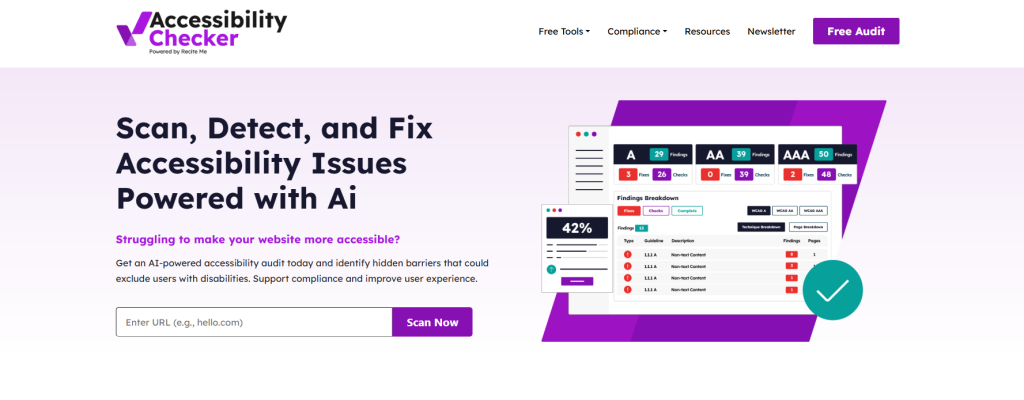
AccessibilityChecker.com is a purpose-built compliance checker that scans for ADA and WCAG violations and tells you exactly how to fix them. Where many tools produce a list of failures and leave the remediation work to you, AccessibilityChecker pairs each identified issue with clear, step-by-step fix instructions. For teams without an in-house accessibility specialist, that guidance is often the difference between a useful tool and an unused one.
Additionally, the platform supports compliance checking across WCAG 2.0, 2.1, and 2.2, as well as Section 508, EAA, AODA, and several other regional standards. Beyond the core web scanner, it includes a color contrast checker, a VPAT template, and an accessibility statement generator, making it a practical hub for organizations managing compliance across multiple content types.
- Standards covered: WCAG 2.0, 2.1, 2.2; ADA; Section 508; EAA; AODA
- Formats: SaaS platform, Chrome extension, color contrast checker, PDF checker
- Pricing: Free single-page scan; paid plans for full-site scanning and monitoring
- Standout feature: Actionable fix instructions paired directly with each issue; white-label agency support
3. axe DevTools (Deque)
Best for: Development teams integrating accessibility into their build pipeline
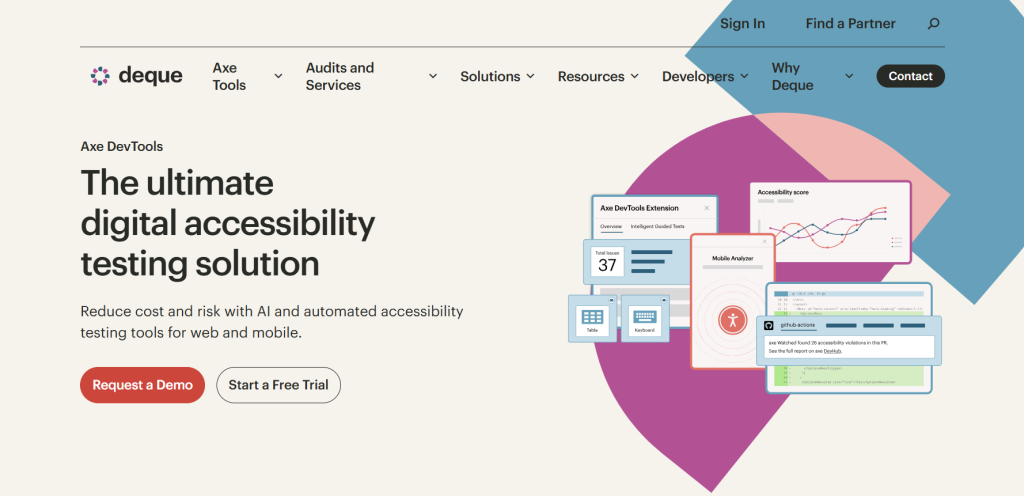
axe DevTools is built on axe-core, the open-source engine that has become the de facto industry standard for automated accessibility testing. Its defining characteristic is an extremely low false positive rate, meaning when it flags an issue, the issue is real.
The free browser extension (Chrome, Firefox, Edge) integrates directly into developer tools and provides on-demand scans during development. For teams that need more, the Pro and Enterprise tiers introduce Intelligent Guided Testing (IGT). This is a question-and-answer system that walks testers through complex issues automation alone can’t evaluate, such as meaningful link text or appropriate reading order.
axe DevTools also integrates with CI/CD pipelines, allowing accessibility checks to run automatically as part of every build. This shifts accessibility left in the development lifecycle, catching issues when they’re cheapest to fix.
- Standards covered: WCAG 2.0, 2.1, 2.2; Section 508
- Formats: Browser extension, CLI, CI/CD integration
- Pricing: Free extension; Pro and Enterprise tiers available
- Standout feature: Zero false positives guarantee; Intelligent Guided Testing
4. WAVE (WebAIM)
Best for: Quick visual audits, educators, and accessibility consultants
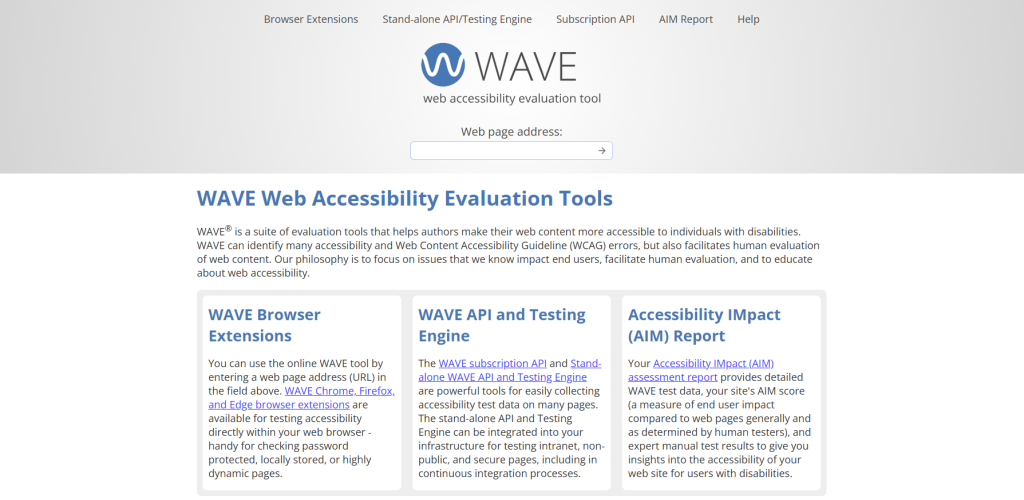
WAVE (Web Accessibility Evaluation Tool) is one of the most widely recognized accessibility tools in the industry. Rather than generating a separate report, it overlays visual indicators directly onto the page being tested, including icons that show exactly where errors, warnings, and structural elements exist in context.
This visual approach makes WAVE particularly effective for design reviews and stakeholder discussions where you need to point at a live page rather than interpret an abstract report. Additionally, the browser extension handles password-protected and locally-stored pages, which the online version cannot.
For organizations needing site-wide data, WAVE’s subscription API enables bulk testing across large page sets. WebAIM also offers AIM (Accessibility IMpact) assessments that combine WAVE data with human expert testing for a more complete picture.
- Standards covered: WCAG 2.0, 2.1
- Formats: Online tool, browser extension (Chrome, Firefox, Edge), subscription API
- Pricing: Free for core tool; API requires subscription
- Standout feature: On-page visual overlay makes issues immediately contextual
5. Google Lighthouse
Best for: Developers who want accessibility folded into general performance audits
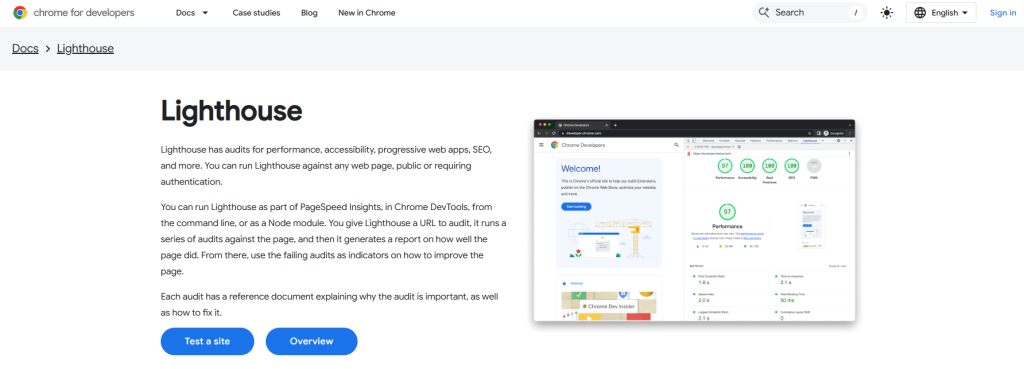
Lighthouse is built directly into Chrome DevTools and generates accessibility scores alongside performance, SEO, and best practices reports. Because it’s already embedded in the browser most developers use daily, it has zero setup friction.
Lighthouse runs axe-core under the hood for its accessibility audits, which means its results are reliable. However, it tests a narrower subset of WCAG criteria than dedicated accessibility tools. It’s best used as a first-pass check during development, not as the sole accessibility verification before launch.
Lighthouse can also be run via the command line, integrated into CI/CD, or accessed through PageSpeed Insights for a quick public-URL check.
- Standards covered: Subset of WCAG 2.x
- Formats: Chrome DevTools, CLI, PageSpeed Insights
- Pricing: Free
- Standout feature: Zero additional tooling required; pairs with performance and SEO audits
6. Accessibility Insights for Web (Microsoft)
Best for: Developers needing structured manual testing guidance
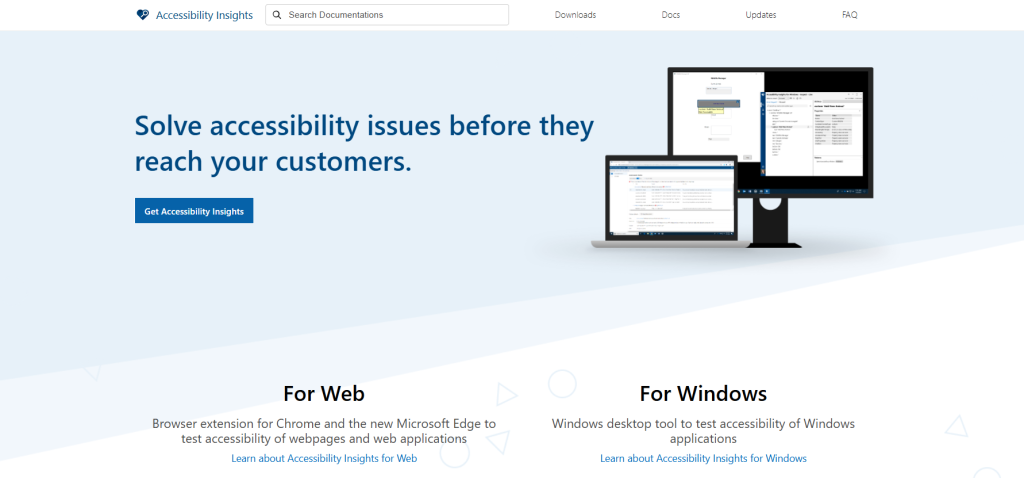
Microsoft’s Accessibility Insights for Web stands out because it bridges automated and manual testing more clearly than most free tools. The FastPass feature runs automated checks in seconds, while the Assessment feature guides testers through a structured set of manual checks, explaining what to look for and how to evaluate it.
The tab stops visualization (showing keyboard focus order overlaid on the page) is particularly useful for identifying navigation issues that automated tools routinely miss. It also generates shareable reports, which is valuable for development handoffs and accessibility audits.
- Standards covered: WCAG 2.1 AA
- Formats: Browser extension (Chrome, Edge)
- Pricing: Free
- Standout feature: Guided manual test workflows; tab stop visualization
7. IBM Equal Access Accessibility Checker
Best for: Agile and DevOps teams wanting IDE-integrated checking
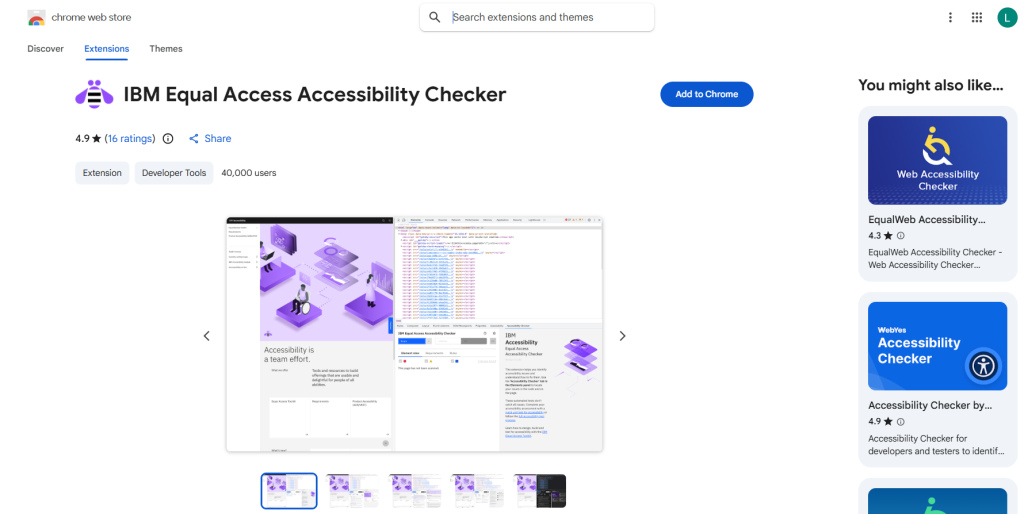
The IBM Equal Access Toolkit includes a browser extension available for Chrome, Edge, and Firefox that integrates into the browser’s developer tools. It uses IBM’s own accessibility rules engine to scan for WCAG 2.2 issues, highlights the source code location of each problem, and provides fix recommendations.
Where it differentiates is IDE integration, as the checker can be embedded directly into development environments, flagging issues in real time as code is written. This makes it a strong choice for teams that want to prevent accessibility problems from being committed in the first place, rather than finding them during QA.
- Standards covered: WCAG 2.2; Section 508
- Formats: Browser extension, IDE plugin, open source
- Pricing: Free (open source)
- Standout feature: Real-time IDE integration; checks WCAG 2.2
8. Pa11y
Best for: Development teams needing automated testing in CI/CD pipelines
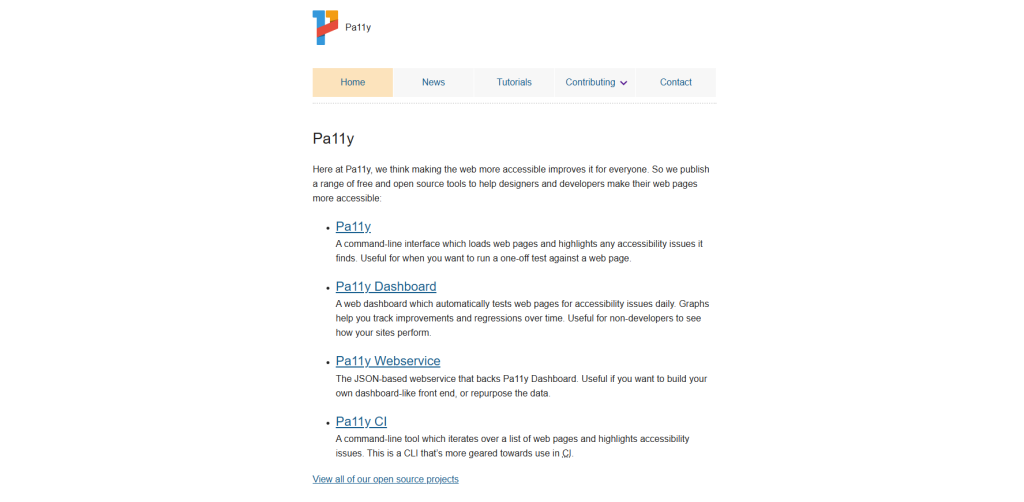
Pa11y is a free, open-source command-line tool that runs automated accessibility tests against web pages and can be integrated into any CI/CD workflow. Unlike browser-extension tools, Pa11y is designed to be scripted. You define the URLs to test, run the tests on each build, and receive structured output that can trigger pipeline failures on accessibility regressions.
It uses HTML CodeSniffer under the hood and can test against WCAG 2.0 and 2.1 at levels A, AA, and AAA. Pa11y Dashboard provides a hosted interface for teams that want a visual overview of test results across multiple sites.
- Standards covered: WCAG 2.0, 2.1
- Formats: CLI, Node.js module, Pa11y Dashboard
- Pricing: Free (open source)
- Standout feature: Purpose-built for CI/CD automation; highly scriptable
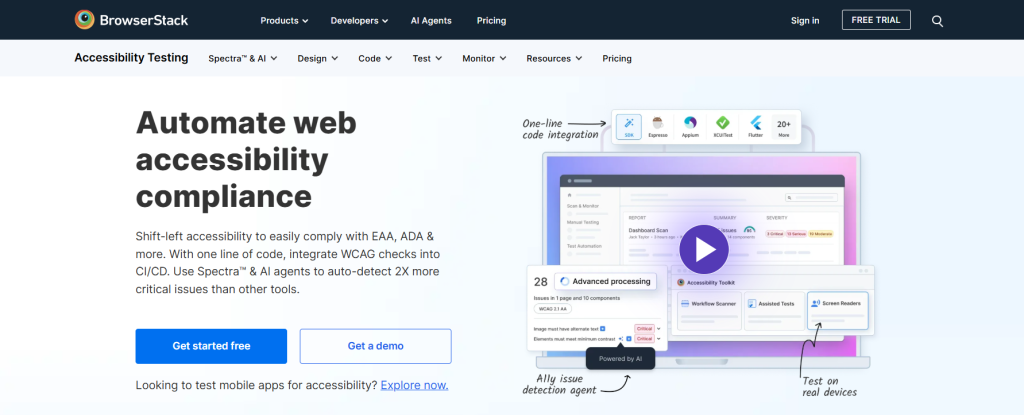
9. BrowserStack Accessibility Testing
Best for: QA teams needing real-device testing and CI/CD integration
BrowserStack Accessibility Testing extends automated accessibility scanning to real devices and real browsers, which matters because assistive technology behavior varies significantly across environments. It supports multi-page scanning, integrates with CI/CD pipelines, and includes reporting designed for QA workflows.
This accessibility platform is built on axe-core, which gives it the same reliability advantage. For teams that already use BrowserStack for cross-browser testing, the accessibility testing features are a natural addition rather than a separate tool to manage.
- Standards covered: WCAG 2.0, 2.1, 2.2
- Formats: SaaS platform, CI/CD integration
- Pricing: Free tier available; paid plans for advanced features
- Standout feature: Real-device testing; strong CI/CD pipeline support
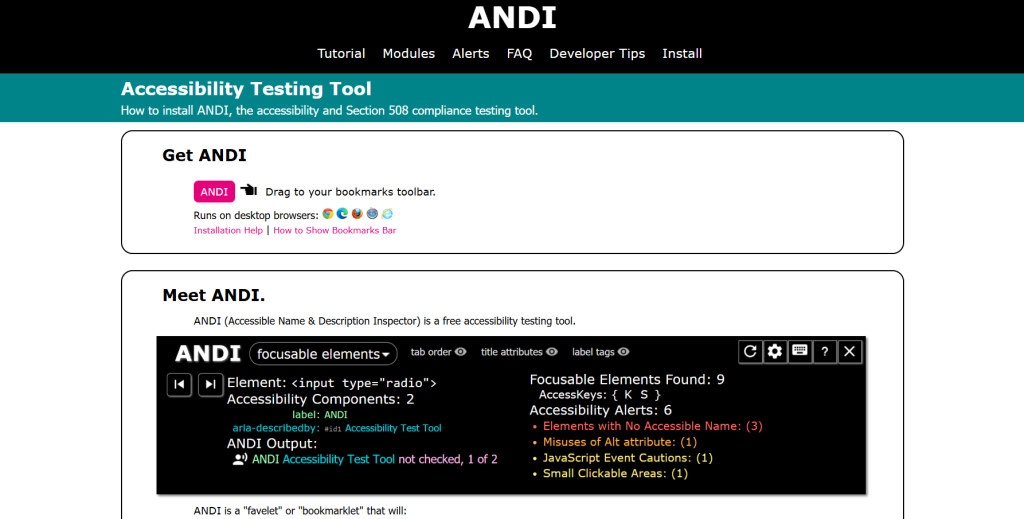
10. ANDI (Accessible Name & Description Inspector)
Best for: Federal government teams and Section 508 compliance
ANDI is a free bookmarklet developed for and used by the US federal government to verify Section 508 compliance. It inspects what screen readers will actually announce for interactive elements and flags issues across seven primary categories including links, buttons, images, and dynamic content.
Because it works as a bookmarklet rather than a browser extension, it runs in any browser without installation. It’s narrower in scope than full-site audit tools, but for Section 508 verification and screen reader fidelity checks, it remains one of the most trusted tools in government and accessibility consulting workflows.
- Standards covered: Section 508; WCAG 2.x
- Formats: Bookmarklet
- Pricing: Free
- Standout feature: Screen reader output preview; trusted for federal 508 compliance
The Coverage Gap: Why One Tool Is Never Enough
Every tool in this list has a ceiling. Automated scanners, even the best ones, can verify code-level compliance, but they cannot evaluate whether:
- An interactive widget makes logical sense when navigated by keyboard
- Error messages are genuinely understandable to a user with a cognitive disability
- The reading order a screen reader follows reflects the visual layout a sighted user sees
- A form flow can be completed without a mouse by someone with a motor impairment
This is why the most effective accessibility programs layer tools deliberately:
| Testing Stage | Recommended Tool |
| Full-program management | Recite Me |
| Compliance reporting and fix guidance | AccessibilityChecker.com |
| During development (realtime) | IBM Equal Access Checker, axe DevTools extension |
| CI/CD pipeline | Pa11y, axe DevTools CLI, BrowserStack |
| Pre-launch audit | WAVE, Accessibility Insights for Web |
| Section 508 verification | ANDI |
| Quick stakeholder check | Google Lighthouse |
Automated tools handle the baseline. Manual testing, ideally including users with disabilities, handles everything else.
Free vs. Paid: What Do You Actually Need?
For individual developers, small teams, or single sites: axe DevTools (free extension), WAVE, Lighthouse, and Accessibility Insights for Web cover the vast majority of automated checks at no cost.
For organizations where accessibility is a program, not a task, Recite Me’s platform is built for exactly that scenario. The combination of automated scanning, AI remediation, PDF checking, consultancy, training, and compliance documentation makes it a natural fit for large enterprises, regulated industries, and public sector organizations that need to demonstrate ongoing, structured progress toward compliance rather than point-in-time results.
For development teams with CI/CD pipelines: Pa11y (free) or BrowserStack Accessibility Testing (paid) are the right choices regardless of organization size.
Best Website Accessibility Checker Tools FAQs
No, automated tools only catch approximately 30–57% of WCAG issues. Full compliance requires automated scanning combined with manual testing and, ideally, testing with disabled users.
WCAG 2.2 (published October 2023) adds nine new success criteria, including improvements to focus visibility, authentication, and dragging movements. If you’re targeting legal compliance in the US (ADA) or EU (EAA), tools that cover WCAG 2.2 AA provide the most current standard.
AccessibilityChecker.com provides the clearest fix guidance for non-technical users.
Lighthouse is a useful first check but tests only a subset of WCAG criteria. It should be one tool in a broader workflow, not the only one.
Organizations with complex digital estates, multiple domains, large document libraries, and stringent regulatory reporting requirements often require more than a scanner. Recite Me’s platform combines site-wide checking, PDF remediation, expert consultancy, and compliance documentation in a single managed program, which is why it’s a strong fit for enterprise and public sector use cases.